EN 15
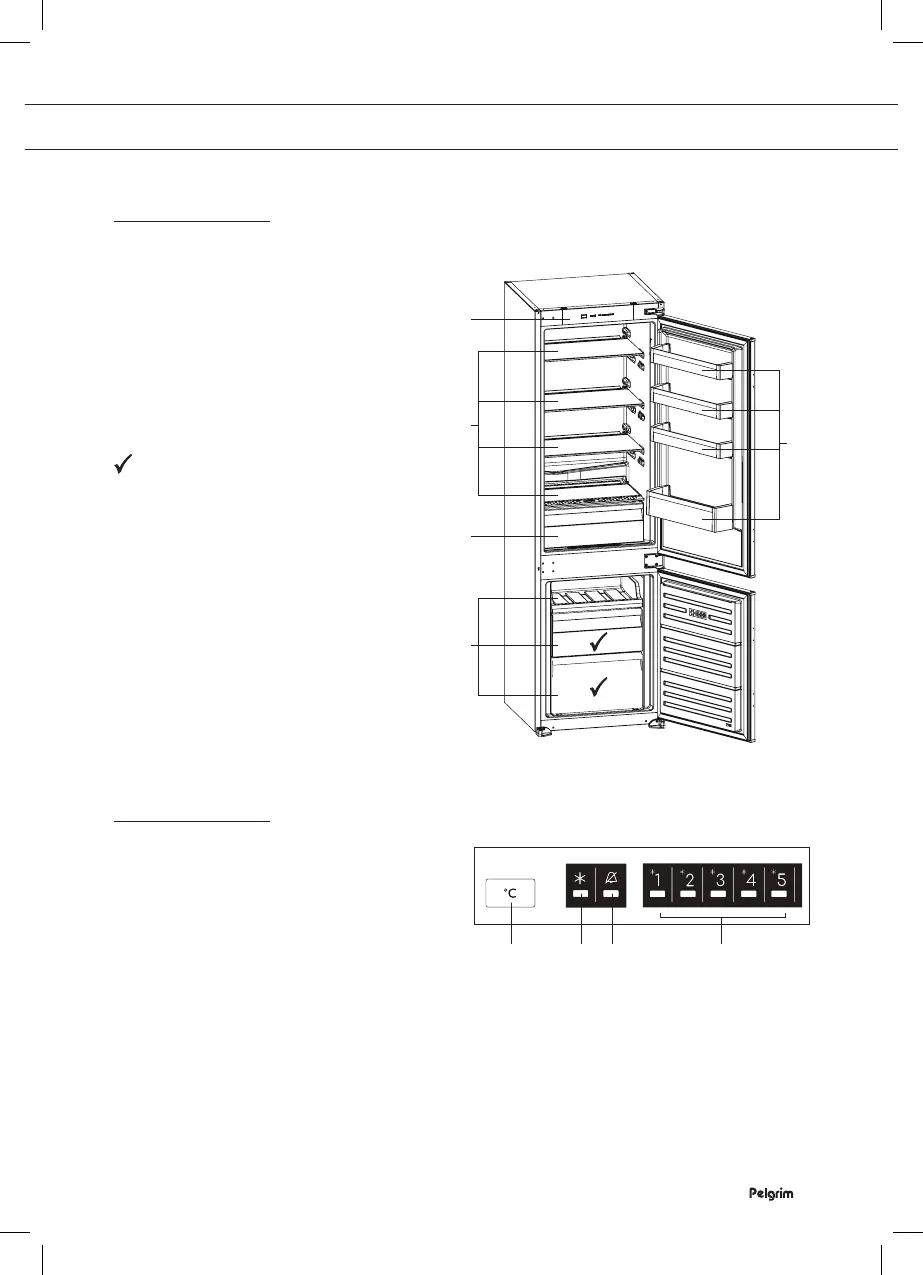
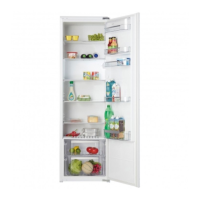
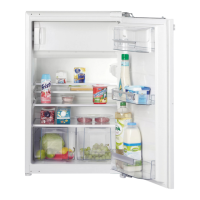
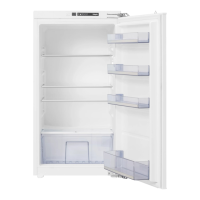
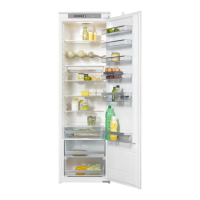
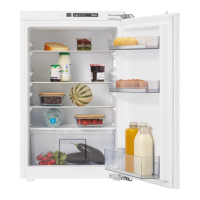
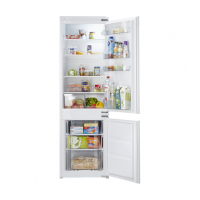
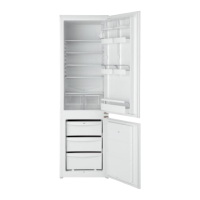
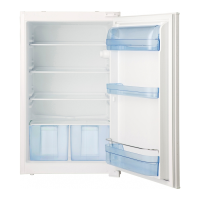
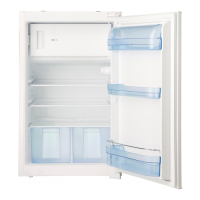
Appliance
Refrigerator
1. Control panel
2. Shelves
3. Vegetable drawer
4. Door compartments
Freezer
5. Freezer drawers
The best location for
freezing fresh food.
Control panel
1. On/Off button, setting the temperature
and function button
2. ‘Intensive freezing’ indicator light
3. Alarm indicator for high temperature
4. Temperature indicator lights
The higher the number, the lower the
temperature (5 is the coldest)
DESCRIPTION OF THE APPLIANCE
4
2
5
3
1
1 2 3 4



 To Next Page