EasyManua.ls Logo

Pelonis PAD60P1AGR - User Manual

Pelonis PAD60P1AGR
20 pages
Print Icon
To Next Page IconTo Next Page
Loading...
USER MANUAL
en
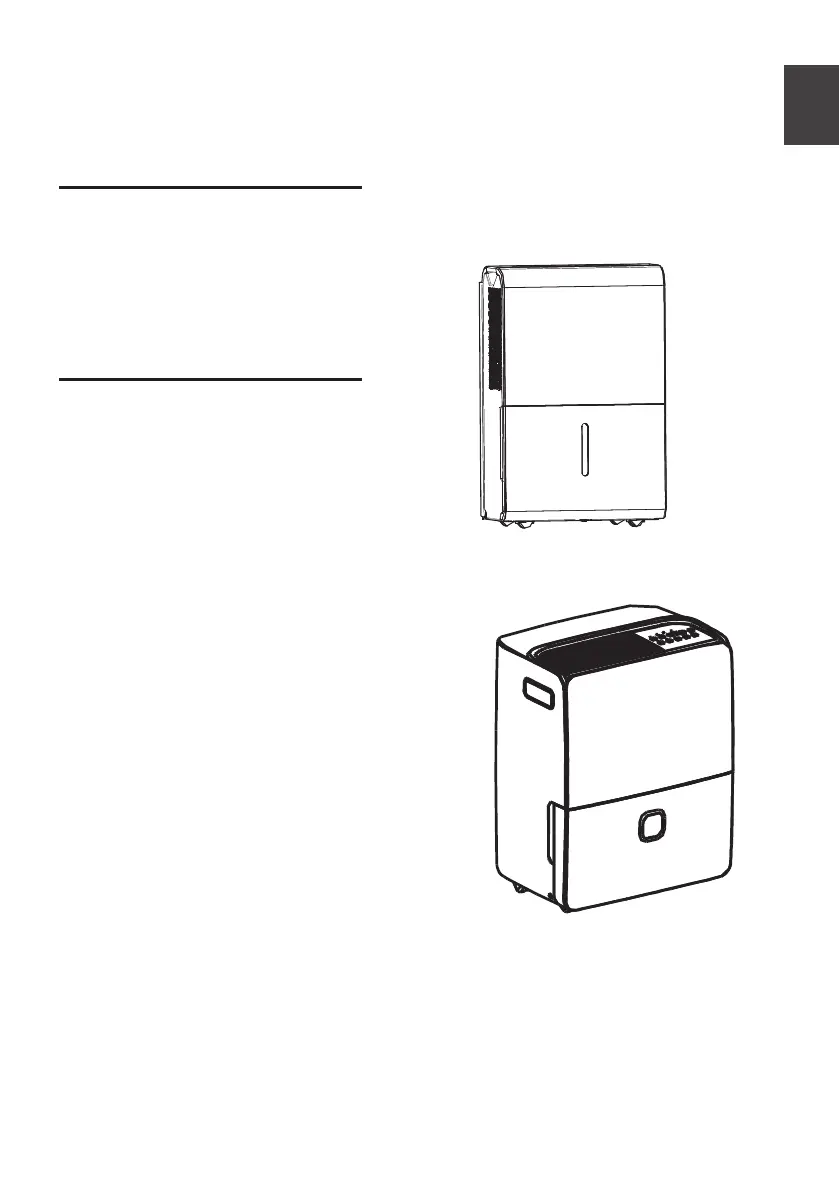
Dehumidifier
DP&DL
Warning notices: Before
using this product, please
read this manual carefully
and keep it for future
reference.
The design and
specifications are subject to
change without prior notice
for product improvement.
Consult with your dealer or
manufacturer for details.
Rated voltage: 115V
Frequency: 60Hz
PAD20C1AWT
PAD30C1AWT
PAD40C1AWT
PAD50P1ABL
PAD60P1AGR
Customer service: 1(866) 6
46-4332
www.pelonis.com
PELONIS�

Questions and Answers

  • A
    Ana HornAug 5, 2025
    What to do if Pelonis PAD60P1AGR Dehumidifier does not start?
    • G
      Gregory MurrayAug 5, 2025
      If your Pelonis Dehumidifier doesn't start, ensure the plug is firmly connected to the wall outlet. Also, check the house fuse/circuit breaker box. The dehumidifier might have reached its present level, or the bucket may be full, so empty the bucket. Finally, ensure the water bucket is correctly positioned according to the guidelines.
  • M
    mendozakimberlyAug 9, 2025
    What to do if water is on the floor near my Pelonis PAD60P1AGR?
    • S
      Steven WellsAug 9, 2025
      If you find water on the floor near your Pelonis Dehumidifier, check the hose connections and tighten any that seem loose. If you intend to use the bucket to collect water, ensure the drain plug is attached.
  • R
    rebekah47Aug 14, 2025
    Why does frost appear on the coils of my Pelonis PAD60P1AGR Dehumidifier?
    • J
      jesus94Aug 14, 2025
      The appearance of frost on the coils of your Pelonis Dehumidifier is normal. The unit has an auto-defrost feature.
  • P
    Patricia BennettAug 18, 2025
    Why is my Pelonis Dehumidifier not drying the air properly?
    • C
      Christopher ShafferAug 18, 2025
      If your Pelonis Dehumidifier isn't drying the air as expected, allow the unit more time to remove moisture. Ensure curtains, blinds, or furniture aren't blocking the front or back of the unit. Check that the humidity control is set low enough, and all doors, windows, and openings are securely closed. If the room temperature is below 5°C (41°F), the dehumidifier may not function correctly until the room warms up. Also, consider if there's a water vapor source in the room constantly increasing humidity; removing it may help.
  • M
    Miguel WilliamsAug 22, 2025
    What to do if my Pelonis PAD60P1AGR Dehumidifier is making a loud noise?
    • E
      Eric DanielAug 22, 2025
      If your Pelonis Dehumidifier is making a loud noise, the air filter may be dirty, so clean it. Also, make sure the unit is level. If the floor surface is uneven, relocate the unit to a level area or place something under it to help level it.
  • K
    Kevin MorrisAug 27, 2025
    Why the pump operation light blinks at 1Hz on my Pelonis Dehumidifier?
    • K
      Karen HallAug 27, 2025
      If the pump operation light blinks at 1Hz on your Pelonis Dehumidifier, try the following: * Clean the pump filter. * Check the pump hose to ensure it is not blocked or leaking. * Empty the water bucket.
  • M
    Mark JohnsonAug 30, 2025
    What to do if ES, AS, P2, EC, Eb and E3 appear in the display of my Pelonis PAD60P1AGR Dehumidifier?
    • K
      Keith GomezAug 31, 2025
      These codes appearing on the display of your Pelonis Dehumidifier are error codes and protection codes. Check Operating Instructions.

Summary

Safety Precautions

Warning and Caution Symbols

Defines symbols indicating the possibility of death/serious injury or property damage.

Electrical Safety Warnings

Covers proper grounding, cord modification, and outlet usage for electrical safety.

Usage Environment and Handling Precautions

Details safe usage in spaces, near water, and with children/objects.

Electrical Information and Grounding

Details nameplate, grounding, and receptacle requirements for electrical safety.

Flammable Vapors and Extension Cords

Warns against using flammable vapors and extension cords.

Operating Instructions

Key Pad and Control Panel Overview

Explains the functions of buttons and the control panel interface.

Removing Collected Water

Installation Instructions

Troubleshooting Tips

Common Problems and Solutions

Lists common issues like unit not starting, poor drying, noise, and water leaks with their causes and fixes.

Pelonis PAD60P1AGR Specifications

General IconGeneral
TypeDehumidifier
Moisture Removal Capacity60 pints per day
Energy Star RatedYes
Auto-RestartYes
Continuous Drain OptionYes
ColorGray
Operating Temperature41°F - 95°F
Voltage115 volts
Coverage Area3000 sq. ft.
Features24-hour timer

Related product manuals