25
|
GETTING STARTED
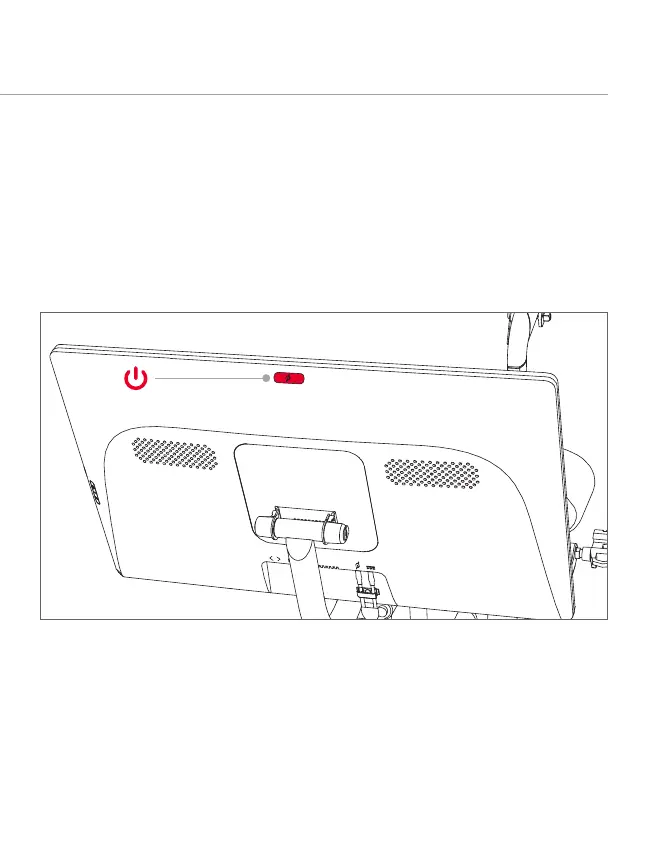
POWERING ON AND OFF
y Hold the power button for two seconds to power on the Bike.
y The Peloton Bike will sleep after about 20 minutes of inactivity. To wake the Bike, press
the power button.
y To power down, hold the power button for two seconds. Select Shut Down
when prompted.
y If the network is not secured, the Bike will connect to the network.
y If the network is secured, you will be prompted to enter a password. Type in the
password and tap Connect.
CONNECTING TO THE INTERNET
To connect to a WiFi network, tap the network name.



 To Next Page