EasyManua.ls Logo

Pendo 50” - User Manual

Pendo 50”
21 pages
Print Icon
To Next Page IconTo Next Page
Loading...
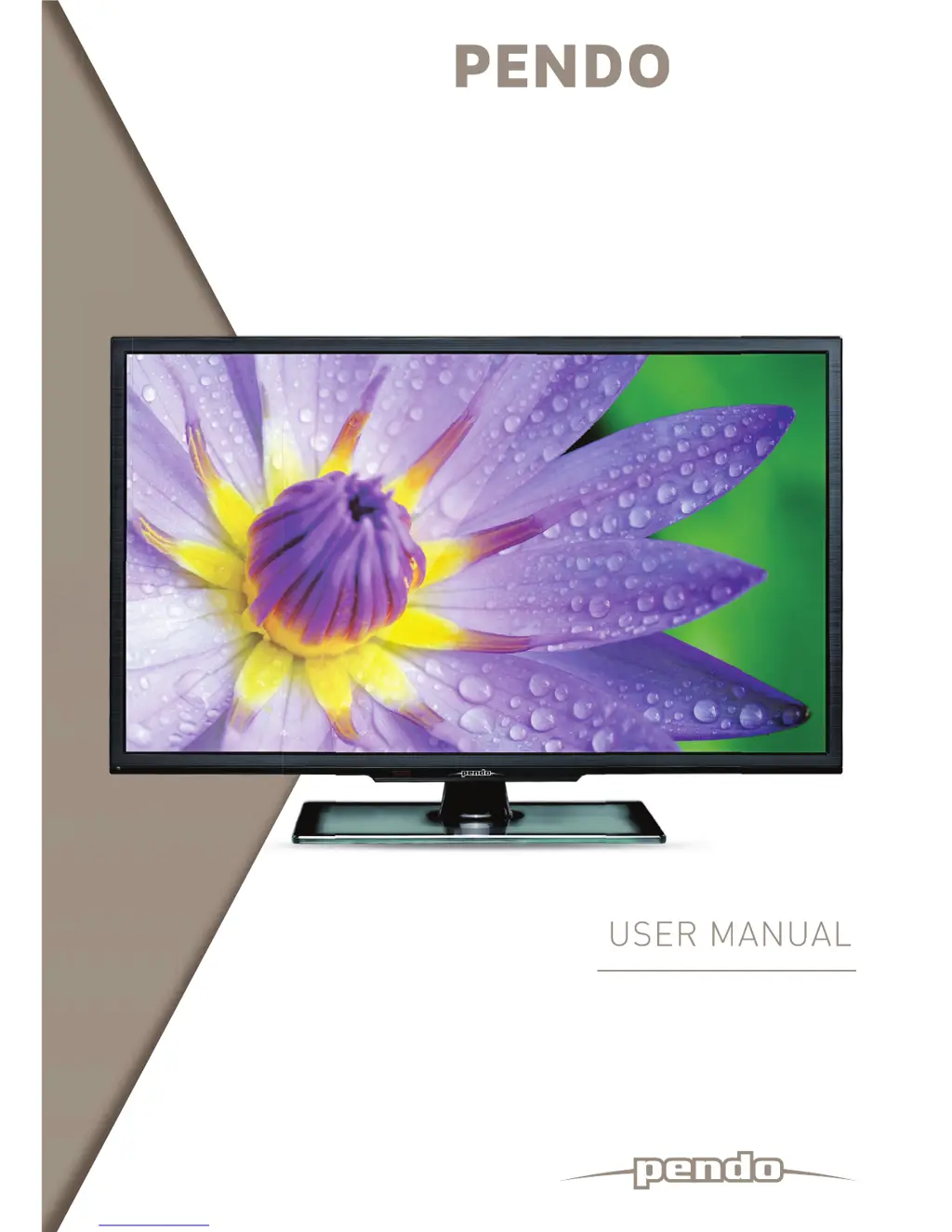
USER MANUAL
> Please read carefully before use
HD TV
50 LED LCD TV
US
E
R
M
ANU
A
L

Questions and Answers

  • L
    Larry PriceAug 15, 2025
    How to fix a Pendo LCD TV remote that's not working?
    • B
      bianca55Aug 15, 2025
      If your Pendo LCD TV remote isn't working, the batteries may be improperly installed or exhausted. Try these steps: 1. Ensure the positive and negative polarities are correct. 2. Check for any loose contact between the batteries and the springs. 3. Replace the batteries.
  • J
    Jeffrey JohnsonAug 19, 2025
    What to do if my Pendo LCD TV has no picture, no sound, and no indicator light?
    • E
      Edwin FordAug 19, 2025
      If your Pendo LCD TV has no picture, sound, or indicator light, it could be due to the power cord not being plugged in. Make sure to plug the power cord in. Another reason could be that the power is off, so ensure that you turn the power on.
  • F
    Fred ValenciaAug 21, 2025
    Why is there no picture or sound on my Pendo LCD TV but the indicator light is on?
    • Z
      Zachary BeltranAug 21, 2025
      If your Pendo LCD TV has no picture or sound but the indicator light is green or blue, the volume may be set to the minimum or the TV might be in mute mode. Adjust the volume to resolve this. Another possibility is that the signal cable is not connected correctly; ensure it is properly connected.
  • S
    sandra47Aug 25, 2025
    How do I fix abnormal picture and sound on my Pendo LCD TV?
    • J
      Joshua BrownAug 26, 2025
      If you're experiencing abnormal picture and sound on your Pendo LCD TV, it might be due to improperly set contrast, sharpness, and color. Adjust these settings to your preference. Also, ensure the color system and sound system are set to your country's broadcasting standard.
  • K
    Katherine FullerAug 29, 2025
    Why does my Pendo LCD TV show a blue screen with AV displayed?
    • E
      Elizabeth JonesAug 29, 2025
      If your Pendo LCD TV shows a blue screen with 'AV' displayed, it's likely due to no signal input, or the video cable is either disconnected or incorrectly connected. Ensure the video cable is correctly connected.
  • M
    Mrs. Marisa SmithAug 31, 2025
    How to troubleshoot no sound on Pendo LCD TV?
    • A
      Anthony MitchellAug 31, 2025
      If there is no sound on your Pendo LCD TV, it could be due to no audio signal input or the audio cable not being connected correctly. Ensure that the audio cable is correctly connected.
  • C
    Corey MillsSep 4, 2025
    What causes a spotted or snowy picture on a Pendo LCD TV?
    • A
      aandersonSep 4, 2025
      A spotted or snowy picture on your Pendo LCD TV may be due to a low-grade signal source or a signal cord of lower quality. Use a qualified signal cord to resolve this issue.
  • D
    david12Sep 7, 2025
    How to correct improper color display on Pendo LCD TV in PC mode?
    • R
      Ruth HoltSep 8, 2025
      If your Pendo LCD TV displays improper color in PC mode, the color temperature may be adjusted incorrectly. Readjust the color temperature or select the original color setting.
  • J
    Jacob KimSep 12, 2025
    What to do if the picture on my Pendo LCD TV is unclear or shaking in PC mode?
    • R
      Robert HutchinsonSep 12, 2025
      If the picture on your Pendo LCD TV is unclear, shaking, or has black horizontal strips in PC mode, the PC picture may not be correctly adjusted. Go to the Screen menu and select the 'Auto Adjust' item to perform automatic calibration, and then adjust the Phase to solve the problem.

Summary

Warning and Safety Precautions

General Warnings and Symbols

Covers electric shock risks, user-serviceable parts, and explanations of warning symbols.

Environmental and Usage Precautions

Covers rain, moisture, ventilation, flames, ESD, and power cord safety.

Essential Safety Instructions

Core Safety Principles

Lists fundamental safety instructions and specific appliance placement/cleaning rules.

Getting Started

Cable Installation and Connections

Details connecting various cables (RF, AV, VGA, HDMI) and power.

Basic Operation

Initial Setup and Installation

Covers language, country selection, and channel tuning.

Menu Operation

Configuring the Channel Menu

Explains Auto Tuning, DTV Manual Tuning, ATV Manual Tuning, Programme Edit, and Signal Information.

Configuring the Picture Menu

Covers Picture Mode, Color Temperature, and Aspect Ratio.

Troubleshooting Guide

Common Symptoms and Solutions

Provides a table of common issues and their fixes.

Securing the TV to the Wall

Wall Mounting Safety and Installation

Provides instructions and cautions for securing the TV to a wall.

Pendo 50” Specifications

General IconGeneral
BrandPendo
Model50”
CategoryLCD TV
LanguageEnglish

Related product manuals