EasyManua.ls Logo

Pendo PNDLFHU48 - User Manual

Pendo PNDLFHU48
29 pages
Print Icon
To Next Page IconTo Next Page
Loading...
> Please read carefully before use
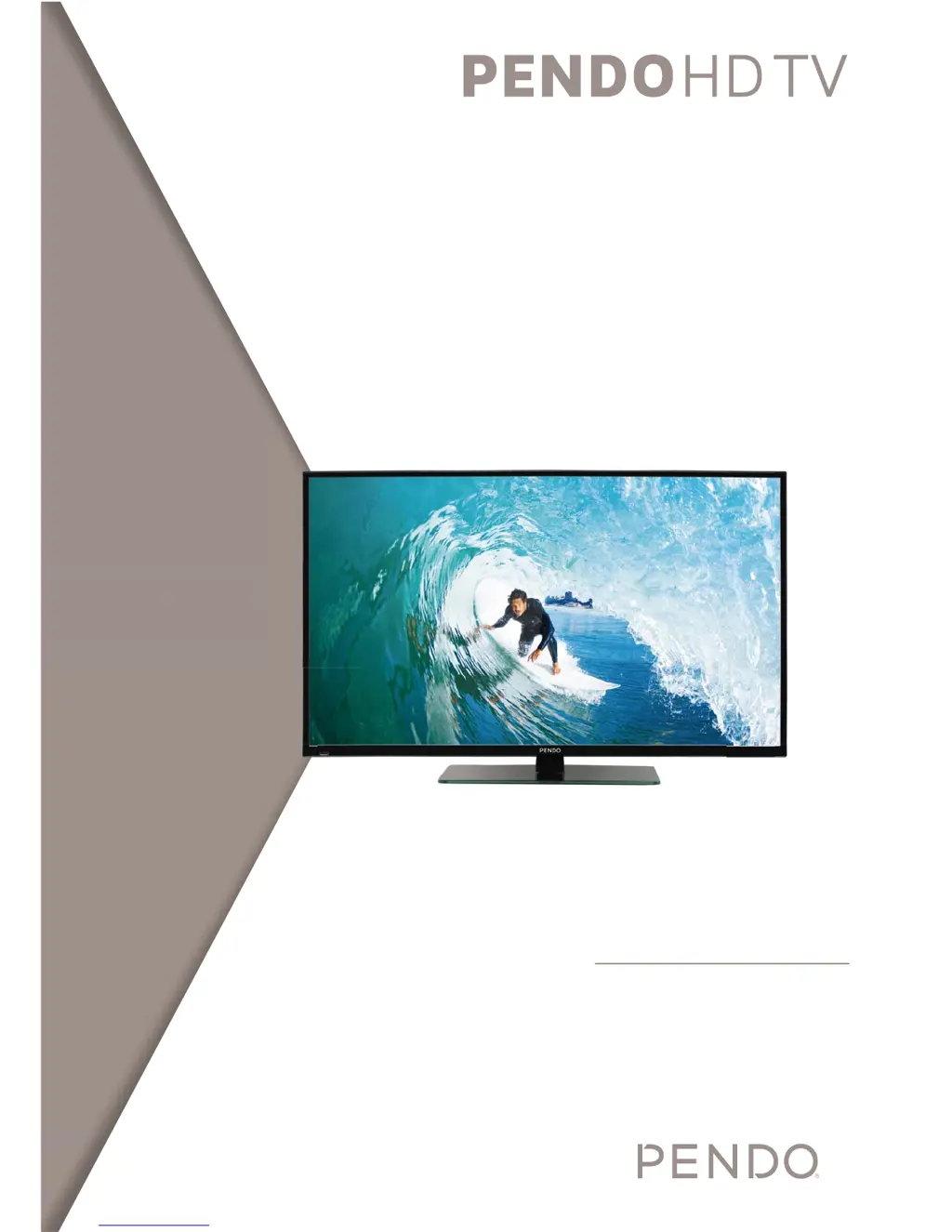
48 LED LCD TV
USER MANUAL

Questions and Answers

  • T
    Travis FloresAug 7, 2025
    Why Pendo LCD TV remote control not working?
    • T
      Tanner SmithAug 7, 2025
      If your Pendo LCD TV remote control isn't working, try these steps: 1. Ensure the main power is switched On. 2. Verify that the remote's batteries are correctly installed. 3. Clear any obstructions between the remote and the TV. 4. Replace the batteries with two new ones if they are depleted.
  • J
    Jonathan ArroyoAug 11, 2025
    What to do if Pendo LCD TV screen is too bright or too dark?
    • J
      Jenna HaneyAug 11, 2025
      If the screen on your Pendo LCD TV appears too bright or too dark, you should perform a brightness adjustment or contrast adjustment to correct it.
  • L
    laurenmartinAug 16, 2025
    What to do if Pendo PNDLFHU48 LCD TV screen has no voice?
    • J
      jessica83Aug 16, 2025
      If you see the screen but hear no voice on your Pendo LCD TV: 1. Press the "MUTE" button to ensure the sound isn't muted. 2. Increase the volume using the volume adjustment button. 3. Check the sound terminal of the external input to ensure it's properly connected. 4. Verify that the audio cables are correctly connected. 5. Select another input to check if the sound works on other channels.
  • S
    Stephen MoodyAug 19, 2025
    What to do if Pendo LCD TV screen does not appear?
    • A
      Allison YoderAug 19, 2025
      If the screen on your Pendo LCD TV does not appear, make sure the power plug is fully inserted. If it is, press the power button on the remote control.
  • D
    Danny CollinsAug 25, 2025
    What to do if Pendo PNDLFHU48 LCD TV screen is too large or too small?
    • B
      barrlindaAug 25, 2025
      If the screen size on your Pendo LCD TV is not correct, adjust the screen size using the settings menu.
  • D
    Dr. Crystal EllisAug 28, 2025
    What to do if Pendo PNDLFHU48 LCD TV screen does not move?
    • M
      Michelle HubbardAug 28, 2025
      If the screen on your Pendo LCD TV does not move, first press the PAUSE button on the remote. Also, check if the Pause button is activated on any external equipment connected to the TV.
  • O
    Olivia MoralesSep 1, 2025
    Why does Pendo LCD TV screen have stripes and shakes?
    • R
      richard85Sep 1, 2025
      If stripes appear on the screen of your Pendo LCD TV and it shakes, stop using wireless telephones, hair dryers, and electric drills nearby, as these may be interfering with the display.

Pendo PNDLFHU48 Specifications

General IconGeneral
Screen Size48 inches
Display TechnologyLCD
Refresh Rate60 Hz
HDMI Ports3
USB Ports1
Built-in SpeakersYes
Weight10 kg
Resolution1920 x 1080 (Full HD)

Related product manuals