EasyManua.ls Logo

PEN+GEAR C227-B - Do Not Leave Unattended; Do Not Operate With Damaged Cord; Indoor Use Only; Keep Away From Children and Pets

Default Icon
5 pages
Print Icon
To Next Page IconTo Next Page
To Previous Page IconTo Previous Page
Loading...
or
pets
are
Please do
not
leave
the
document
shredder
unattended
e.g.
in
the
event
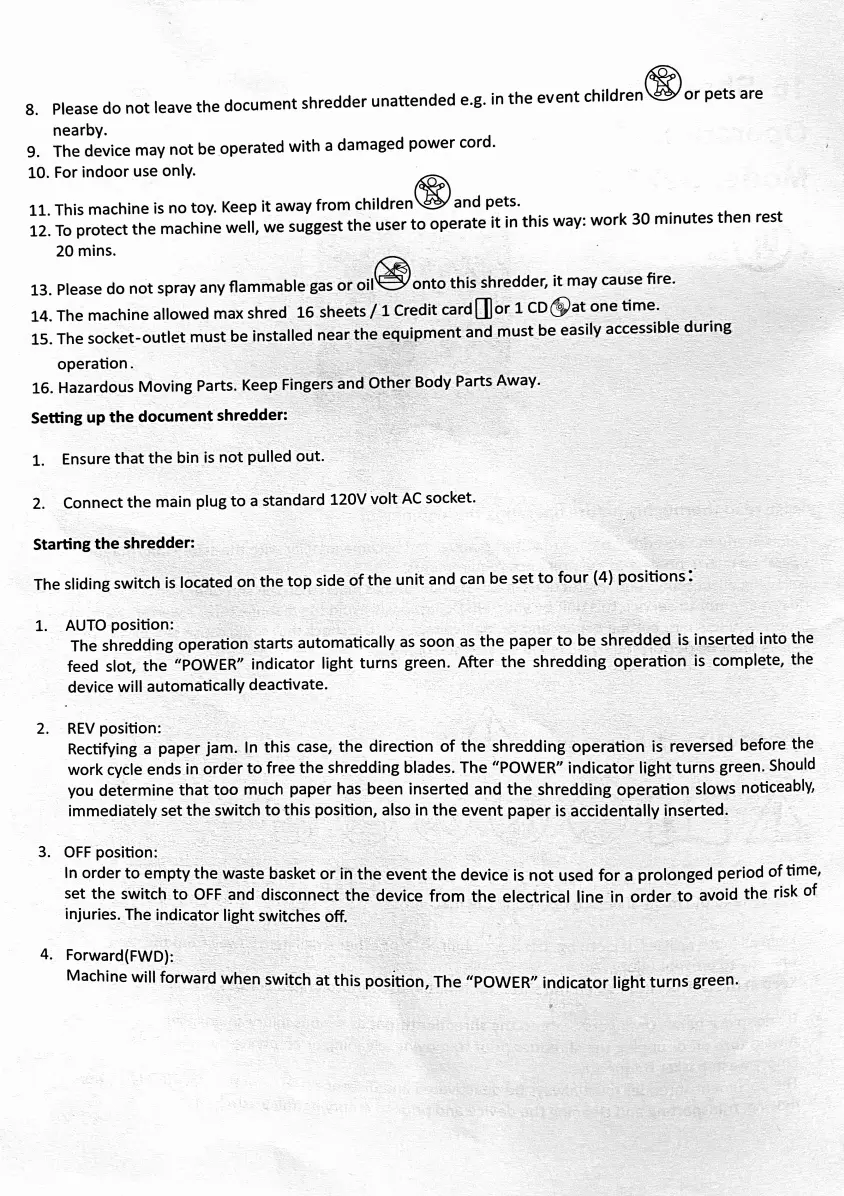
children
8.
nearby.
9.
The
device
may
not
be
operated
with
a
damaged
power
cord.
10.
For
indoor
use
only.
11.
This
machine
is
no
toy.
Keep
it
away
from
children
and
pets.
12.
To
protect
the
machine
well,
we
suggest
the
user
to
operate
it
in
this
way:
work
30
minutes
then
rest
20
mins.
13.
Please
do
not
spray
any
flammable
gas
or
oil
onto
this
shredder,
it
may
cause
fire.
14.
The
machine
allowed
max
shred
16
sheets/1
Credit
card
or
1
CDat
one
time.
15.
The
socket-outlet
must
be
installed
near
the
equipment
and
must
be
easily
accessible
during
operation.
16.
Hazardous
Moving
Parts.
Keep
Fingers
and
Other
Body
Parts
Away.
Setting
up
the
document
shredder:
Ensure
that
the
bin
is
not
pulled
out.
1.
Connect
the
main
plug
to
a
standard
120V
volt
AC
socket.
Starting
the
shredder:
The
sliding
switch
is
located
on
the
top
side
of
the
unit
and
can
be
set
to
four
(4)
positions
1.
AUTO
position:
2.
The
shredding
operation
starts
automatically
as
soon
as
the
paper
to
be
shredded
is
inserted
into
the
feed
slot,
the
"POWER"
indicator
light
turns
green.
After
the
shredding
operation
is
complete,
the
device
will
automatically
deactivate.
REV
position:
Rectifying
a
paper
jam.
In
this
case,
the direction
of
the shredding
operation
is
reversed
before
the
work
cycle
ends
in
order
to
free
the
shredding
blades. The
"POWER"
indicator
light
turns
green.
Should
you
determine
that
too
much
paper
has
been
inserted
and
the
shredding
operation
slows
noticeably,
immediately
set
the
switch
to
this
position,
also
in
the
event
paper
is
accidentally
inserted.
2.
3.
OFF
position:
In
order
to
empty
the
waste
basket
or
in
the
event
the
device
is
not
used
for
a
prolonged
period
of
time,
set
the
switch
to
OFF
and
disconnect
the
device
from
the electrical
line
in
order
to
avoid
the
risk
or
injuries.
The
indicator
light
switches off.
4.
Forward(FWD):
Machine
will forward
when
switch
at
this
position,
The
"POWER"
indicator
light
turns
green.