EasyManua.ls Logo

PEN+GEAR C227-B - Operational Guidance and Troubleshooting; Overloading and Bin Full; Troubleshooting Guide; Equipment Not Functioning

Default Icon
5 pages
Print Icon
To Next Page IconTo Next Page
To Previous Page IconTo Previous Page
Loading...
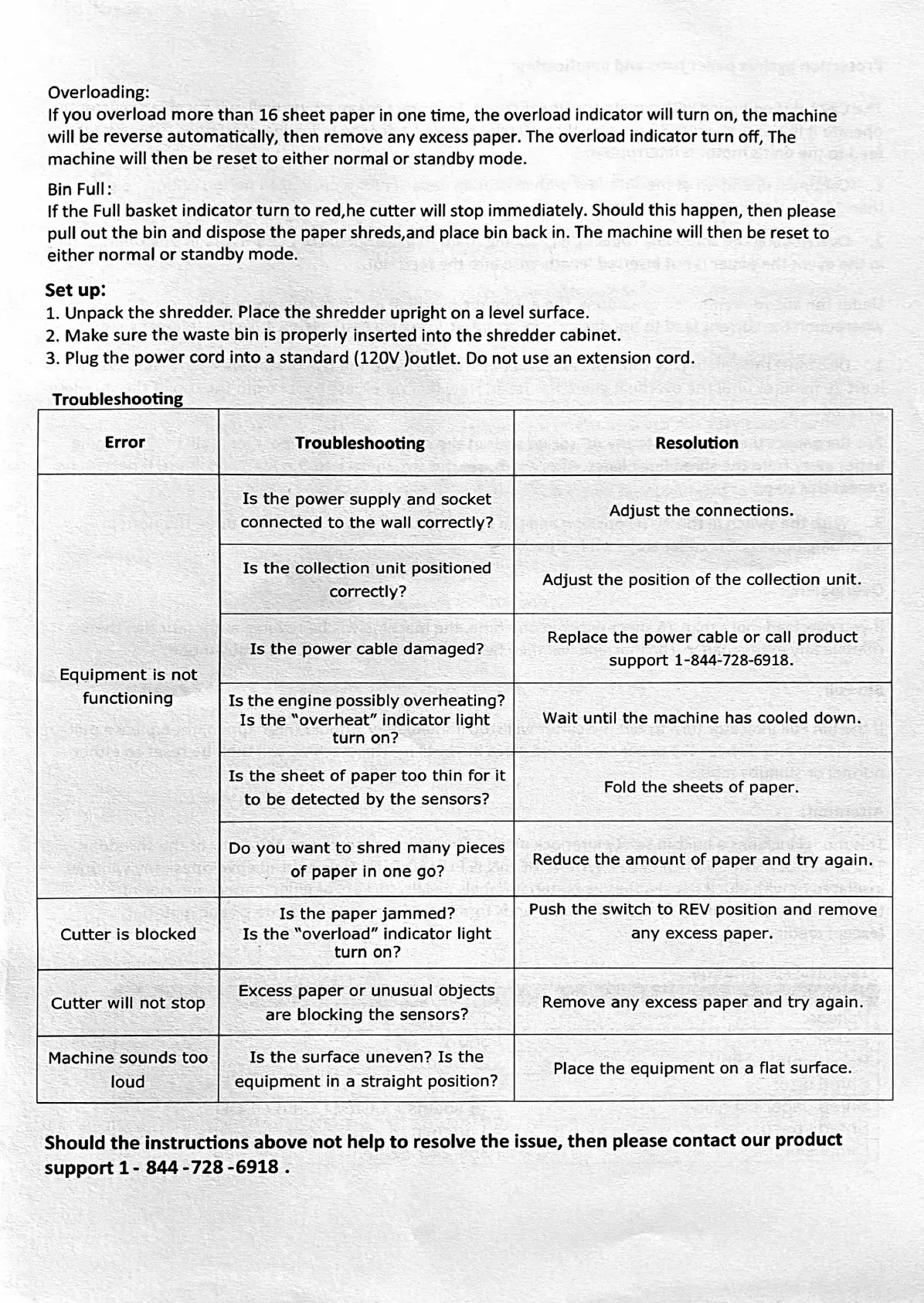
Overloading:
If
you
overload
more
than
16
sheet
paper
in
one
time,
the
overload
indicator
will
turn
on,
the
machine
will
be
reverse
automatically,
then
remove
any
excess
paper.
The
overload
indicator
turn
off,
The
machine
will
then
be
reset
to
either
normal
or
standby mode.
Bin
Full:
If
the
Full
basket
indicator
turn
to
red,he
cutter
will
stop
immediately.
Should
this happen,
then
please
pull
out
the
bin
and
dispose
the
paper
shreds,and
place
bin
back
in.
The
machine
will then
be
reset
to
either
normal
or
standby
mode.
Set
up:
1.
Unpack
the
shredder.
Place
the
shredder
upright
on
a
level surface.
2.
Make
sure
the
waste
bin
is
properly
inserted
into
the
shredder
cabinet.
3.
Plug
the
power
cord
into
a
standard
(120V
)outlet.
Do
not
use
an
extension
cord.
Troubleshooting
Troubleshooting
Resolution
Error
Is
the
power
supply
and
socket
connected
to
the
wall
correctly?
Adjust
the
connections.
Is
the
collection
unit
positioned
correctly?
Adjust
the
position
of
the
collection
unit.
Replace
the
power
cable
or
call
product
Support
1-844-728-6918.
Is
the
power
cable
damaged?
Equipment
is
not
functioning
Is
the
engine
possibly
overheating?
Is
the
"overheat"
indicator
light
turn
on?
Wait
until
the
machine
has
cooled
down.
Is
the
sheet
of
paper
too
thin
for
it
to
be
detected
by
the
sensors?
Fold
the
sheets
of
paper.
Do
you
want
to
shred
many
pieces
of
paper
in
one
go?
Reduce
the
amount
of
paper
and
try
again.
Push
the
switch
to
REV
position
and
remove
any
excess
paper.
Is
the
paper
jammed?
Is
the
"overload"
indicator
light
turn
on?
Cutter
is
blocked
Excess
paper
or
unusual
objects
are
blocking the
sensors?
Remove
any
excess
paper
and
try
again.
Cutter
will
not
stop
Is
the
surface
uneven?
Is
the
Machine
sounds
too
loud
Place
the
equipment
on
a
flat
surface.
equipment
in
a
straight
position?
Should
the
instructions
above
not
help
to
resolve
the
issue,
then
please
contact
our
product
support
1-
844-728-6918