iiiiiiiiiiiiiiiiiiiiiiiiiii
iiiiiiiiiiiiiiiiiiiiiiiiiii
HHHHHHHHHHHHHi
HHHHHHHHHHHHHi
1 Press the Menu / Fn button in Capture mode. iiiiiiiiiiiiiiiiiiiiiiiiill
TheE" ec ede menaw,,bed,sp,ayed iiiiiiiiiiiiiiiiiiiiiiii:
2 Press the four-way controller (T) to
select [Interval Shoot].
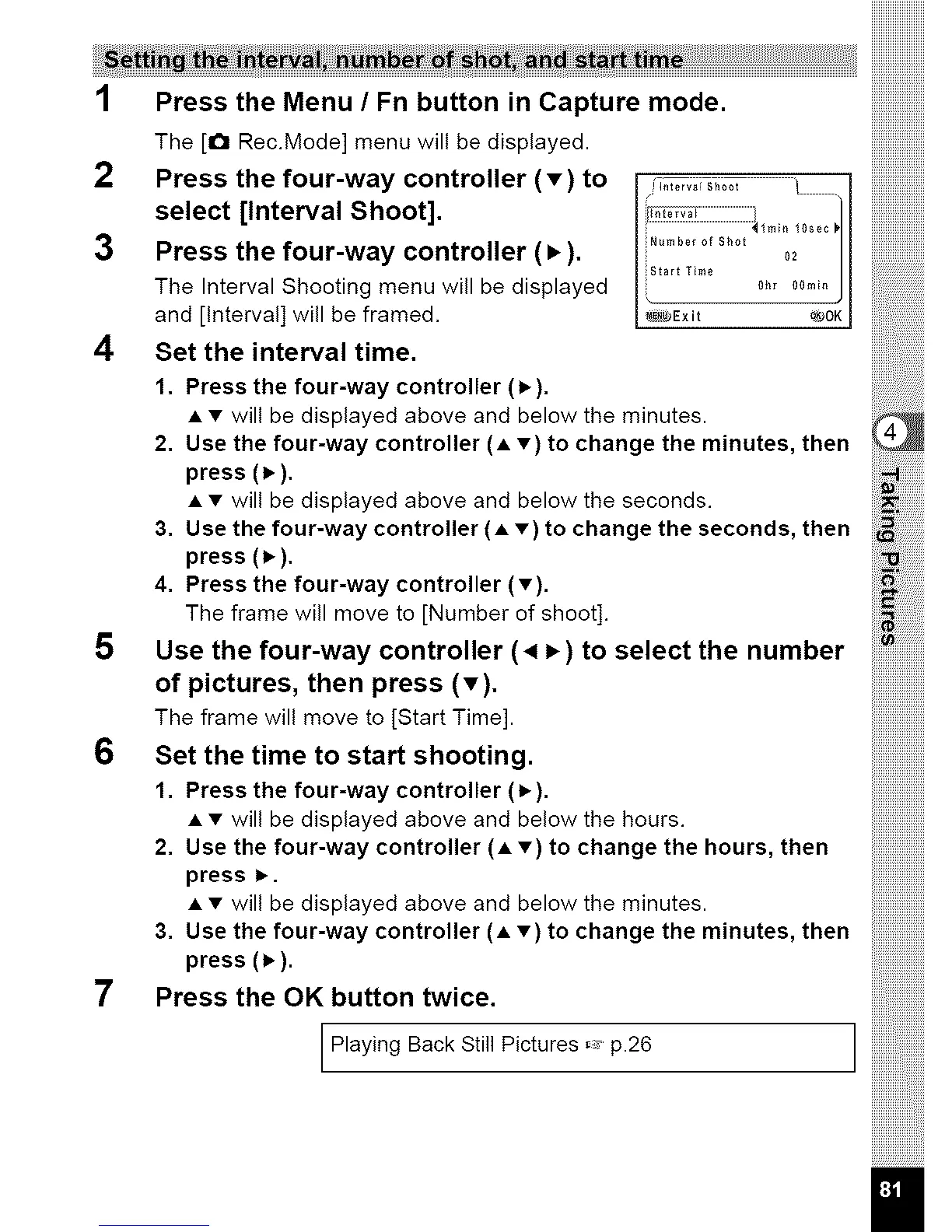
3 Press the four-way controller (•).
The Interval Shooting menu will be displayed
and [Interval] will be framed.
4 Set the interval time.
1. Press the four-way controller (1_).
[_"terv;i Sh00t l
}..................................................................._lm_n 10sec
iNumbe_ °f Sh°t 02
Start Time 0hr 00
I _Exit _JOK I
• • will be displayed above and below the minutes.
2, Use the four-way controller (• •} to change the minutes, then
press (_),
• • will be displayed above and below the seconds.
3, Use the four-way controller (• •) to change the seconds, then
press (1_),
4, Press the four-way controller (•).
The frame will move to [Number of shoot].
5 Use the four-way controller (4 _ ) to select the number
of pictures, then press (T).
The frame will move to [Start Time].
6 Set the time to start shooting.
1. Press the four-way controller (_).
• • will be displayed above and below the hours.
2, Use the four-way controller (• •) to change the hours, then
press i_.
• • will be displayed above and below the minutes.
3, Use the four-way controller (• •} to change the minutes, then
press (_,).
7 Press the OK button twice.
Playing Back Still Pictures _ p.26
ililili_iiiiiiiiiiiiiiiiill
iiiiiiiiiiiiiiii,,,
iiiiiiiiiiiiiiiiiii



 To Next Page