33
4.3 Setting Up Jockey for CDRW Jukebox
(1) System requirement:
Before installing Jockey software, please make sure your computer
satisfies the following requirements:
- Windows 98, 2000 or XP
- Pentium II 200
- 64MB RAM
- 500MB harddisk space
(2) Connect the Jukebox and your PC with a USB cable. The main unit LCD
will display ‘USB’. This means that the jukebox is ready in the USB
download mode.
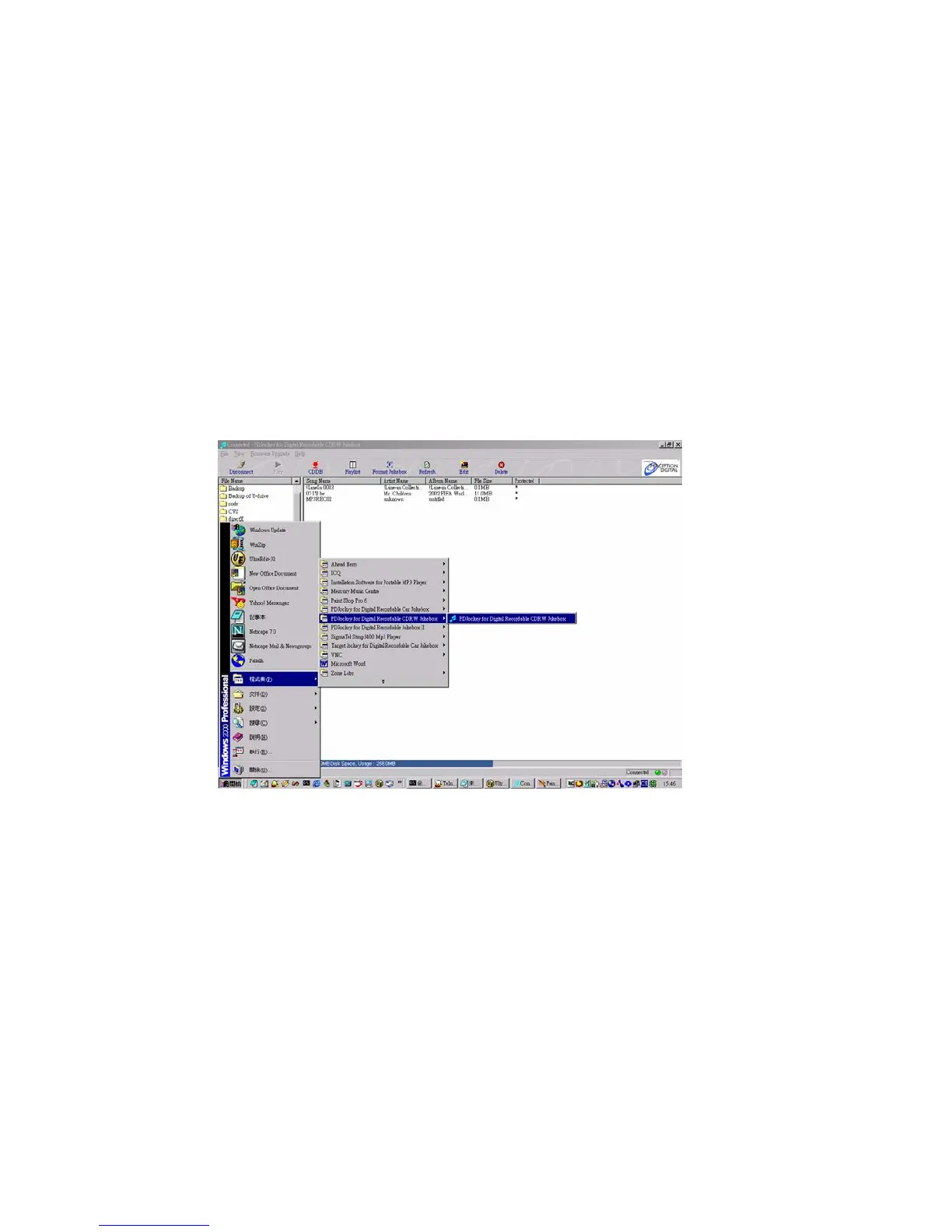
(3) In your Window, Go to Start | Program | Jockey for Digital Recordable
CDRW Jukebox. Click on the icon to initiate the PDJockey. The program
will automatically detect the connection to the Jukebox. If successful, the
Jockey will display all the hard drive content in the Jukebox.
Note: If connection fails, check the entire set up again for loose connection.
Repeat the steps and make sure the driver and the program are properly
installed.



 To Next Page