35
4.4.2 Matching Untitled Album via Gracenote CDDB®* On-line
Database
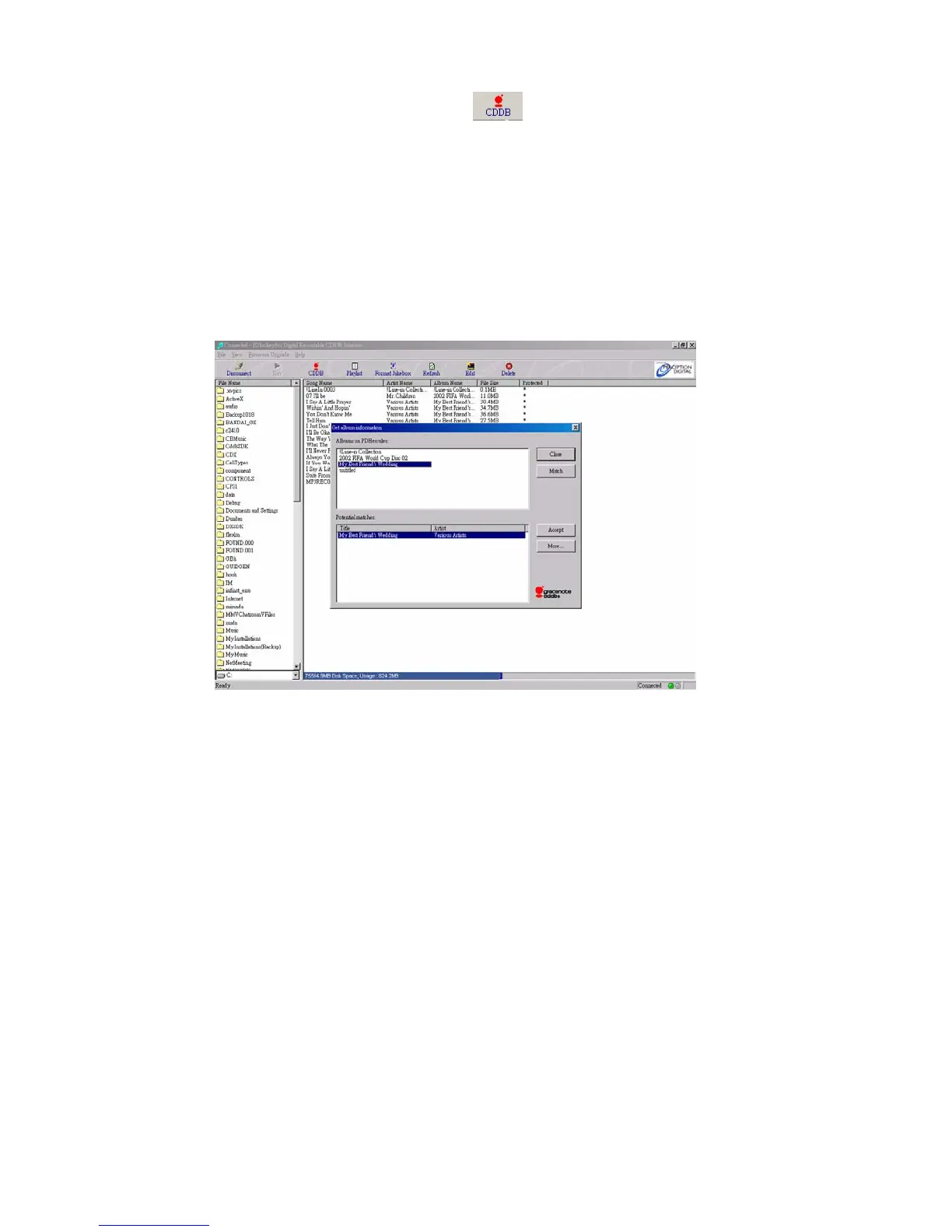
(1) Click on the Gracenote CDDB® icon on the tool bar.
(2) If you have not already registered with Gracenote CDDB® on-line service,
it will prompt for registration. Please follow the instructions to register.
(3) Jockey will automatically detects any unmatched album in the jukebox
and ask if you would like to match them automatically.
(4) Click YES and Jockey will connect to Gracenote CDDB® Service via the
internet and check the closest matches for the albums.
(5) Click NO and you can match the albums manually.
(6) On the Potential Matches Window, highlight the matched album title and
click MORE. A Gracenote CDDB® Disc Information Window will pop up
to show you the matched album tracks titles. Click OK when done.
(7) Click ACCEPT to finish the matching process.



 To Next Page