7
Display Options
Press the Preset # 4 remove button to switch between the song title
information and the play counter. After using the fast-forward or
rewind function, the radio will display the elapsed time of the song
that is currently playing.
Menu Down / Select
Press and release the Preset # 2 remove button to make a selection
or move down one folder in the menu.
Menu UP
Press the Preset # 1 remove button to move up one folder in the menu.
Exit Browse Menu
Press the Preset # 3 remove button to exit the browse menu and
continue playing the current song. “EXIT” will be displayed when button
is pressed.
Browse by Artist
Press and release the Preset #2 to enter the browse menu.
The word ”BROWSE” will appear on the radio. You have entered the
Browse menu.
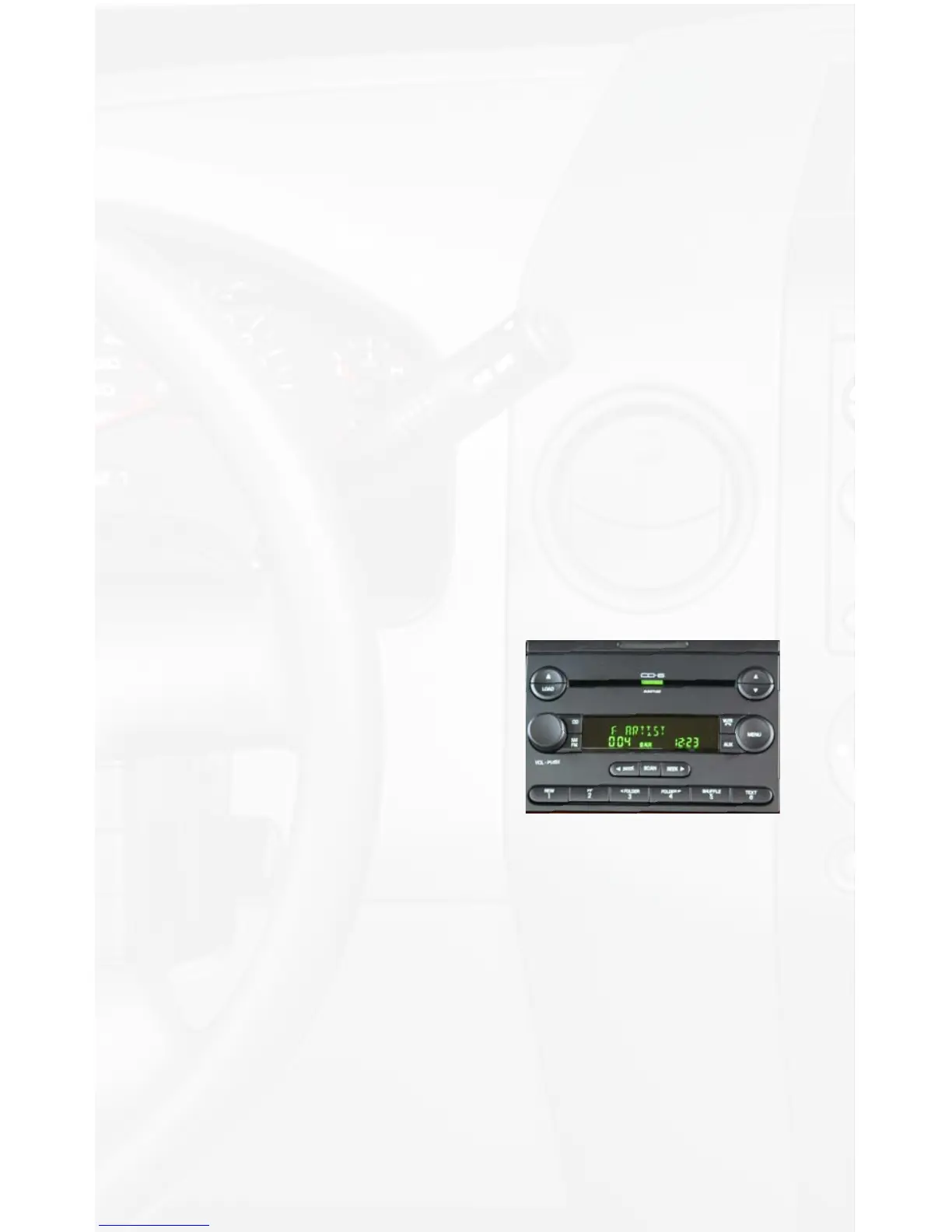
Press the SEEK► or ◄SEEK button until ARTIST is displayed.
(“F:” in front of the different artists
names indicates that this is the folder
of artists).
Press Preset #2 to select browse by
Artist.
The list of Artists on your iPod will be
displayed one at a time in Alphabetical
order. “AR:” will be displayed in front of
the artist’s name to indicate that you are searching for an artist.
Press the SEEK► or ◄SEEK button to cycle through the artists.
If the artist you are looking for is toward the end of the alphabet you
may use the ◄SEEK to search backwards. When the desired artist
is displayed on the radio,
Press Preset #2 to select the artist and display the albums
by that artist.
The Albums from the selected Artist will be displayed one at a time in
Alphabetical order. “AL:” will be displayed in front of the name of the
album to indicate you are searching for an album.
Press the SEEK► or ◄SEEK button to cycle through the albums.


 To Next Page