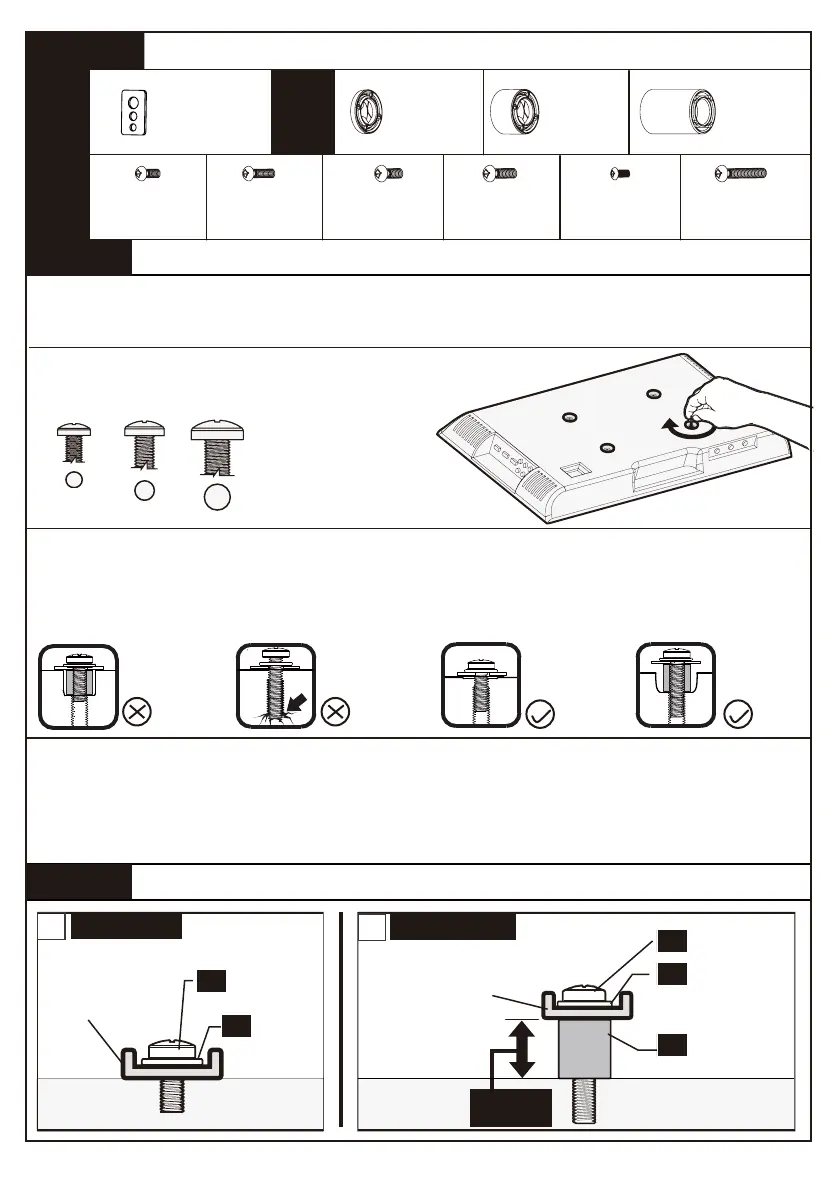
A (4pcs)
M6x12mm
Bolt
B (4pcs)
M6x35mm
Bolt
C (4pcs)
M8x25mm
Bolt
D (4pcs)
M8x35mm
Bolt
F (4pcs)
M8x50mm
Bolt
G (4pcs)
M6/M8
Washer
H (8pcs)
2.5mm
Spacer
I (4pcs)
10mm
Spacer
J (4pcs)
22mm
Spacer
Select TV Bolts
Select Spacers (if needed)
Only one bolts size fits your TV.
WITH SPACER
a
Long Bolt
Short Bolt
Washer
Washer
Spacer
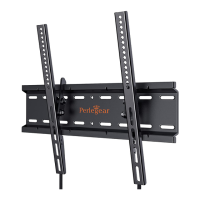
TV Bracket
TV Bracket
EXTRA
03
03
01
02
01
NO SPACER
b
SPACE
M6 M8
01
03
02
E (4pcs)
M4x30mm
Bolt
If the provided bolts are not compatible with your TV, or if you need the M4
or M5 bolts, please contact us at: support@perlegear.com.
STEP 4A
STEP 4
STEP 4B
Secure the TV Brackets to TV
Bolt length: Verify adequate thread engagement with bolts or bolts/spacers combination.
We recommend thread engagement by at least 5 turns.
-Too short will not hold the TV.
-Too long will damage the TV.
Too Short Too Long Correct
Correct
Note:
1.If necessary, the spacers can be used in multi-layer. If the installation fails after trying
various methods, please contact customer service at support@perlegear.com
2.Make sure the TV brackets are EQUALLY CENTERED on your TV AND securely
fastened in place.
M4
01 0 02 03 04 05 06 07 08 09 10 11 12 13 14


 To Next Page