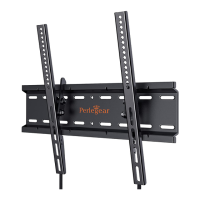
Secure the TV Brackets to Your TV
Alternate Spacer Setups
With Spacer
b
03
No Spacer
a
03
03
01
01
02
3
For Rounded TV
For Flat TV with:
Inset Holes Cable Interference
For Flat TV
Spacer not necessary
J2
J2
H1
Note: Remove the pre-assembled
nuts [S] on the brackets, then secure
the knobs [H1] to the brackets.
STEP 4D
Secure the Knobs [H1] to the Brackets [J2]
STEP 4C
S
S
Note:
The preassembled nuts
[S] on the brackets can
be loosened by hand.
01 0 02 03 04 05 06 07 08 09 10 11 12 13 14


 To Next Page