Need help?
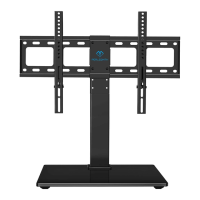
Do you have a question about the Perlesmith PSTVS13 and is the answer not in the manual?
Read instructions carefully, handle with care, use proper tools, and avoid misuse.
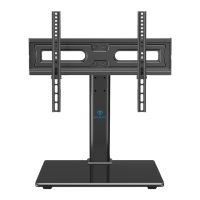
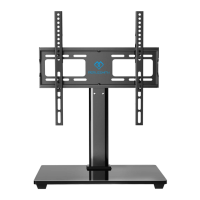
Assembly steps for connecting the support pillar to the tempered glass base.
Assembly steps for connecting the two support pillars together.
Attaching the TV plates to the support pillar assembly.
Guidance on measuring VESA compatibility and selecting correct TV screws.
Instructions for attaching the monitor brackets to the television.
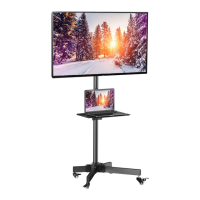
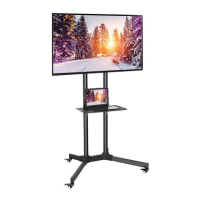
Securing the television onto the assembled TV plate.
Instructions for adjusting the viewing angle of the mounted TV.
 General
| Product Name | Perlesmith PSTVS13 |
|---|---|
| Category | Racks & Stands |
| Type | TV Stand |
| Color | Black |
| Weight Capacity | 88 lbs |
| Cable Management | Yes |
| Assembly Required | Yes |
| Material | Steel |
| Adjustable Height | Yes |

 To Next Page