5
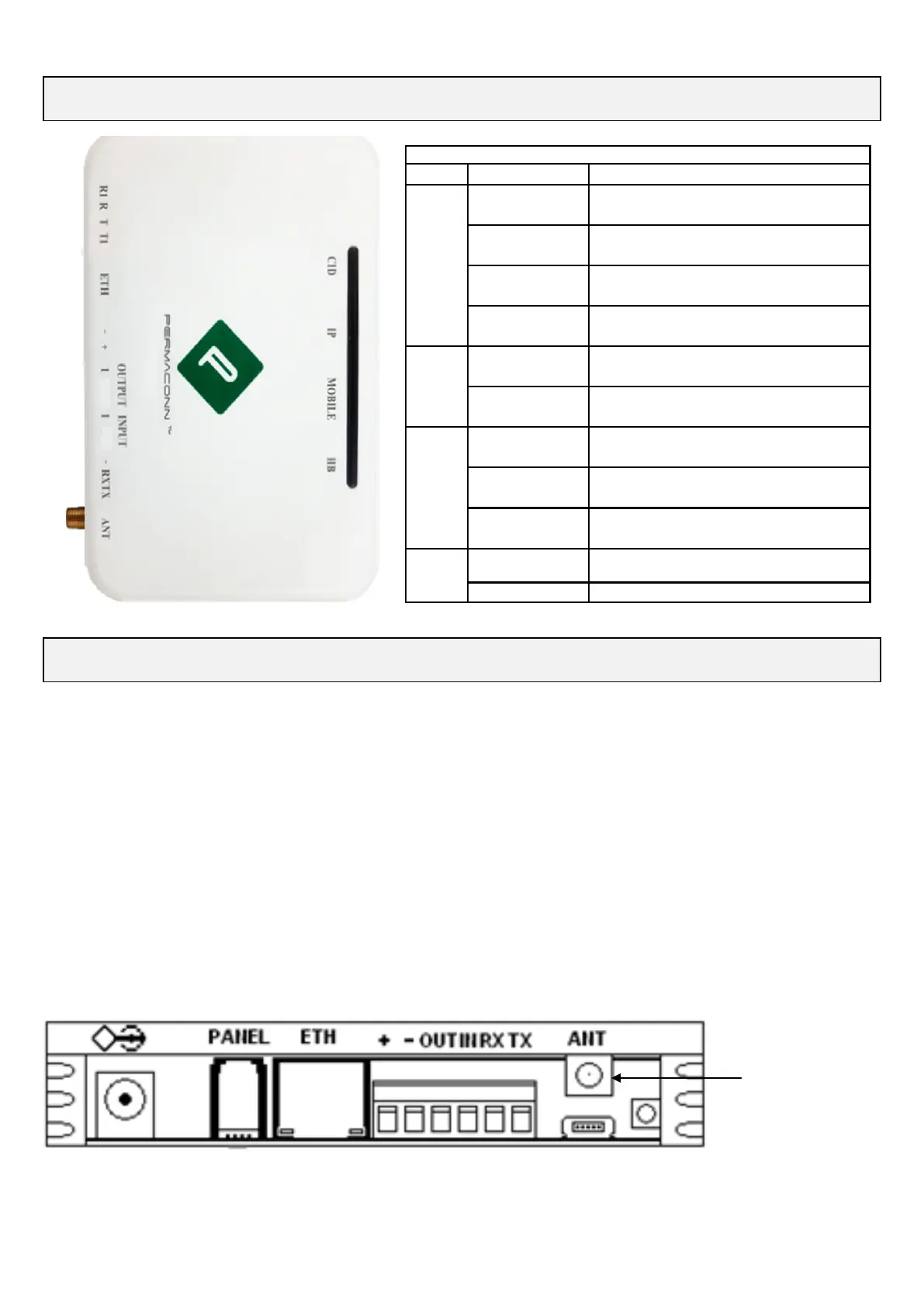
PM45-3G v1 - LED Status Indicators
Resetting the PM45-3G v1
1. With DC power applied use the small green screwdriver supplied in the box with the
PM45-3G v1 insert screwdriver into reset slot shown and depress reset button for:
Five (5) seconds to reset.
LEDS will all flash together for four (4) seconds to confirm successful default.
2. Re-powering the PM45-3G v1 will cause:
The GPRS to reconnect to the mobile network.
IP to reconnect.
RDCCO_2149_E_IN
PM45 - LED Status Indicators
LED Activity Indication
CID
Off
Dialler is in idle
Orange On *
Alarm panel has sent a valid CID event
but R1 & T1 has not restored
Red On
Alarm panel dialler lead faulty
Green Flashing
Securitel Interface
IP
Green On*
Unit is connected on IP network
Green Flashing
Permaconn to router is OK
Permaconn has no internet
Mobile
Flash Red
Data traffic on 3G
Green Flashing
Only 1 sim working
Applies only to Dual sim plans
Green On* Unit is Online
HB
Green Flashing
*
Signal strength OK / Processor OK
Red Flashing
Signal strength low or trying to reconnect
PM45-3G v1 March 2019 v1.4
Reset



 To Next Page