TDP072d+e.doc Rev.07.07.2015 Seite‐Page41/64
PerrotREGNERBAUCALWGmbHIndustriestraße19‐29/D‐75382Althengstett/Germany
Telefon:0049‐7051‐162‐0/Fax:0049‐7051‐162–133
E‐mail:perrot@perrot.de/E‐mailKonstruktion:technik@perrot.de
KeysandtheirFunctions
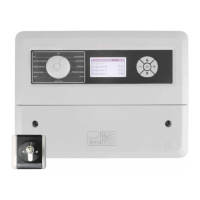
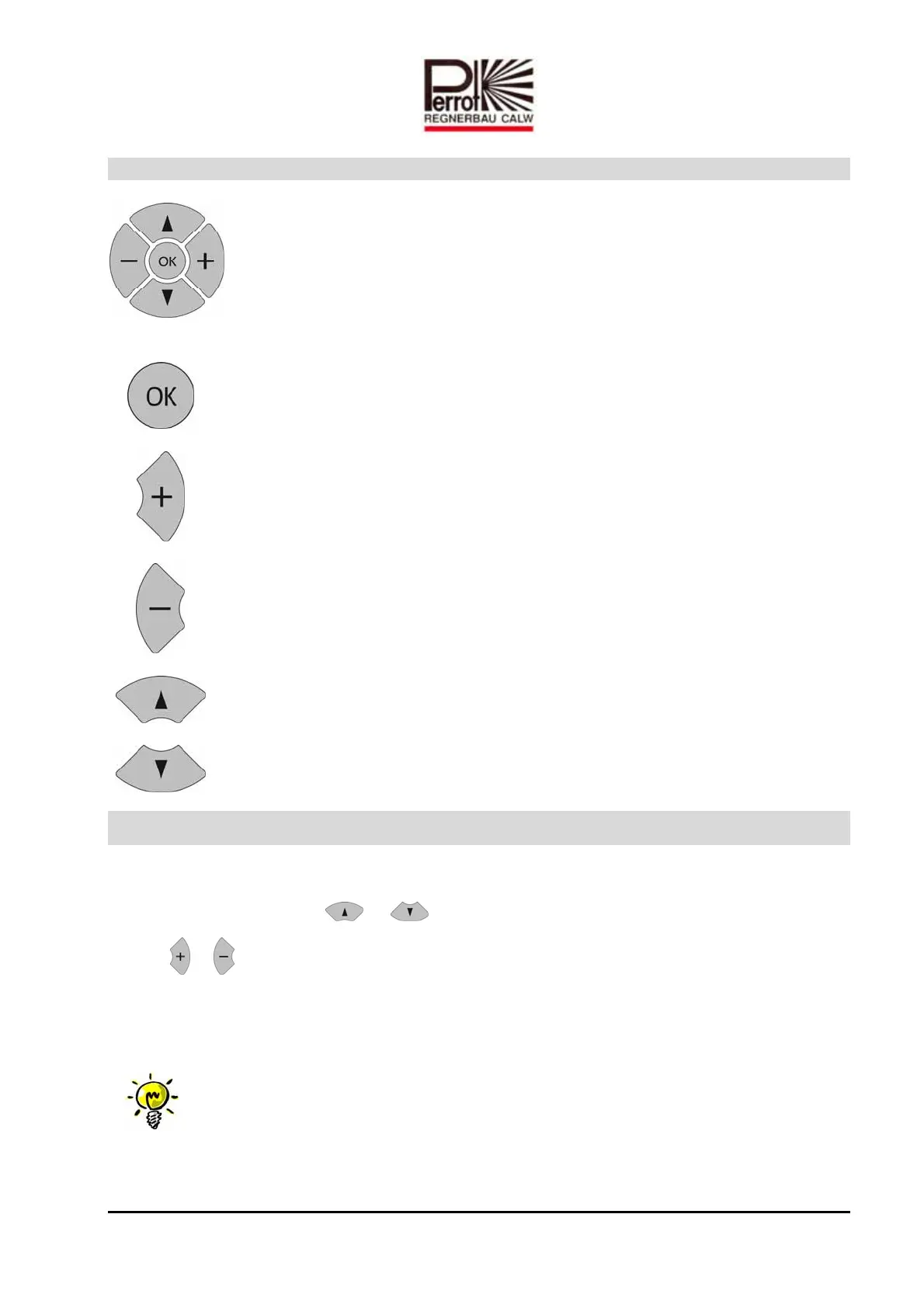
Thecontrollerhas5keyswiththefollowingfunctions:
:
press“OK”toconfirm.Allchangeswillautomaticallybediscardedwhen
leavingthemenuwithoutpressing“OK”
: increasestheselectedvalue
: decreasestheselectedvalue
: scrollsupthroughmenu
: scrollsdownthroughmenu
Setcurrentdate/time
5. Toaccessthemenu,turnthemaindialtoTime
6. Tomakeaselectionuse or Taste.Theselectedmenufunctionwillstartflashing.
7. Use or tosetcurrenttimeandday.
8. PressOKtosavethechangesmadebeforeleavingthemenu.
Note:
Dateandtimesettingswillbesavedforatleastoneyearin
caseofpoweroutages.


 To Next Page
 Loading...