Quick Start Guide
8
GETTING STARTED
STEP 3 – Position Docking Station for
Optimal Performance
• To maximize battery life, always leave the docking
station plugged in and positioned near the area where
your pet spends most of her time.
Note: When your tracker is near the docking station, it
automatically enters power saving mode, giving you the
maximum amount of time between charges. See Tips & Hints
(page 14) for additional battery tips.
• Place the docking station indoors, in an open area away
from metal appliances.
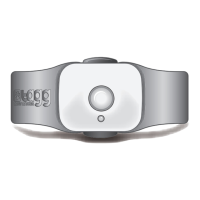
STEP 4 – Attach the Collar Clip to the Collar
Collar Tips:
• The tracker works on most standard collar
and harness types.
• For optimal signal performance, do not use on:
» Metal collars, including training collars
» Spiked collars
» Collars with studs, jewels, or other
raised adornments


 To Next Page