Quick Start GuideFor more details, visit tagg.com/support
7
GETTING STARTED
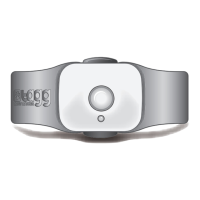
STEP 2 – Activate Tracker
1. Go to tagg.com and click the Activate button to activate
your Tagg system.
2. Follow the simple activation steps on the website to set
up your account and activate your tracker.
Note: You must have a credit card available in order to provide
your billing information at time of activation.
About Activity Tracking: Following activation, you’ll be notied
shortly by email when you can turn on Activity Tracking or if it
has already been turned on. If you have more than one tracker
on your account, you’ll receive a separate notication for
each one. To turn on Activity Tracking, follow the link in your
notication email or log on to tagg.com.


 To Next Page
 Loading...