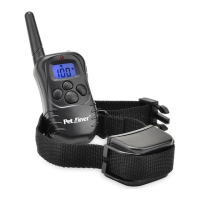
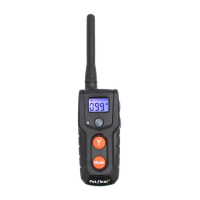
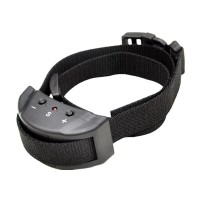
8 9
A B
Note: Please check whether the battery needs recharging before you
use the device. When you turn on the receiver, if there are beeps for
20 seconds, you need to recharge the receiver collar before using the
unit.
3. Press up/Down buttons on right hand side of the transmitter to set
Vibration or Static Shock level.
4. Press the ½ button to swap between channel 1 or 2, depending on
which receiver you wish to select.
5. The Remote Transmitter will go into STANDBY MODE if no operation
for 20 seconds and will TURN OFF if no operation for 2 minutes.
6. In STANDBY MODE, press any button (except LED light button) to wake
up the transmitter. When the transmitter is powered off, hold the Mode
button on the Transmitter for 5secconds to TURN ON.
Operating Guide
How to use the Remote Transmitter
2. Se t to the di ff ere nt mo des b y pr e ssi ng t h e Mo d e Bu t to n -Th e LCD
images will change from .
Prepare the Remote Transmitter:
Charge the Remote Transmitter
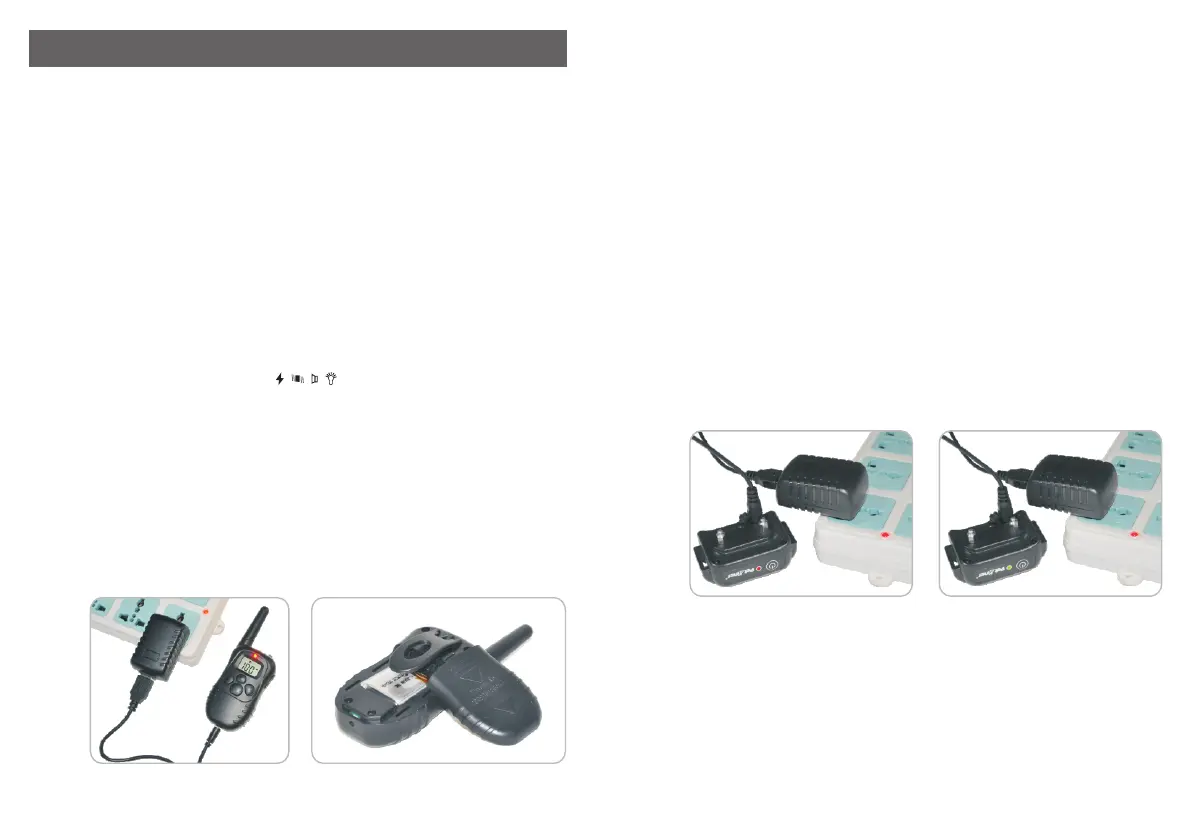
1. Connect the charger connector to the charging jack.
2. Plug the charger into a standard outlet.
3. The red light on the Transmitter will be on.
4. Charge the Transmitter for 2 hours or until the light indicates charging
is complete.
5. After fully charged, the red led will turn off automatically.
Low battery indicator: the symbol will show up on the right side of
screen when recharging is necessary.
LCD
1. To turn on/off the Transmitter, hold the Mode button for 5 seconds.
Step
1
Prepare the Receiver Collar:
Charge the Receiver Collar
1. To TURN ON the Receiver Collar, press the on/off button, a beep
and the green LED will turn on and begin to flash every 4 seconds.
will sound,
2. Open the rubber cover and insert the charger connector into the
hole.
charging
3. Plug the charger into a standard outlet.
4. The red LED will be on. (A)
5. Charge the Receiver Collar for 2 hours or until the light indicates
charging is complete.
6. After the unit is fully charged, the red LED light will turn to a green LED
light automatically. (B)
7. Put the rubber cover back in place.
8. If the battery needs recharging, the receiver collar will beep for 20
seconds.
Step
Step
2
3
Pairing the Remote Transmitter and Receiver
Collar:
1. Power on the Receiver Collar by pressing the ON/OFF button, a beep
will sound.
2. Press and hold the ON/OFF button for 5 seconds until a beep sounds,
and the indicating light will begin to flash quickly.


 To Next Page