EasyManua.ls Logo

Petsafe PFD00-15788 - User Manual

Petsafe PFD00-15788
12 pages
Print Icon
To Next Page IconTo Next Page
Loading...
PFD00-15788
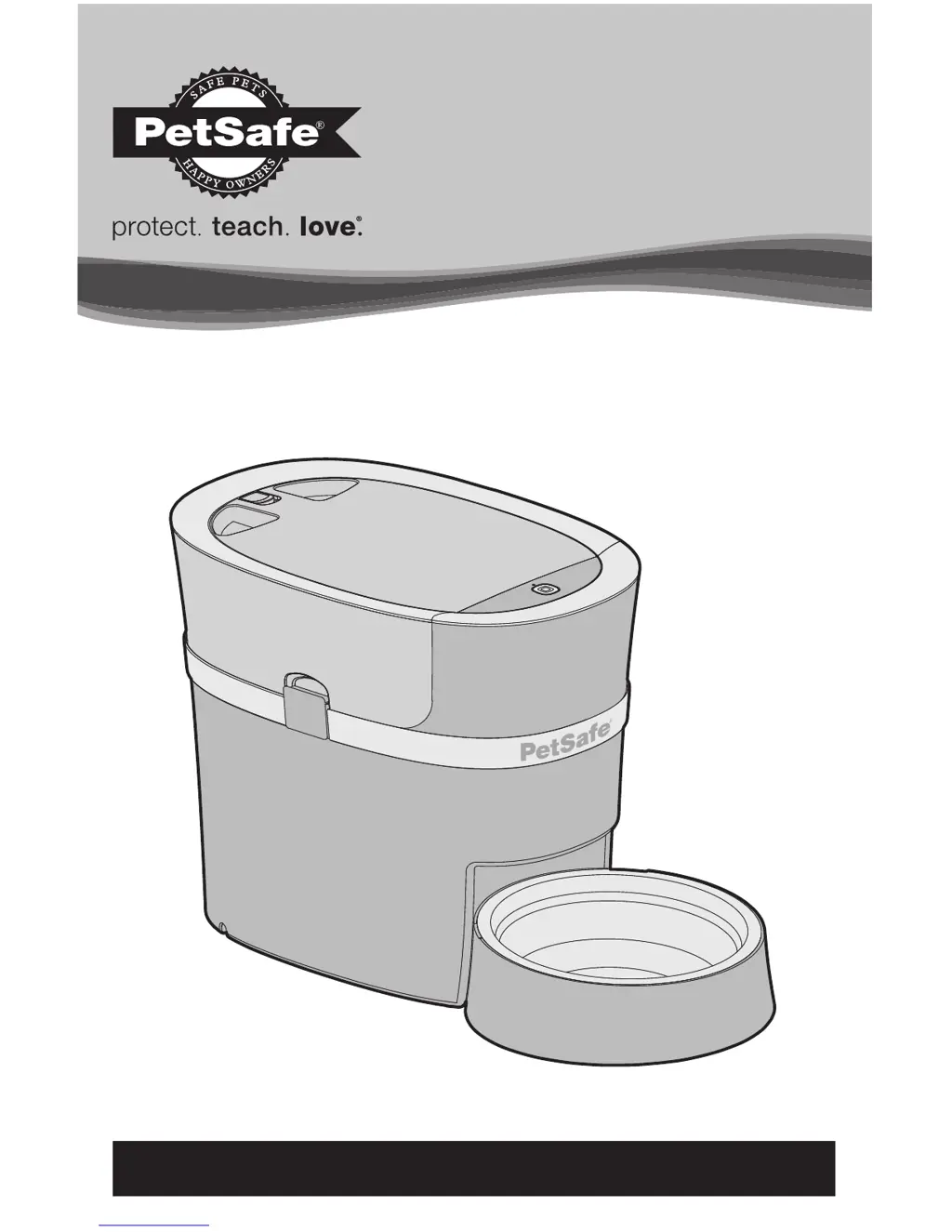
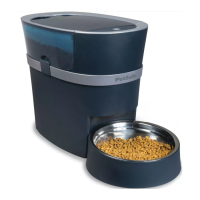
Smart Feed
Works with iPhone or iPod
devices iOS 9 or later and most
Andriod smartphones 5.0 or later
Operating Guide
Please read this entire guide before beginning.
For more information, visit our support section on petsafe.com.

Questions and Answers

  • A
    allisonbrownAug 8, 2025
    Why is my Petsafe PFD00-15788 Pet Care Product feeder not dispensing food?
    • D
      Denise PetersenAug 8, 2025
      If your PetSafe Pet Care Product feeder isn't dispensing the programmed meal amount or any food at all, make sure the hopper is filled with food and the schedule is turned on in the app. Check for any errors indicated by a red LED light or error messages on the activity screen in the app. Ensure you're using only dry or semi-moist food. Verify that the conveyor agitator is positioned inside the food hopper opening. If the conveyor was removed for cleaning, ensure it has been aligned properly before being reinstalled. Also, make sure the conveyor is primed anytime the food gets low or you refill with food for correct meal sizes to dispense.
  • C
    Christopher SmithAug 13, 2025
    Why the Petsafe PFD00-15788 Pet Care Product Smart Feed app is not in the app store?
    • L
      Larry HuynhAug 13, 2025
      If the Smart Feed app isn't appearing in the app store or won't install, ensure you're searching for PetSafe® Smart Feed and spelling it correctly. Also, confirm that your smartphone's operating system is compatible: you need an iPhone or iPod with iOS 9.0 or later, or an Android device with Android 5.0 or later.
  • K
    Kenneth Salinas Jr.Aug 17, 2025
    How to fix slow dispensing on Petsafe PFD00-15788 Pet Care Product feeder?
    • M
      Michael KennedyAug 17, 2025
      If the food is dispensing slowly from your PetSafe Pet Care Product feeder, check if Slow Feed mode is turned on in the app.
  • L
    Leslie ContrerasAug 21, 2025
    What to do if manual feed button is not working on Petsafe Pet Care Product?
    • J
      johnperezAug 21, 2025
      If the manual feed button is not working on your PetSafe Pet Care Product feeder, check if the Child Lock is turned on in the app.
  • M
    Michelle BrownAug 26, 2025
    How to fix Petsafe Pet Care Product lid or hopper not fitting properly?
    • C
      Cynthia OchoaAug 26, 2025
      If the lid or hopper is not fitting properly on your PetSafe Pet Care Product feeder, check that the conveyor is installed correctly inside the feeder base and the conveyor latch is locked in place.
  • K
    kelly56Oct 30, 2025
    Why is my Petsafe Pet Care Product feeder not connecting to Wi-Fi?
    • M
      Matthew CarterOct 31, 2025
      If your PetSafe Pet Care Product feeder isn't automatically reconnecting or connecting to Wi-Fi, and your internet provider, router, or password has changed, access the settings screen in the app and select Wi-Fi Network, then Reset WiFi, and follow the onscreen instructions. Also, verify that the feeder LED is blinking white, indicating it's searching for Wi-Fi. Ensure your home's wireless router and internet are functioning correctly and your phone or computer is connected. If the router or internet isn't working, try resetting the router or contacting your internet provider. Power cycle the feeder by turning it off, waiting 10 seconds, and then turning it back on. Check for other devices near the feeder that use the internet or other wireless signals, such as a microwave. Either move th...
  • S
    scotthowardNov 3, 2025
    What to do if Petsafe Pet Care Product feeder will not connect to wireless router?
    • D
      Dawn GomezNov 3, 2025
      If your PetSafe Pet Care Product feeder won't connect to your wireless router during the initial setup, first try any instructions listed within the app. Check that your home’s wireless router and internet are working properly, and that your phone or computer is connected. If the router or internet is not working, try resetting the router or contact your internet provider. Place your feeder near your router during initial setup. Make sure the feeder LED is blinking white, showing it is functioning and searching for Wi-Fi. Look at your Wi-Fi settings and ensure you are using a 2.4gHz network. Check if any firewalls are activated on your router, preventing it from connecting. Power cycle the feeder by turning it off, waiting 10 seconds, and turning it back on. As a last resort, reset the fee...

Summary

IMPORTANT SAFETY INFORMATION

Safety Alert Word Definitions

Defines the meaning of safety alert words like WARNING, CAUTION, and NOTICE.

General Safety Precautions

Lists critical safety rules for operating the pet feeder to prevent injury or damage.

Components and Features

System Requirements

How the System Works

Setup and Assemble Feeder

LED Indicator

The Smart Feed App

CLEANING THE FEEDER

Disassemble the Feeder

Reassemble the Feeder

TROUBLESHOOTING

Customer Care International

Terms of Use and Limitation of Liability

Compliance

Warranty and Registration

Petsafe PFD00-15788 Specifications

General IconGeneral
Product CategoryPet Care Product
BrandPetSafe
Model NumberPFD00-15788
SizeMedium
ColorOrange
MaterialNylon
Adjustable StrapsYes
Reflective StripsYes
Safety HandleYes
Quick-Snap BuckleYes
Product TypeLife Jacket
TypeLife Jacket
Intended UseWater Safety

Related product manuals