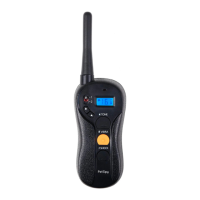
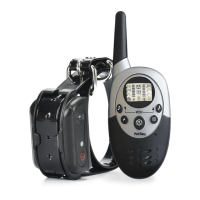
SYNCHRONIZING REMOTE TRANSMITTER WITH RECEIVER COLLAR
Sometimes the collar can loose connection with remote. e x is pretty quick
and simple. Follow these steps to pair the system:
1. Make sure that both the Transmitter and Receiver are fully charged and
turned on.
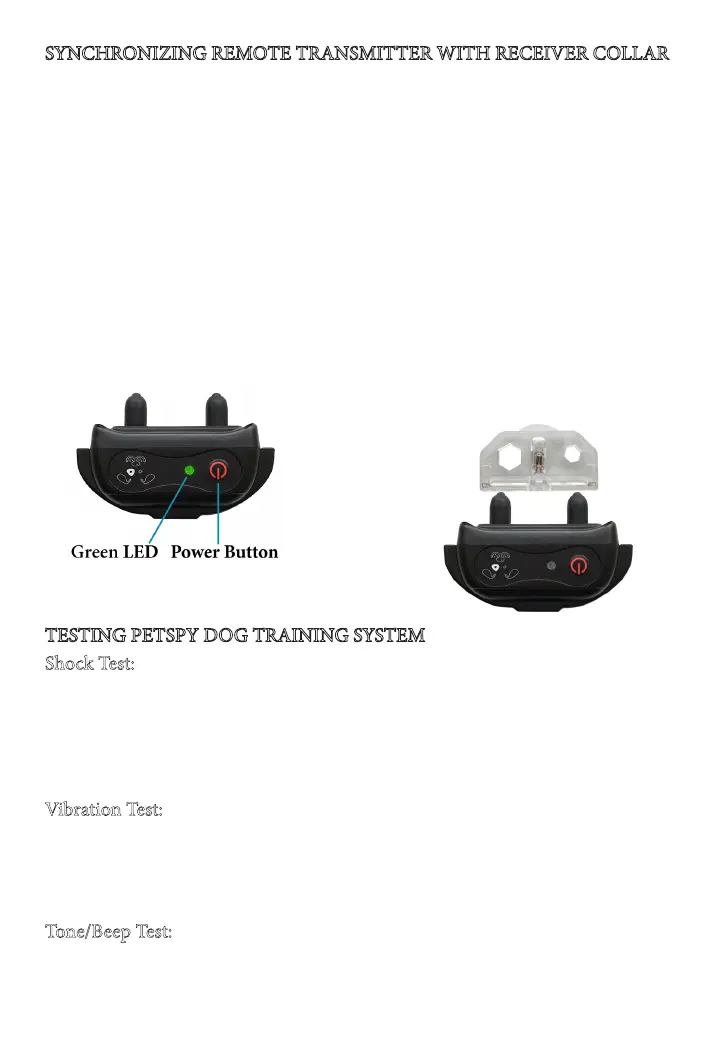
2. Press and hold the Power button on the Receiver Collar for about 5 seconds
to enter the Synchronization Mode - the receiver will beep and green LED will
start ashing rapidly.
3. While green LED is ashing, send any correction command from remote.
We recommend you to send a Vibration command by pressing and holding the
Vibration button on remote until you feel that collar is vibrating. If no com-
mand is sent, the Synchronization Mode will time out aer about 15 seconds.
4. e system is now paired - try to send any command to test it.
If you have 2 or 3 collars, repeat the above steps for each collar on channels
1-3.
TESTING PETSPY DOG TRAINING SYSTEM
Shock Test:
•Take the included Test Light and put its metal wire on the Receiver’s Contact
Points.
•Press the Shock Button on the Remote Transmitter.
•e Test Light will light up indicating that shock is working.
•e higher the shock level is the brighter it should be.
Vibration Test:
•Press the Vibration Button on the Remote Transmitter.
•e Receiver Collar will vibrate indicating that vibration stimulation is work-
ing.
•Try to adjust the level of vibration and see how the intensity is changing.
Tone/Beep Test:
•Press the Tone Button on the Remote Transmitter.
•e Receiver Collar will beep indicating that tone/beep is working.


 To Next Page