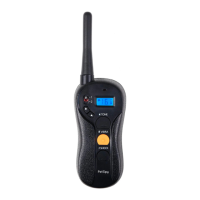
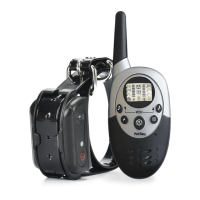
PREPARING REMOTE TRANSMITTER FOR YOUR FIRST USE
Make sure that Remote Transmitter is charged before proceeding to the train-
ing:
1. e charging port is located on the bottom side of the remote. Plug one end
of the charging cable into the charging port on the remote. Plug another end of
the charging cable into the power source.
2. e LCD display will illuminate and the battery indicator bars will blink
to indicate the on-going charging process. It takes about 3-4 hours for a full
charge.
3. When charging is complete, all three battery indicator bars will illuminate
steadily.
4. Remove the charging cable.
REMOTE TRANSMITTER OPERATION
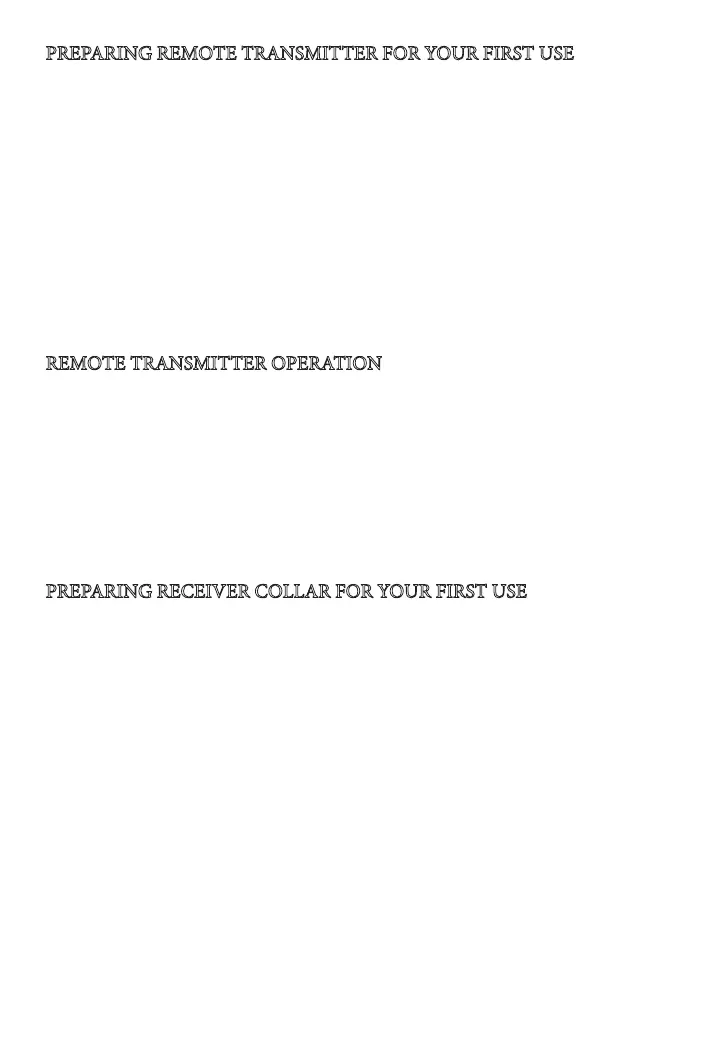
1. Press and hold the Power button to turn the remote on and o.
2. If you have 2 or 3 collars, you can select which collar is being controlled: 1,
2, or 3 by pressing the Channel Switch button.
3. Press the Vibration button to deliver vibration correction to your dog.
4. Press the Shock button to deliver static shock correction to your dog.
5. Press the Tone button to deliver audible tone to your dog.
6. e Remote Transmitter can be locked from accidental use by pressing the
Lock button. Simply press this button again to unlock the device.
PREPARING RECEIVER COLLAR FOR YOUR FIRST USE
Make sure that Receiver Collar is charged before proceeding to the training.
1. Carefully open the rubber cover over the charging port and connect the
charger.
2. Red LED light will indicate that receiver is charging. It takes about 2 hours
to fully charge it. Make sure to unplug the collar aer 2 hours to avoid battery
damage.
3. Put the rubber cover back over the charging port to ensure collar is fully
waterproof.
4. Press the Power Button to turn it on. e LED will start ashing green every
4-5 seconds.
5. When Receiver is charged and turned on, it always stands in the Standby
Mode waiting for any command (e.g. Shock, Vibration or Tone) to activate it.


 To Next Page