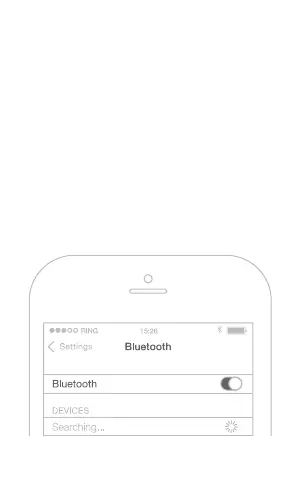
HOW TO CONNECT?
Press and hold the Middle control but-
ton for about 5s. As soon as you hear
the „Power On“ message and the LED
indicator turns blue, go to the Blue-
tooth menu of your phone. Search
for new Bluetooth devices and select
„BHS-730“. If something doesn‘t work,
try turning your phone‘s Bluetooth o
and on again.



 To Next Page