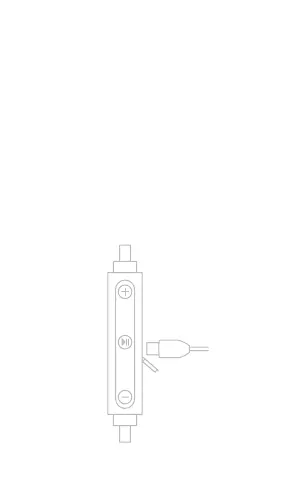
HOW TO CHARGE?
Although the headphones come
with a partially charged battery, it is
recommended that you fully charge
your BHS-730 before first use.
Open the charging port cover with
your fingernail and connect the USB
charging cable. The LED indicator will
turn red while charging. When the
LED turns blue, the headset is fully
charged. This takes less than 2h.
double click



 To Next Page