Chapter 4: Control via Phantom Software
13
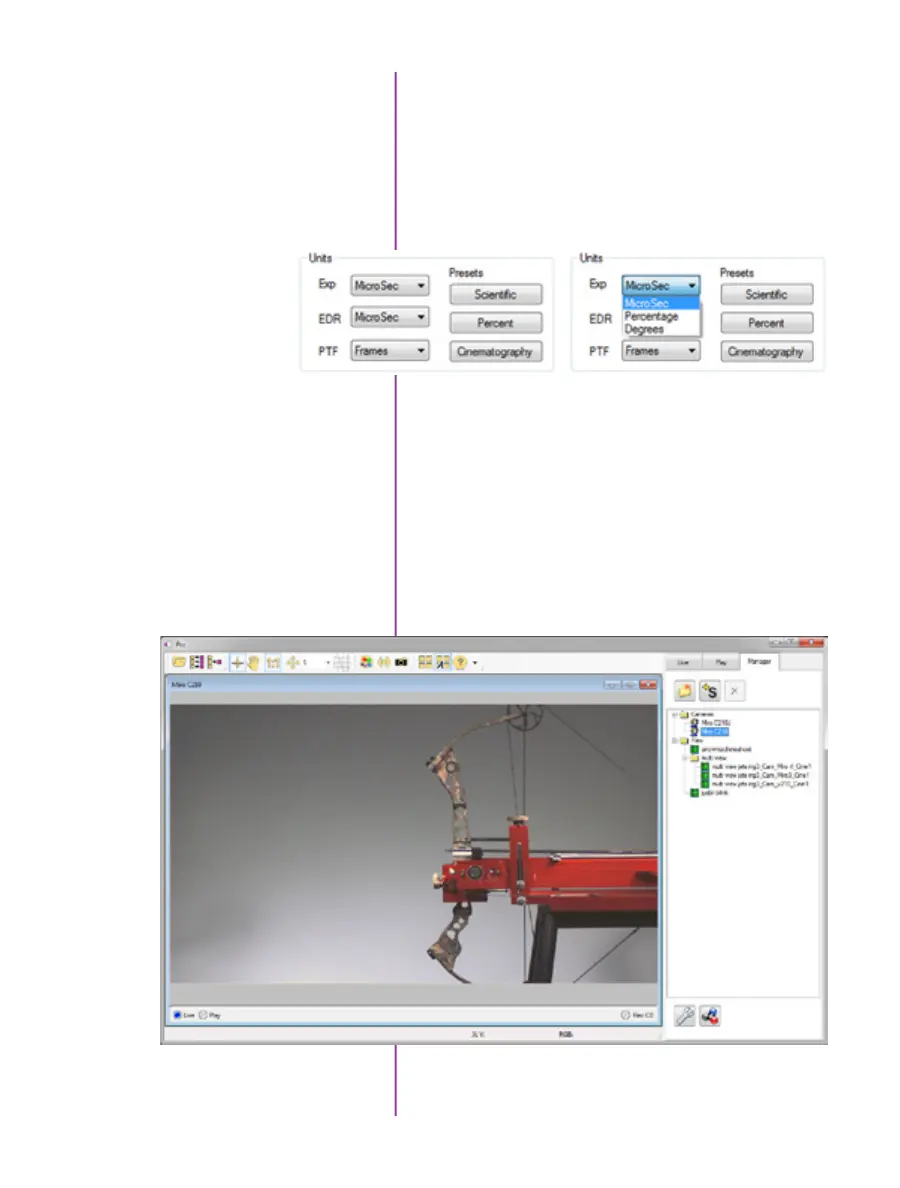
PCC provides the ability to select various units for specific
camera parameters by clicking the ‘Preference’ button at
the bottom of the Manager tab.
Units can be set to commonly used values (‘Presets’) or
they can be customized using the pull-down selection
lists. First time users should use one of the three ‘Presets’.
Camera Control via PCC
The ‘Exp’ unit is probably the most important unit to be
set. It specifies what unit to use when setting the exposure
time. You probably will want this set to micro-seconds. The
other unit to set is PTF (Post Trigger Frames) covered later
in this section.
Double-click the camera(s) to be controlled listed in the
‘Manager’ tab, or select the camera(s) from the ‘Camera’
pull-down list in the ‘Live’ tab.



 To Next Page