Chapter 5: Download & Image Processing
23
However, if you are converting the file into a sequence of
images, you need to enter the annotation only detailed in
the ‘Convert a Cine’ topic earlier in this chapter.
Example: +4
The software automatically creates a separate folder for
each of the files being converted, assigns the original file
name, and appends the appropriate image number and
file extension to each image.
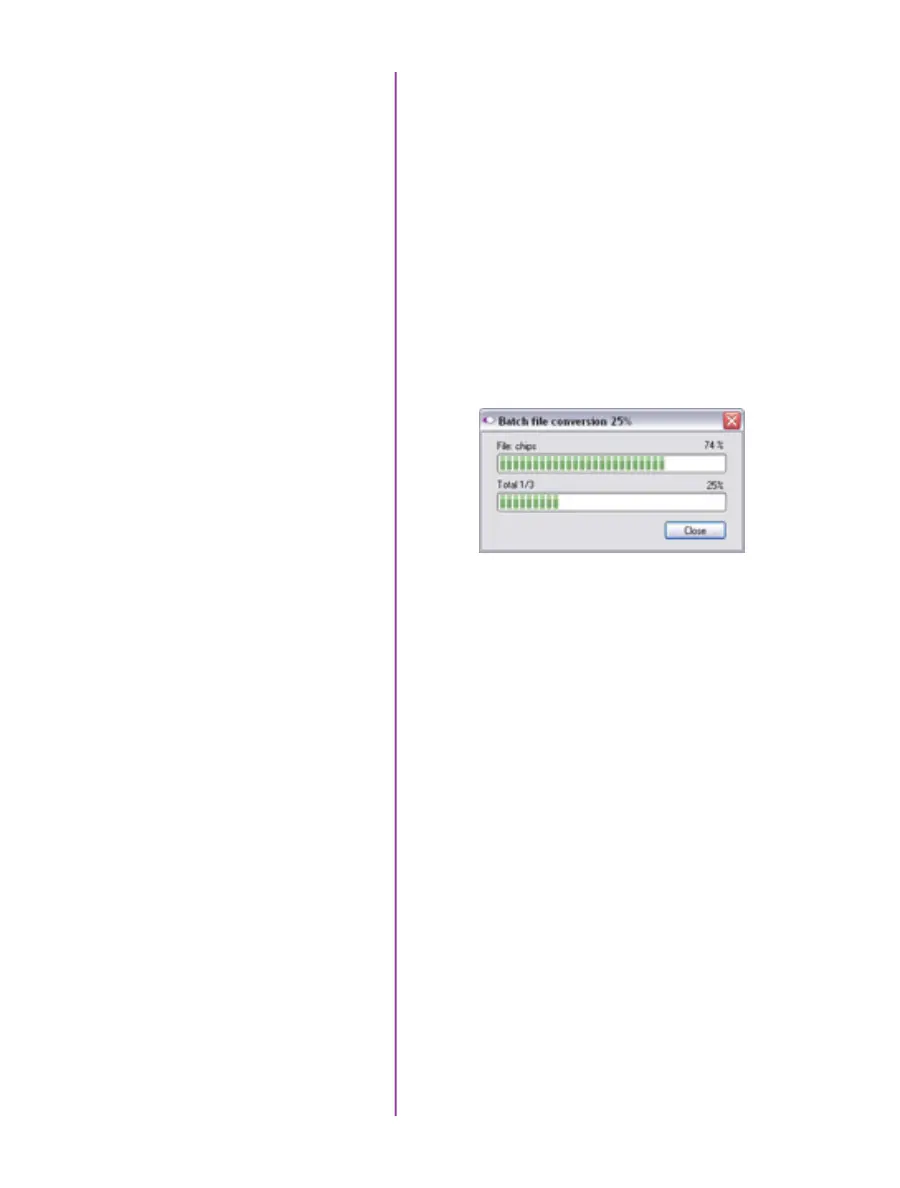
Once the ‘Convert’ button is clicked a progress window
appears. Each converted cine will be placed in its own
folder named after the original cine file.



 To Next Page