Vision Research, Inc. | Phantom Ultrahigh-Speed Camera Manual
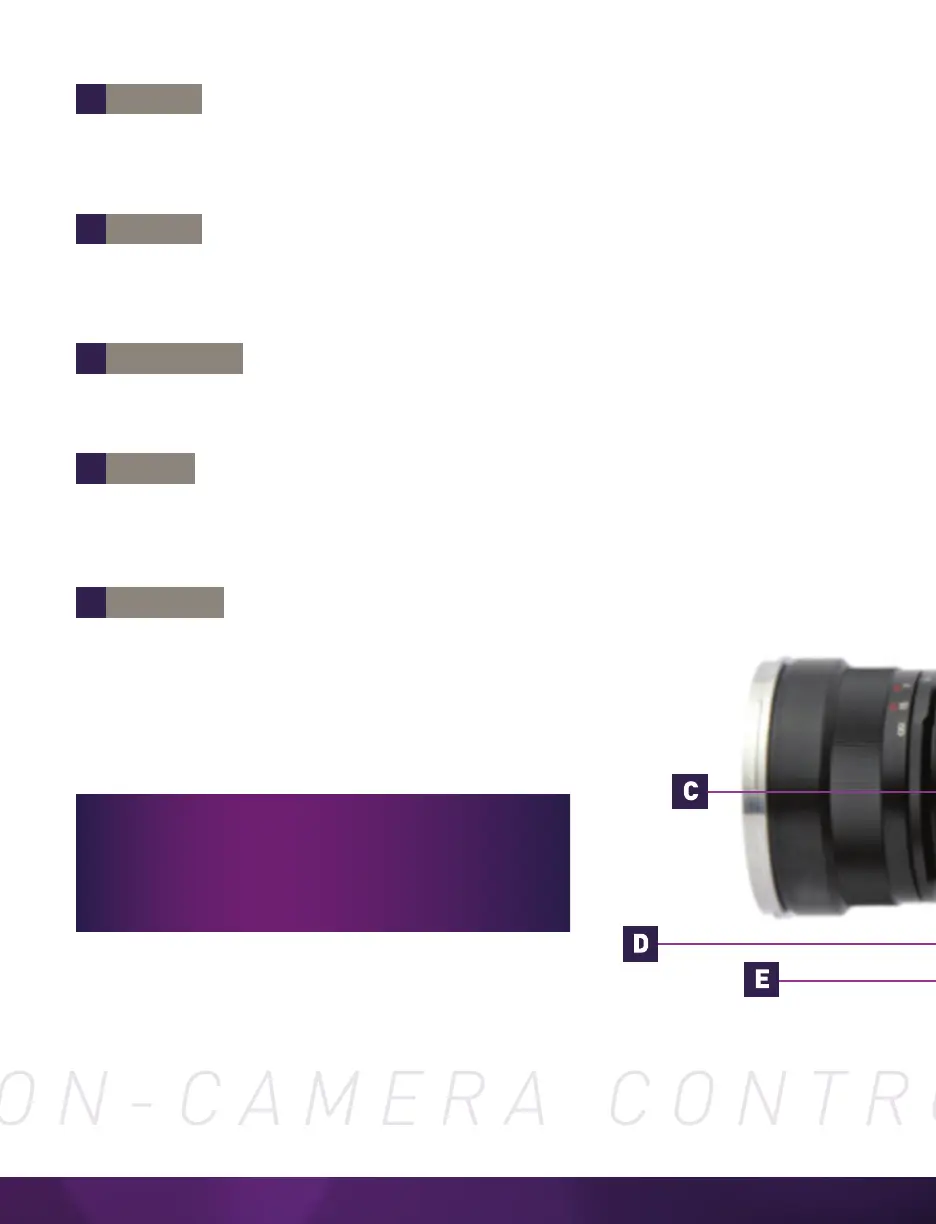
Tap the ‘Menu’ knob to activate the camera’s menu system as described on the following pages.
Turn the knob to navigate through the menu and tap to select. Exit the menu by tapping the
‘Trigger’ button.
‘Trigger’ is used to trigger the camera with a single tap, when the camera is
in ‘Capture’ mode in ‘Loop’ mode. When in ‘R/S’ (Run / Stop) mode, hold one
second to start recording; tap to stop recording.
When in video ‘Playback’ mode, tap the ‘Trigger’ button to return to a live video
output. When a menu is active, tap the ‘Trigger’ button to exit the menu.
Tap to enter ‘Playback’ mode and select the Cine stored in internal RAM / Phantom CineMag
IV / V for playback.
In ‘Live’ mode, when pressed, camera will cycle through video zoom levels (for focusing
assist) and threshold (exposure assist) mode. In ‘Playback’ mode, it is the ‘Rewind,’ ‘Pause’
or ‘Fast-Rewind’ button (hold one second).
In ‘Live’ / ‘Waiting for Trigger’ mode, pressing this button will perform a Current Session
Reference (CSR). When in ‘Playback’ mode, it is the ‘Play,’ ‘Pause’ or ‘Fast-Forward’
button (hold one second).
Use of the on-camera control menu requires a
video monitor or viewfinder to be connected to
the camera. Phantom Ultrahigh-Speed cameras
are compatible with HD-SDI monitors.
A
B
C
D
E
B-REF
TOOLS
PLAYBACK
TRIGGER
MENU



 To Next Page