EasyManua.ls Logo

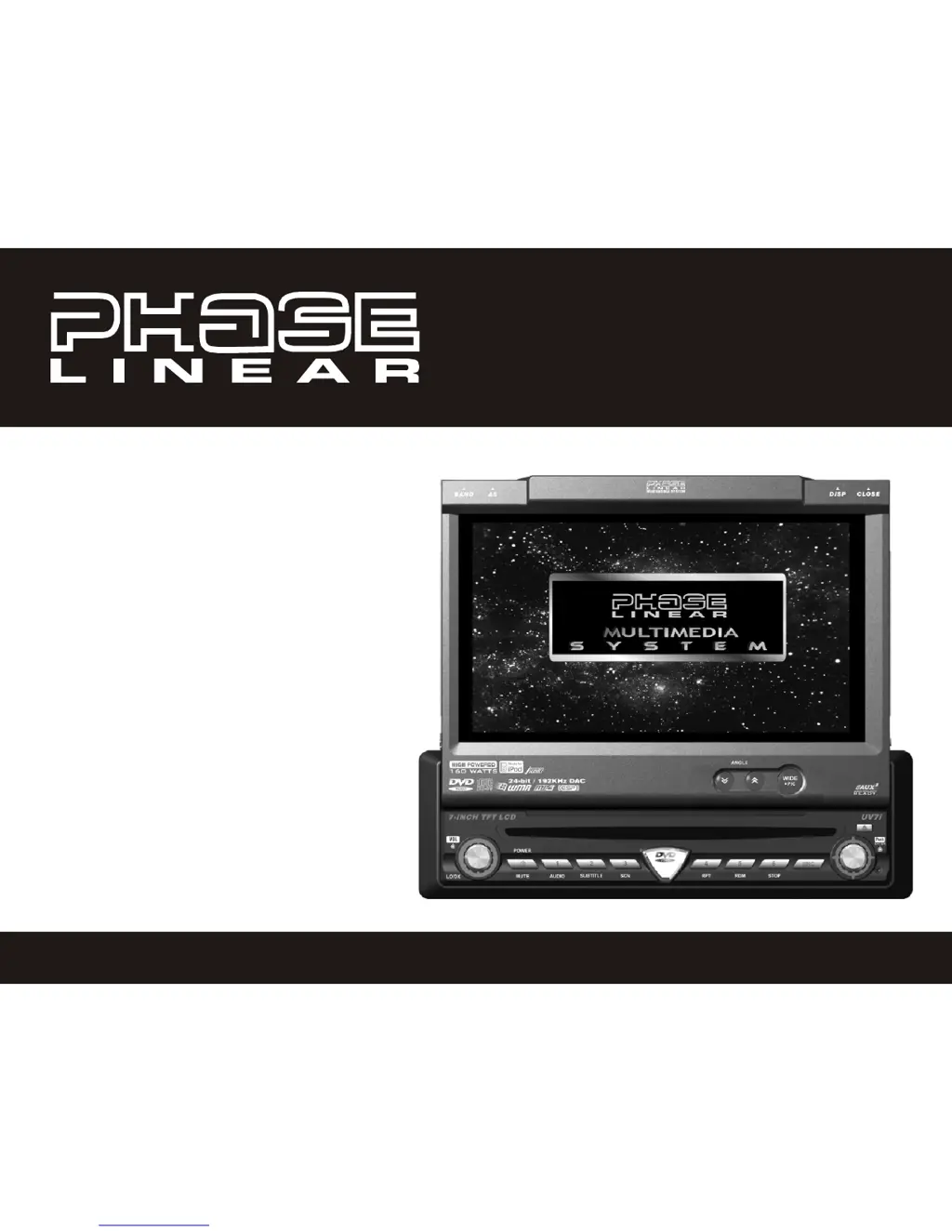
PHASELINER UV7i - User Manual

Default Icon
81 pages
Print Icon
To Next Page IconTo Next Page
Loading...
UV7i
Instruction Manual
Manual de Instrucciones
Guide d'instructions

Questions and Answers

  • M
    Michelle RuizSep 10, 2025
    Why does my PHASELINER Car Receiver monitor stop at the wrong position?
    • D
      Dr. Jeffrey CooperSep 10, 2025
      If the monitor on your PHASELINER Car Receiver stops at an incorrect position, the moving path may be blocked. Press the OPEN key to restart monitor movement.
  • J
    Jason HayesAug 22, 2025
    Why is there no audio output from my PHASELINER Car Receiver?
    • J
      John ChurchAug 22, 2025
      If you are getting no or low audio output from your PHASELINER Car Receiver, there are several potential causes. First, check the wiring for improper audio output connections and correct them. Ensure that the volume is not set too low and increase it if necessary. Review the wiring diagram to check the “MUTE” connection. If the speakers are damaged, consider replacing them. Also, check if the volume balance is heavily biased and adjust it to the center position. Finally, ensure that the speaker wiring is not in contact with any metal part of the car; if it is, insulate the connections.
  • B
    brianshahAug 25, 2025
    What to do if my PHASELINER UV7i remote control does not function?
    • E
      edwardsbrianAug 25, 2025
      If the remote control for your PHASELINER Car Receiver isn't working, the battery may be depleted. Try replacing it with a new one. Also, make sure the battery is installed correctly. Remove it and reinstall it properly.
  • M
    Melvin ShafferAug 26, 2025
    How to improve poor sound quality on PHASELINER Car Receiver?
    • J
      Julie RichardAug 26, 2025
      If you are experiencing poor sound quality or distortion with your PHASELINER Car Receiver, make sure you are not using a pirated disc; use an original copy. Check that the speaker power rating is compatible with the unit and connect proper speakers if needed. Also, check the speaker contact to ensure the speaker is not shorted.
  • K
    Kimberly VaughnAug 27, 2025
    Why is my PHASELINER UV7i disc not playing back?
    • B
      Bobby Pham PhDAug 27, 2025
      If the disc does not play back in your PHASELINER Car Receiver, it could be due to several reasons. Check if the disc is warped or scratched and use a disc in good condition. Ensure the disc is clean and dry; if not, clean it with a soft cloth. The laser pickup might be dirty, so clean it with a cleaning disc. Make sure you are using a compatible disc. If the disc rating exceeds the Parental Lock rating limit, change the Parental Lock settings to a lower restriction. Verify that the disc region code is compatible with the unit. Finally, ensure the disc is inserted with the label side up.
  • C
    Candace RomeroAug 29, 2025
    Why does my PHASELINER Car Receiver reset when the engine is off?
    • M
      Michael HendersonAug 29, 2025
      If your PHASELINER Car Receiver unit resets itself when the engine is off, it is likely due to an incorrect connection between the ACC and the positive battery wire. Check the wiring and correct it.
  • M
    melissarobinsonSep 18, 2025
    Why is the iPod source not available on my PHASELINER UV7i?
    • R
      Rebecca BrownSep 18, 2025
      If the iPod source is not available on your PHASELINER Car Receiver, check the jLink II cables for incorrect connections.
  • M
    martinkirbySep 12, 2025
    Why is the station searching weak on my PHASELINER UV7i?
    • S
      Sheryl MillsSep 12, 2025
      If you are experiencing weak station searching with your PHASELINER Car Receiver, the auto antenna may not be fully extended or properly connected. Connect the auto antenna control cable properly. Additionally, the LOCAL function may be activated; turn the LOCAL function off.
  • M
    Michelle SmithSep 8, 2025
    How to adjust aspect ratio on PHASELINER Car Receiver?
    • M
      michelle76Sep 8, 2025
      If you are experiencing a prolonged image or an improper height/width ratio display on your PHASELINER Car Receiver, the aspect ratio setup may be incorrect. Use the correct aspect ratio setting.
  • S
    Stephanie AriasSep 5, 2025
    Why doesn't my PHASELINER Car Receiver monitor open automatically?
    • J
      Jeremy EllisSep 5, 2025
      If the monitor on your PHASELINER Car Receiver does not open automatically, the TFT Auto Open feature may be turned off. Turn TFT Auto Open on.

Summary

Preparation

Features

Details product features including media formats, iPod compatibility, and chassis specifications.

Installation Preparations

Battery Disconnection Procedure

Explains the safe procedure for disconnecting the vehicle battery before installation.

Wiring Diagram

System Wiring Connections Overview

Visual guide illustrating all electrical connections for the unit.

Installation Procedures

Controls and Indicators

Front Panel Button Operations

Describes the function of each button on the unit's front panel.

Remote Control Operations

Remote Control Button Functions

Provides a comprehensive table of remote control button functions for different modes.

TFT Monitor Usage and Settings

Monitor Operation and Adjustment

Covers opening, closing, and adjusting the TFT monitor's tilt angle.

Operating Instructions

Basic Operations (Power, Mute, Source)

Guides on powering the unit on/off, muting, and selecting audio sources.

System Setup Menu

AM;FM Tuner Operation

DVD;VCD Video Operation

Screen and Disc Handling

Explains opening/closing the screen, inserting/ejecting discs, and basic playback.

DVD;Disc Setup Menu

Disc Setup Configuration

Parental Lock (Rating) Setup and Reset

Details how to set up and manage parental lock ratings and passwords.

DVD;Disc Audio Operation

iPod Integration and Operation

Accessing and Controlling Your iPod

Guides on connecting and navigating the iPod interface.

Troubleshooting Common Issues

General Unit Problems and Solutions

Addresses common problems with power, remote, and audio output.

Troubleshooting and Error Messages

Product Specifications and Warranty

PHASELINER UV7i Specifications

General IconGeneral
CategoryCar Receiver
RadioFM/AM
AUXYes
GPSYes
RAM2GB
Internal Storage32GB
Rear Camera InputYes
Steering Wheel ControlYes
Display7-inch Touchscreen
Resolution1024x600
BluetoothYes
Operating SystemAndroid
ProcessorQuad Core
Dimensions178(W) x 102(H) mm