6 Preferences
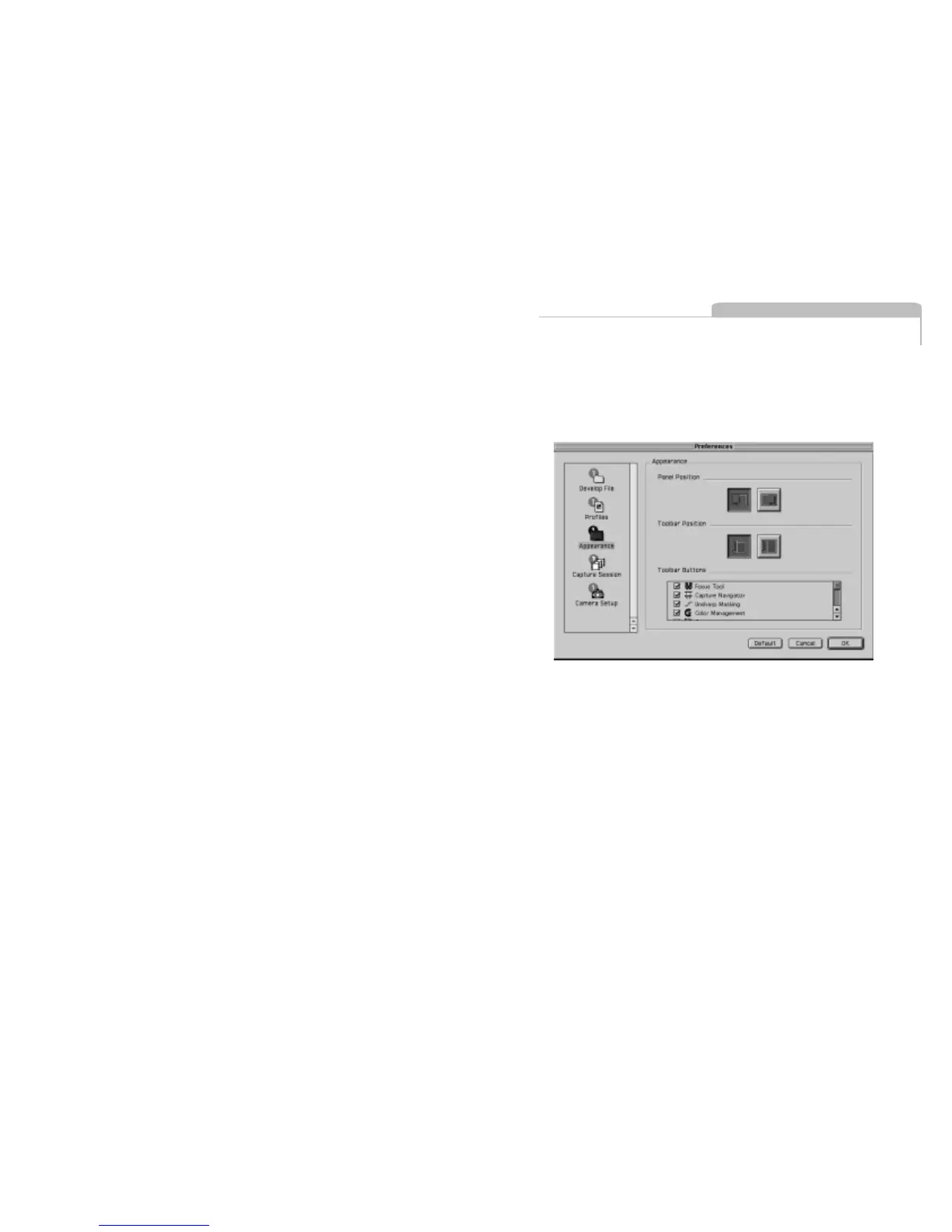
Under the “File” menu is an option called “Preferences”. Select an option
from the left-hand side of the window and then set preferences on the
right. It is also possible to change the appearance of the user interface.
Develop File
The Develop File Section controls the naming, file location and other
attribution settings.
Name Tab
The “Name” tab defines how the developed files are named.
The software application can automatically name and number images
as they are developed.
After the Name, a unique suffix can be added, followed by a number
and finally a file extension, if desired.
6.1
Preferences



 To Next Page