3. Charge Neutralization
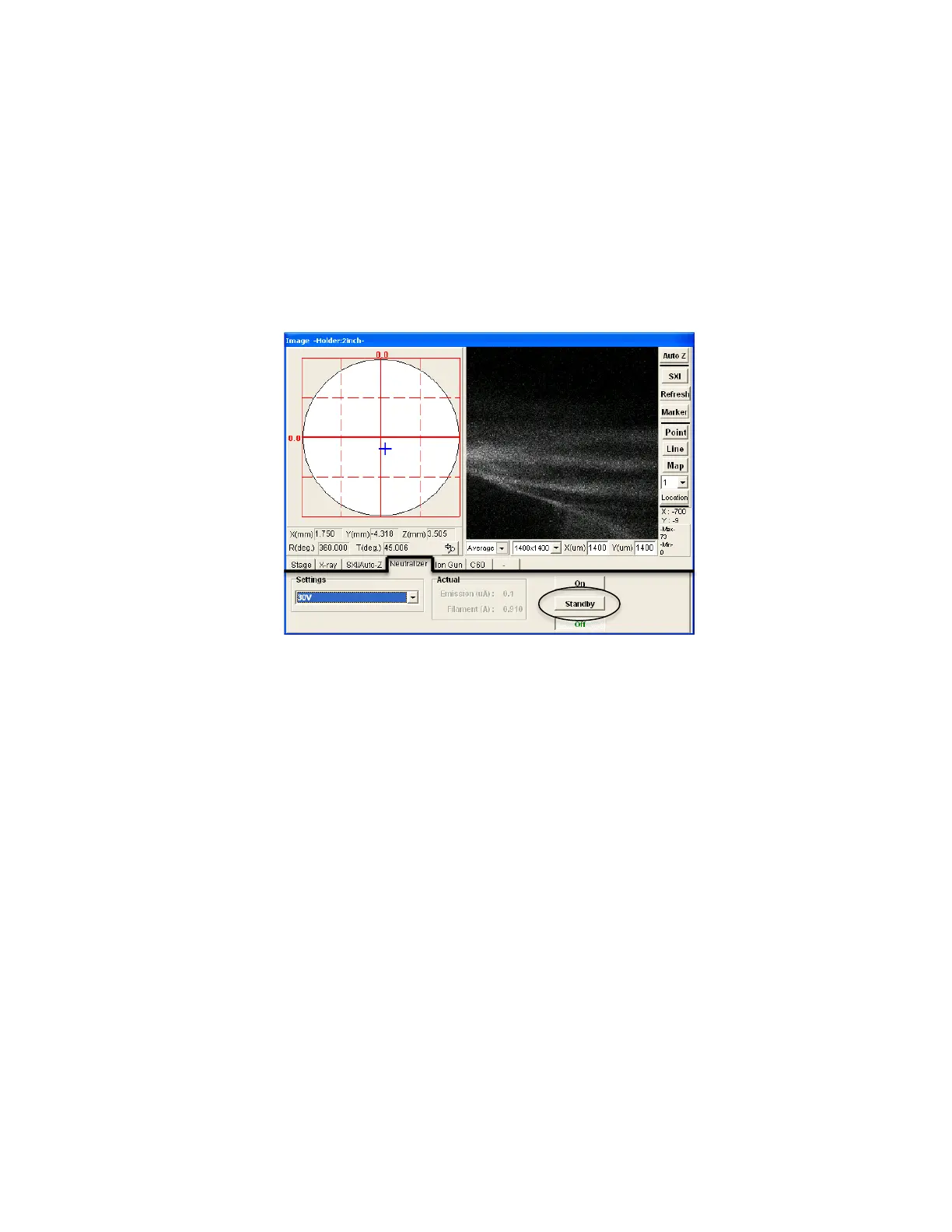
a. Summitt-> “Image” window (RHS), “Neutralizer” tab (FIG 8).
b. Push Standby (will turn on power to electron flood gun).
c. Summitt-> “Acquisition Settings” window (LHS). Under
“Neutralize,” Press ON. Neutralization will begin when spectrum is
acquired.
d. If need to do AutoZ, check the Neutralize and Ion Gun Neutralize
boxes in SXI/AutoZ tab (FIG 3).
FIG 8: Summit “Image” Window, Neutralizer
4. Sputter Modes
• Manual Sputter
o Summitt-> When pressure conditions are ready, pushing
Sputter in “Ion Gun” tab will immediately sputter.
o For manual, timed sputter:
o choose a low KV sputter file, check “timed” box, set time,
then push Sputter.
• Depth Profiling (See FIG 9):
o Summitt-> Ion gun is in Standby in the “Ion Gun” tab and
desired sputter file is chosen.
o Summitt-> Acquisition Setting window -> Check/Enter desired
acquisitions.
o Summitt-> Acquisition Setting window (LHS)-> Push Alternate
in “Sputter Mode” category. Will open Sputter Setting options
below.
o Typical Settings:
• Sputter Time (min)= total time to sputter.


 To Next Page
 Loading...