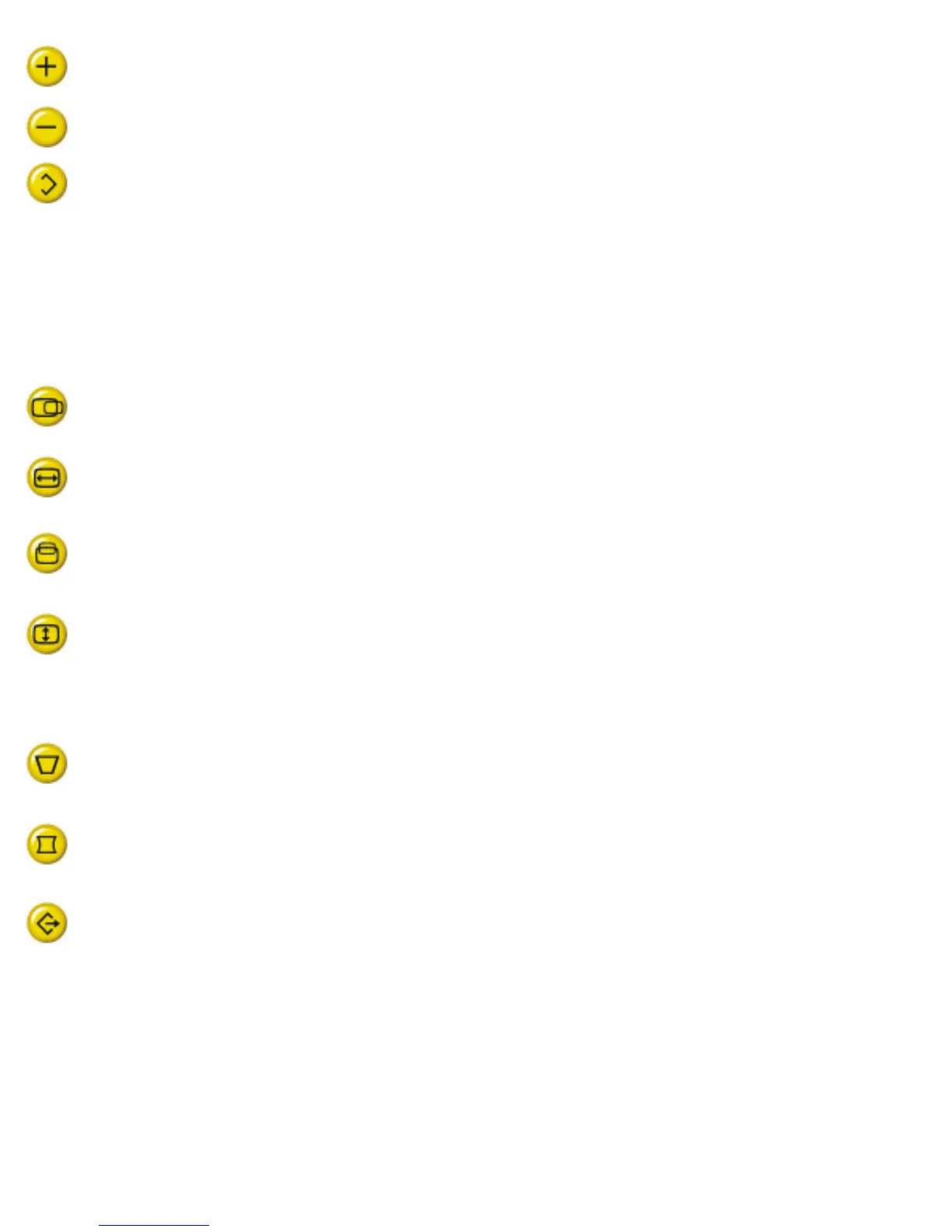
Press to adjust (increase) the function selected.
Press to adjust (decrease) the function selected.
To select the level of function.
"SHIFT" LED off - control is on first level.
"SHIFT" LED on - control is on second level.
The function pads:
H-Shift: to adjust the horizontal position of the image.
H-Size: to adjust the horizontal amplitude of the image.
V-Shift: to adjust the vertical position of the image.
V-Size to adjust the vertical amplitude of the image.
Select level of the function pads:
Trapezoid: to correct the trapezoid distortion of the image.
Pincushion: to correct the barrel distortion of the image.
Recall: to recall original factory preset mode.
Remarks:
file:///D|/EDFU/LF3/lf3manual/english/Install_1/FRONT/Front.htm (2 of 3) [2003/3/27 ?? 10:40:35]


 To Next Page