5
2. Setting up the moni-
tor
2.1 Installation
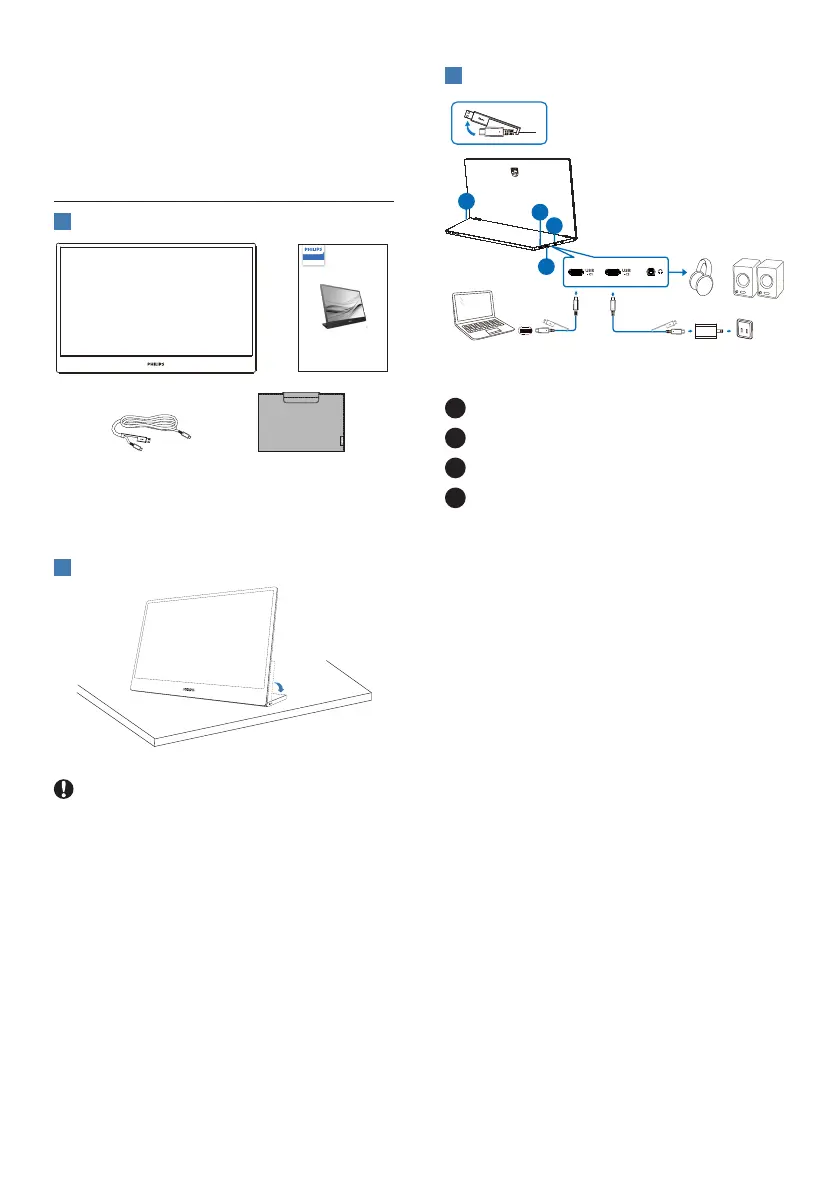
1
Package contents
*Protective case
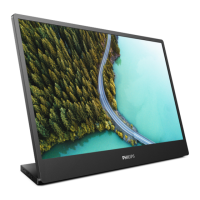
16B1P3302D
Quick start
Register your product and get support at www.philips.com/welcome
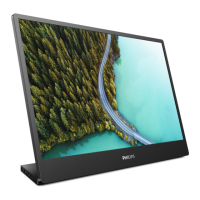
Portable
Monitor
3000 Series
*USB C-C/A
*Dierent according to region
2
Install the base
Caution
Place the monitor face down on a smooth
surface. Pay attention not to scratch or
damage the screen.
3
Connecting to your PC
1
Audio out
2
USB C1
3
USB C2
4
Kensington anti-theft lock
Connect to PC
1. Connect the monitor USB-C cable to
the video connector on the back of
your computer.
2. Turn on your computer and monitor.
If the monitor displays an image,
installation is complete.


 To Next Page
 Loading...