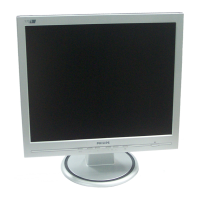
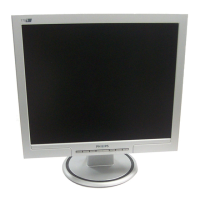
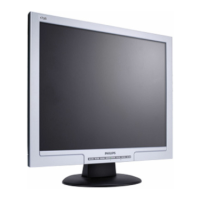
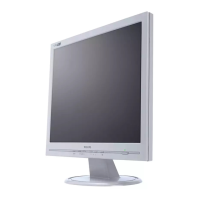
Download
170S4FG.pdf
Download
170S4FB.pdf
Download
170S4FS.pdf
2. From the menu that appears, choose 'Save Link As...', 'Save Target As...' or 'Download Link to Disk'.
3. Choose where you would like to save the file; click 'Save' (if prompted to save as either 'text' or 'source',
choose 'source').
Printing instructions:
To print the manual:
1. With the manual file open, follow your printer's instructions and print the pages you need.
RETURN TO TOP OF THE PAGE
Installing FPadjust Program
The FP Adjust program generates alignment patterns which will help you adjust monitor settings such as
CONTRAST, BRIGHTNESS, HORIZONTAL & VERTICAL POSITION, PHASE and CLOCK.
System requirements:
PC running Windows 95, Windows 98, Windows 2000, Winodws Me, Windows XP or later
●
To install FPadjust Program:
Click on the link or icon to install FPadjustment Program.
or
●
Click-and-hold your mouse over the icon. (Win95/98/2000/Me/XP users right-click)●
Download
FP_setup04.exe
From the menu that appears, choose 'Save Link As...', 'Save Target As...' or 'Download Link to Disk'.
●
Choose where you would like to save the file; click 'Save' (if prompted to save as either 'text' or
'source', choose 'source').
●



 To Next Page
 Loading...