12
. Image
ptimizatio
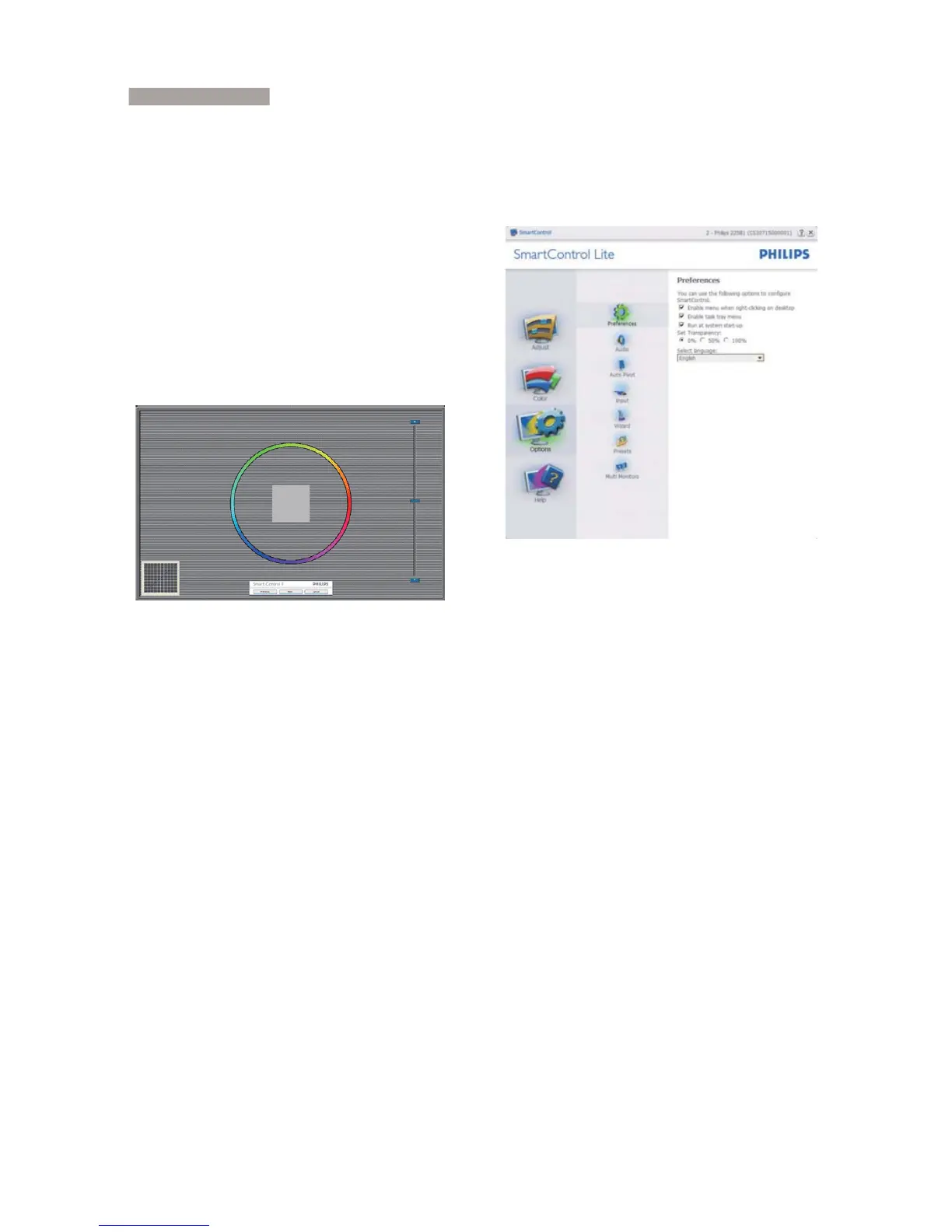
Color menu:
Color Menu allow you to adjust RGB, Black
Level, White Point, and Color Calibration.
You can follow the instruction and do the
adjustment.
Refer to below table for sub-menu item
base on your input.
Example for Color Calibration:


 To Next Page