6
2. Setting up the monitor
2.2 Operating the monitor
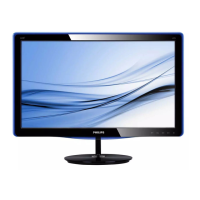
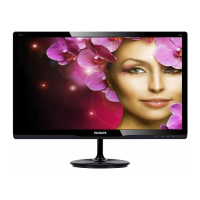
Front view product description
247E6QSW/247E6QSD/247E6QDSD/247E6Q
DSW:
247E
5
6 2
3
4
7
Switch monitor’s power ON and
OFF.
Access the OSD menu
.
Confirm the OSD adjustment.
Return to previous OSD level.
Change display format.
Adjust the OSD menu.
Change the signal input source.
SmartImage Lite. There are three
modes to be selected: Standard,
Internet and Game.
247E6QDAD/247E6QDAW:
247E
5
6 2
3
47
Switch monitor’s power ON and
OFF.
Access the OSD menu
.
Confirm the OSD adjustment.
Return to previous OSD level.
Adjust the speaker volume.
Adjust the OSD menu.
Change the signal input source.
SmartImage Lite. There are three
modes to be selected: Standard,
Internet and Game.



 To Next Page