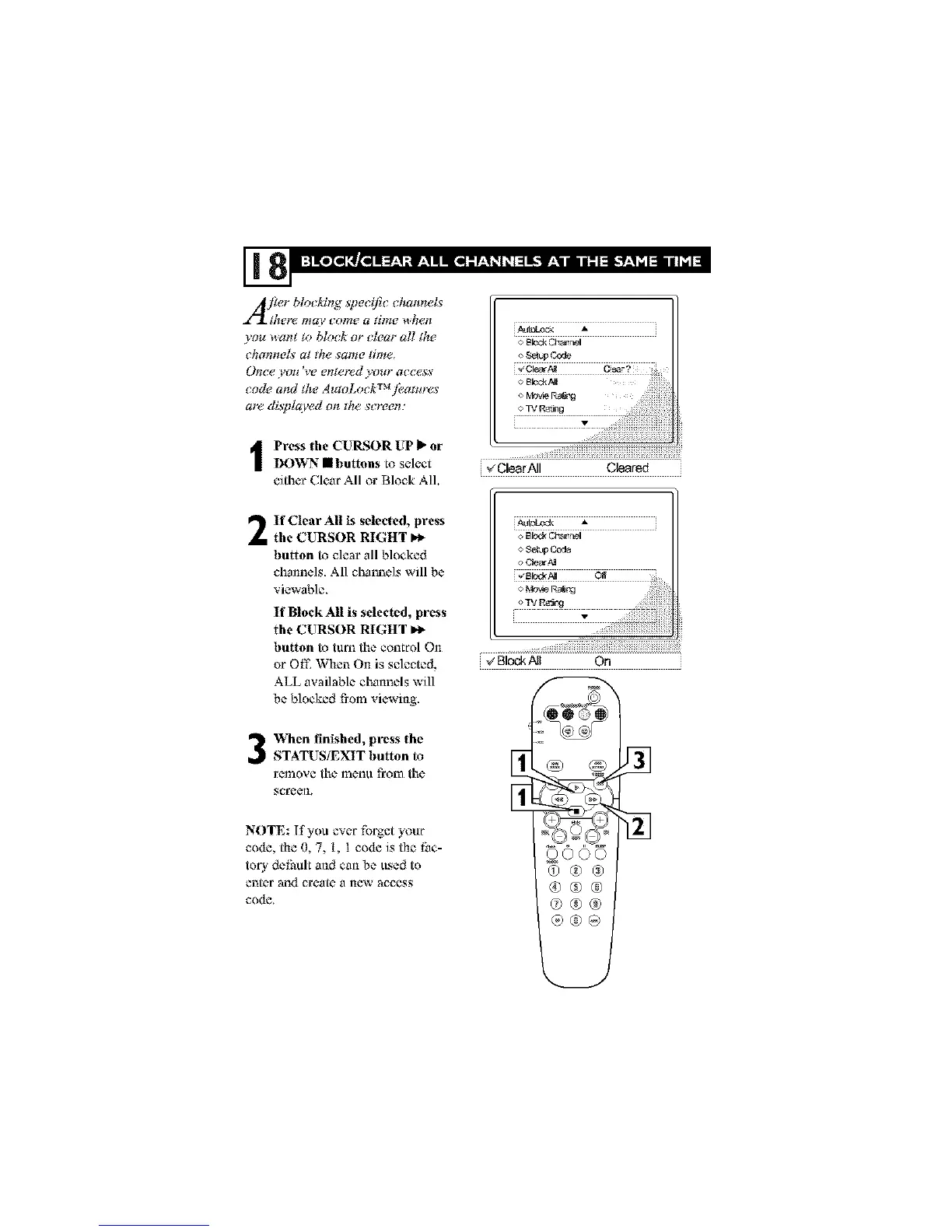
I ress the CUI_SOR UP _ or
DOWN • buttons to select
either Clear All or Block AlL
_ClearAII Cleared
If Clear All is selected, press
the CURSOR RIGHT P,_
button to clear all blocked
channels. All channels will be
viewable,
If Blo¢k All is selected, press
the CURSOR RIGHT m,_
button to tuna the control On
_r Off. When On is selected,
ALL available channels will
be blocked from viewing.
When finished, press the
STATUS/EXIT button to
remove the menu from the
screen,
NOTE: If you ever fk*rgetyour
code, the O,7, t, I code is the Iim-
t_ry defhult and can be usedto
enter and create a new access
code.
£
rf
oooo
@®®
®@@
@®®
®®@














 To Next Page