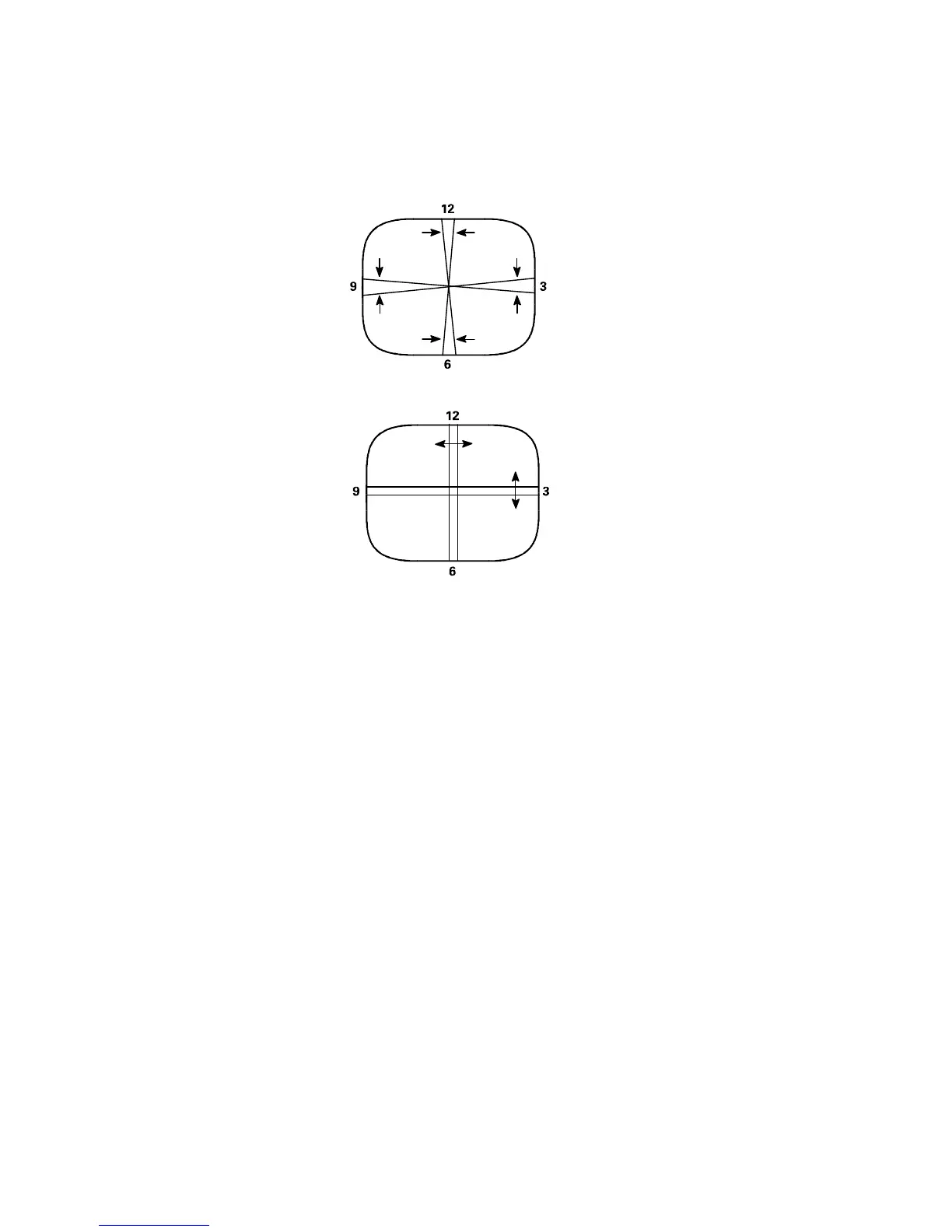
Figure 2
Dynamic Edge Convergence Adjustment
12. Proceed to the Color Purity Adjustment.
Color Purity Adjustment
1. Connect a solid white pattern signal to the antenna/cable input terminal.
2. Use the Menu Left/Right keys to select Blue (B), and use the Menu Up/Down keys to set Blue to minimum.
3. Use the Menu Left/Right keys to select Red (R), and use the Menu Up/Down keys to set Red to maximum.
4. Slowly spread the 2-X pole purity rings to center the red portion of the screen, leaving the same amount of
green on one side of the screen as blue on the other side.
5. Tighten the yoke clamp screw slightly so that the yoke may be moved with some friction.
6. Proceed to the Static Center Convergence Adjustment.





 To Next Page