T_he AutoSound TM f!_atur_ allows the listen-
r to select between fimr diff_rentfactory
set sound options, Personal (which can be set
hy the user), Theatre (['or movie viewing),
Music (_Jr musical type programming) and
Voice (when the program is mainly dialogue),
These setting affect the Sound menu's Bass,
Trc_ble, AVL, and ln_ redibl_ Surround _ontrols
To select any _?[`the options fiJllow the direc-
tions below.
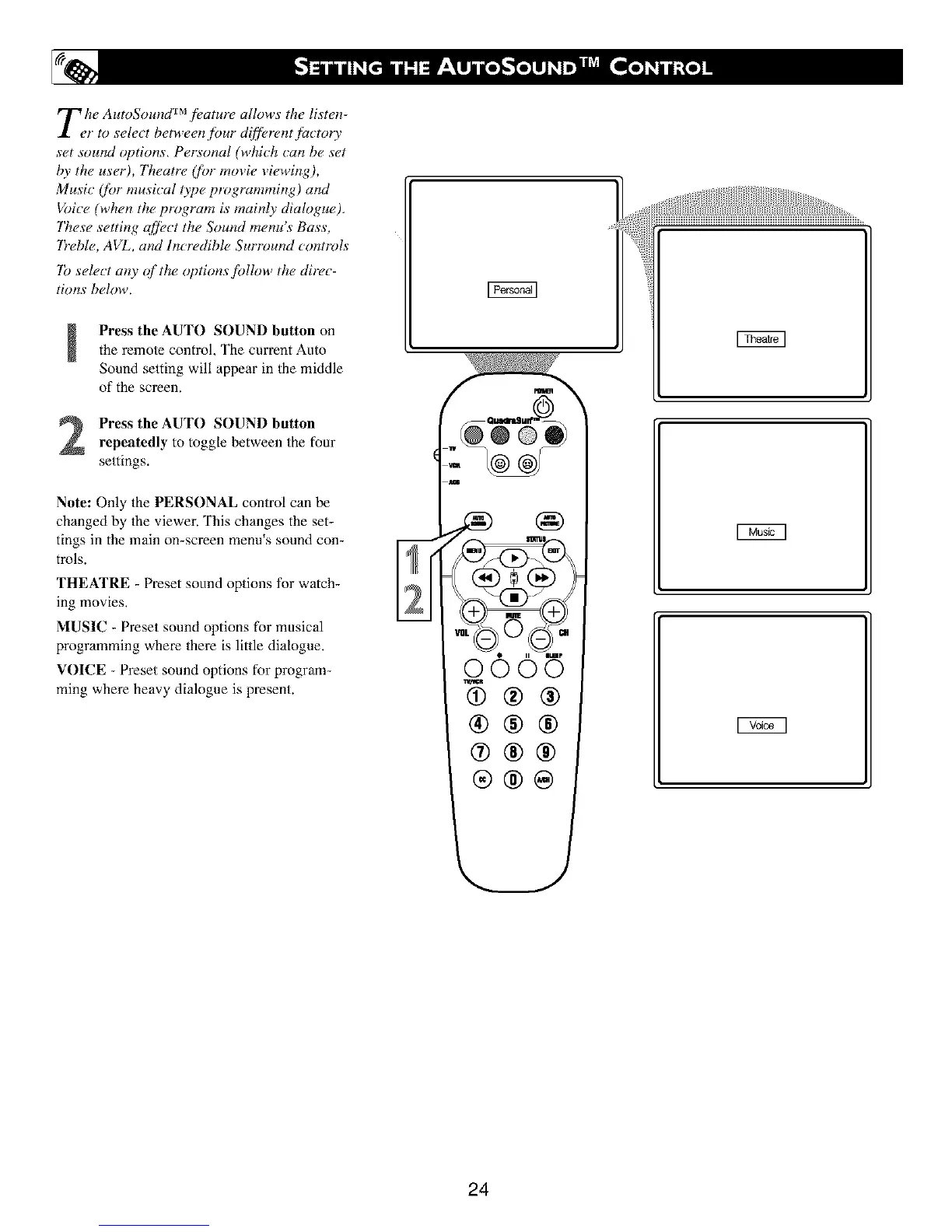
Press the AUTO SOUND button onthe remote control, The current Auto
Sound setting will appear in the middle
of the screen.
Press the AUTO SOUND button
repeatedly to toggle between the four
settings.
Note: Only the PERSONAL control can be
changed by Ihe viewer. This changes the set-
tings in the main on-screen menu's sound con-
trols.
THEATRE - Preset sound options for watch-
ing movies,
MUSIC - Preset sound options for musical
programming where there is little dialogue.
VOICE - Preset sound options for program-
ming where heavy dialogue is present.
24





 To Next Page