2
2
Preparation
n
3
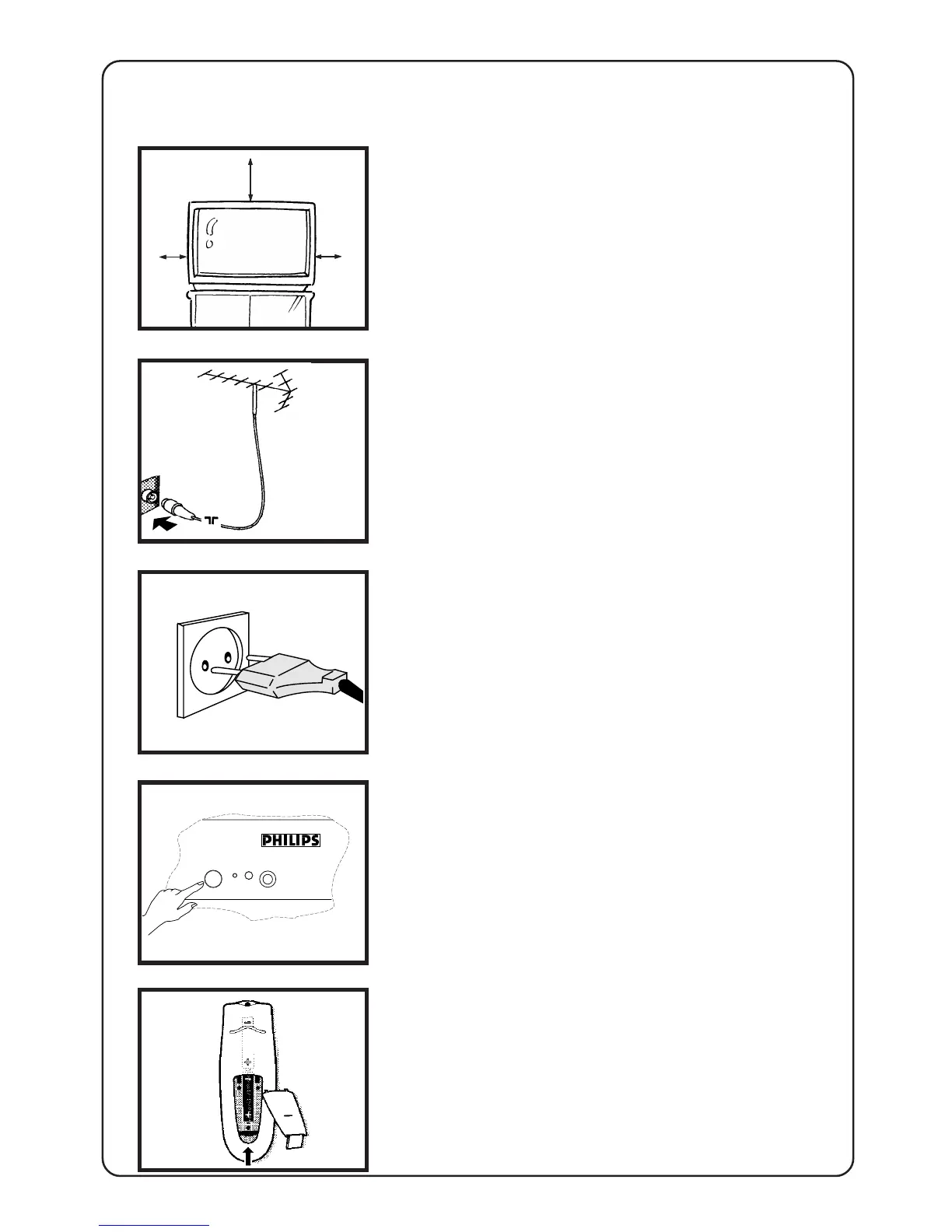
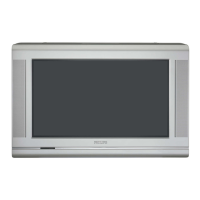
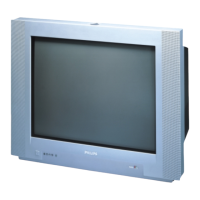
Installing the TV
• Place your TV set on a stable and strong
base.
• Leave at least a free space of 5 cm on both
sides and 10 cm from the top for good
ventilation of the TV set.
• Do not place anything on the TV set which
might damage it e.g. plants or heat sources.
Connecting the aerial
• Insert the aerial plug into the socket g at
the back of the TV.
Connecting the mains
• Insert the mains plug into the wall socket
and switch on.
Refer to the specification at the back of
the TV for the correct operating voltage.
(Picture is only a representation of the actual
plug and socket)
Switching on
• Press the on/off button at the front of the
TV to switch it on.
If the indicator is red, press either the digit,
channel, A/CH, AV or
B
key.
Installing the remote control
• Remove the cover at the back of the
remote control
• Insert the correct type and size batteries
into the compartment, making sure that
they are the right way around.
10 cm
5 cm
5 cm








 To Next Page