24
24
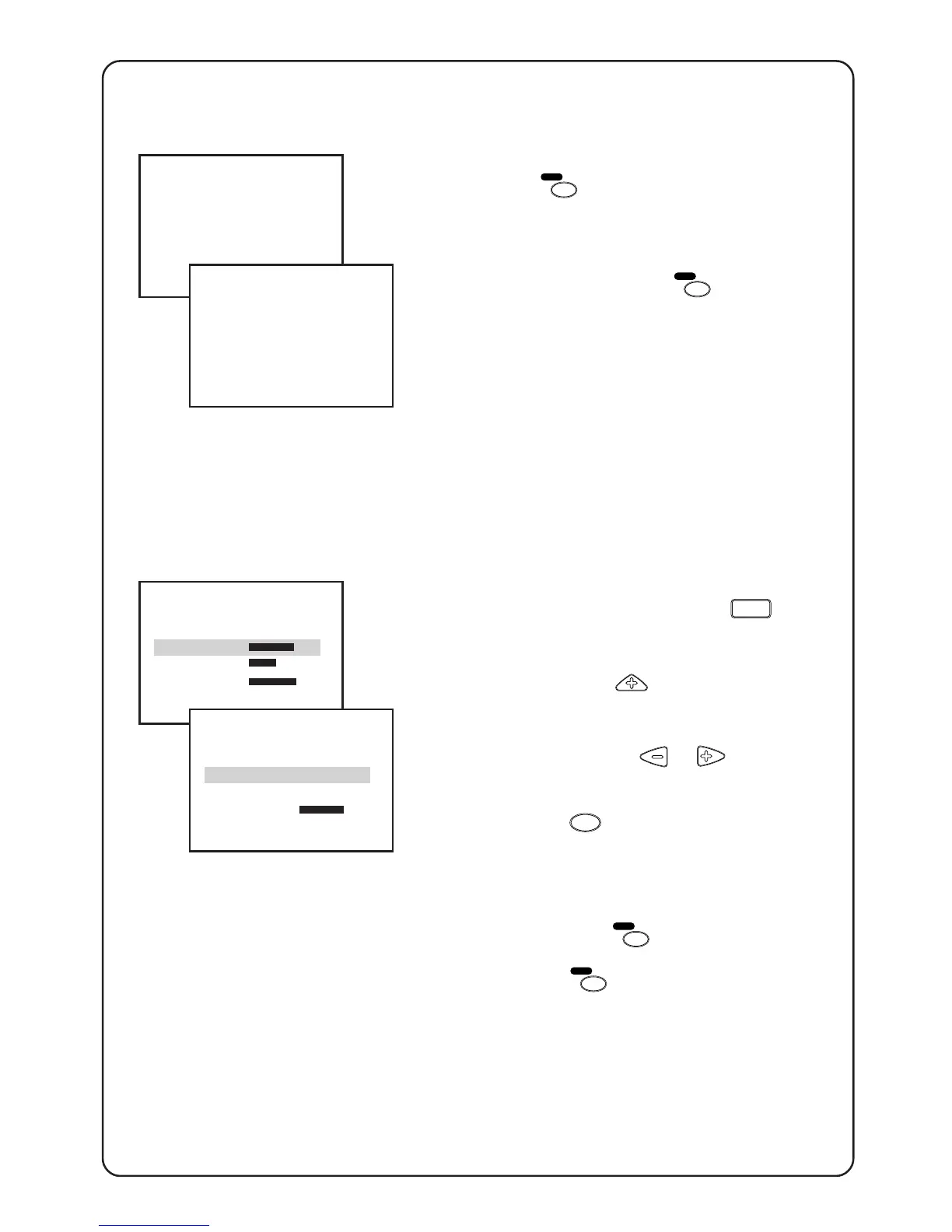
Deleting channels from a surf list
1. Press the
A/CH
SURF
key to call up channels
in the surf list.
2. As soon as you find the channel you
wish to delete, press the
A/CH
SURF
key
within 4 seconds or while the channel
number is still being displayed. “DE-
LETED“ appears below the channel
number. This means the channel is
deleted from the surf list.
3. Repeat step 1 to 2 for other channels
which you wish to delete from the surf
list.
Selecting alternate channel (A/CH)
1. Call up 1st level menu with the
MENU
key.
2. Scroll up with the
key to highlight
SURF.
3. Select A/CH with the or key.
4. Exit with the
OSD
key.
When you are viewing a channel (e.g
channel number 6) and if you wish to go
back to the previous channel (e.g. channel
number 3), press the
A/CH
SURF
key once. If
you wish to go back to channel number 6
again, press the
A/CH
SURF
key again.
3
3
DELETED
…surf
SURF A/CH
INSTALLATION B
BRIGHTNESS 44
COLOUR 28
CONTRAST 55
CHILD LOCK B
SURF A/CH
INSTALLATION B
BRIGHTNESS 44







 To Next Page