6
4. Installation wizard
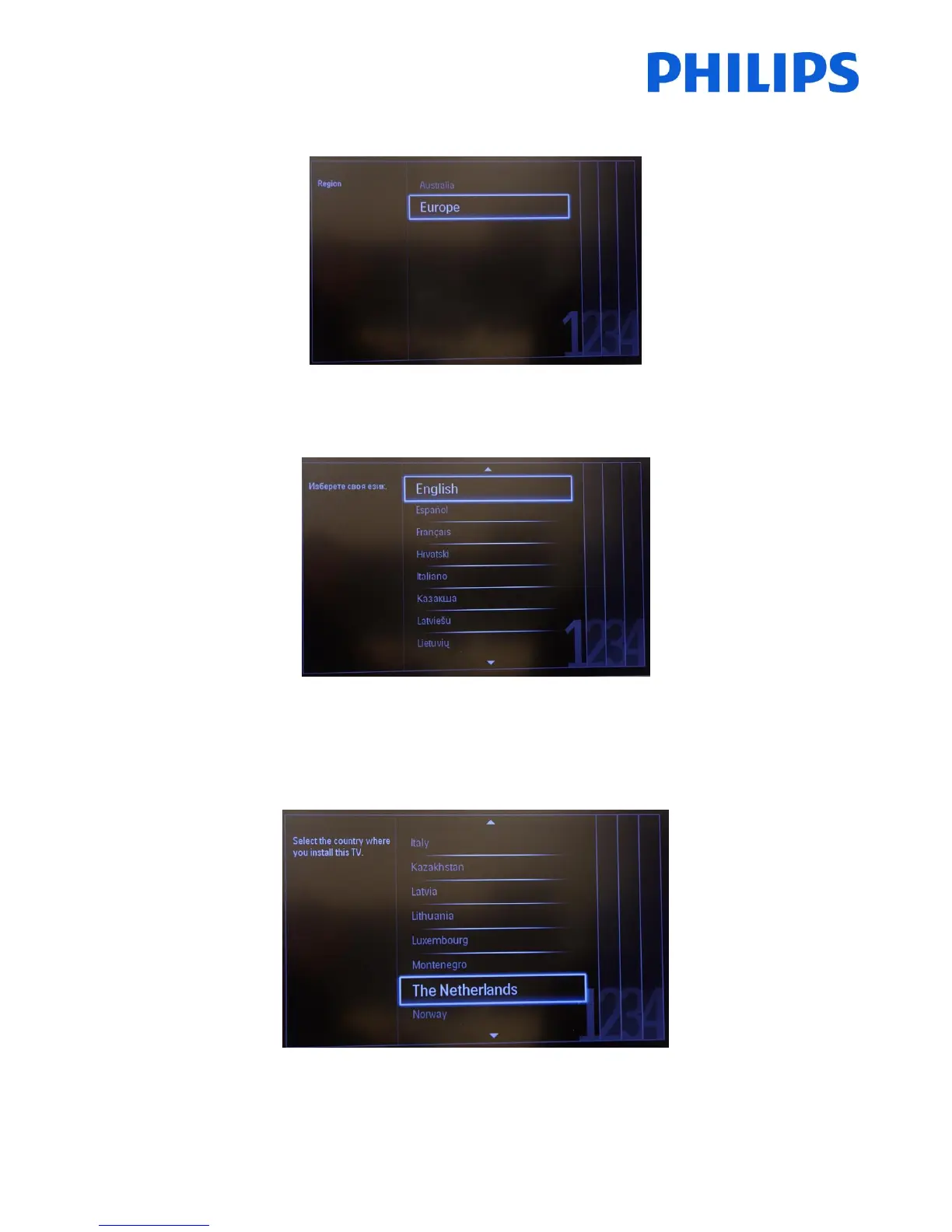
When you turn on the TV for the first time, or you have reinstalled the TV, you should see the following screen.
Here you will need to select your preferred language.
After this, you will need to select the country. Depending on the country selection, some pre-defined settings will be
activated, because of local broadcast requirements. Example: digital/analog channels could be disabled; reordering
and deleting channels can in some cases not be possible.
Note: If you are experiencing some issues after selecting your country, please select ‘Others’ in the menu.





 To Next Page