EasyManua.ls Logo

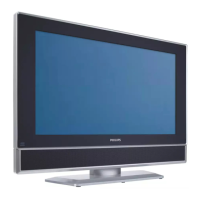
Philips 32PF1700T/96 - User Manual

Philips 32PF1700T/96
140 pages
Print Icon
To Next Page IconTo Next Page
Loading...
中文
English
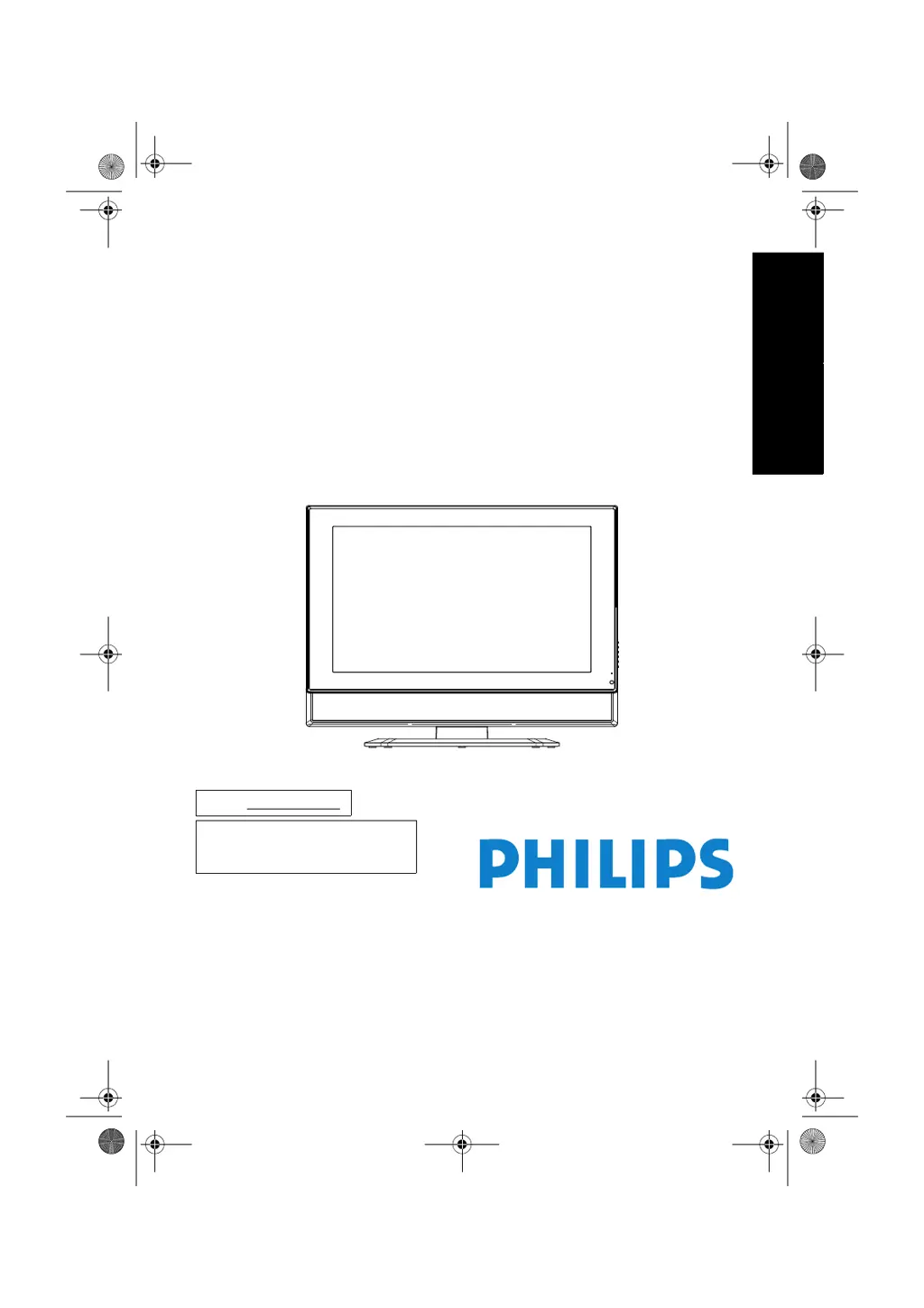
飛利浦32PF1700T/96多媒體液晶顯示器
使用手冊
32PF1700T/96
型號:32PF1700T/96
P/N: 4J.0AR02.001
32PF1700T_96_TC.book Page 1 Thursday, April 26, 2007 9:58 AM

Table of Contents

Other manuals for Philips 32PF1700T/96

Questions and Answers

  • O
    Olivia SchultzAug 13, 2025
    How to fix a Philips 32PF1700T/96 with no picture?
    • J
      Jessica FreemanAug 13, 2025
      If your Philips Tuner displays no picture, ensure the power plug is securely inserted into the AC-IN socket on the display and the wall outlet. Also, verify that the connected equipment is working correctly and that the display is powered on. If connected to a PC, press any key to wake it from standby.
  • D
    dawn71Aug 17, 2025
    Why is there no sound on my Philips 32PF1700T/96 Tuner?
    • T
      Thomas RiveraAug 17, 2025
      If you're not getting any sound from your Philips Tuner, first check to ensure that a headset is not connected. Next, review the settings in the AUDIO menu to ensure the sound isn't muted or set too low.
  • T
    Timothy ReyesAug 21, 2025
    What to do if my Philips Tuner image looks strange?
    • C
      Cameron FergusonAug 21, 2025
      If your Philips Tuner image looks strange, ensure all signal cables are firmly and correctly connected to the display. Also, verify that the input signal resolution is supported by the display. Check the resolution of the signal on the output device to confirm it is supported by the display.
  • J
    Joseph AguilarAug 25, 2025
    Why does my Philips Tuner have noises on the screen?
    • T
      Travis ThorntonAug 25, 2025
      If you are experiencing noises on the screen of your Philips Tuner, it might be because the resolution of the digital input signal exceeds what the display supports. Try changing the signal resolution on the output device.
  • M
    Mrs. Amy MasseyAug 28, 2025
    Why do the colors look abnormal on my Philips 32PF1700T/96?
    • B
      billy44Aug 28, 2025
      If the colors on your Philips Tuner look abnormal, make sure that all signal cables are firmly and correctly connected to the display. Also, change the Colour Temp. setting to its default value.
  • M
    Michelle AndersonSep 1, 2025
    Why does the image appear distorted on my Philips 32PF1700T/96 Tuner?
    • T
      Timothy HoltSep 1, 2025
      If the image appears distorted on your Philips Tuner, it might be receiving interference from other home appliances or cars. Try moving the display to a different location to mitigate potential interference.
  • M
    Mr. Matthew JacksonSep 5, 2025
    What to do if there is image but no sound on my Philips 32PF1700T/96?
    • D
      Daniel AdamsSep 5, 2025
      If there is image display but no sound on your Philips Tuner, check the volume setting to ensure it is not set too low or muted. Also, check that the mute function is not activated. Finally, ensure that all signal cables are firmly and correctly connected to the display.
  • J
    Jacob HooperSep 8, 2025
    How to adjust image position on Philips 32PF1700T/96?
    • M
      Mary CunninghamSep 8, 2025
      If you notice an improper image position or size on your Philips Tuner, and the display is showing a VGA input signal, make sure that the H. Position and V. Position settings in the PICTURE menu are appropriate.

Summary

Preface

General Safety Precautions

Guidelines for safe operation, placement, and cleaning of the display.

Important safety information

Safety Guidelines and Precautions

Comprehensive list of safety instructions for operating, maintaining, and handling the display.

Package contents

Installing the Swivel Base

Right Side Control Panel

Left Side External Terminals

Connecting the PC input

Connecting power

Basic operations

The On-Screen Display (OSD) menu

OSD menu structure

Shows how menu items vary based on input signal source.

Supported PC input signal resolutions

Troubleshooting

Troubleshooting: No Picture

Solutions for when the display shows no image, checking connections and power.

Troubleshooting: No Sound

Solutions for when the display has no audio output, checking connections and settings.

Troubleshooting: Distorted Image

Addresses image distortion issues, suggesting location changes or signal checks.

Troubleshooting: Abnormal Colors

Solutions for incorrect color display, checking cables and color temperature settings.

Troubleshooting: Strange Image

Addresses general image anomalies, suggesting location changes or signal checks.

Troubleshooting: Image Position;Size

Solutions for incorrect image positioning or sizing, checking OSD settings.

Philips 32PF1700T/96 Specifications

General IconGeneral
TV systemPAL, SECAM, NTSC
Number of Preset Channels100
Digital TunerNo
Analog TunerYes
CI SlotYes
Tuner bandsUHF, VHF

Related product manuals