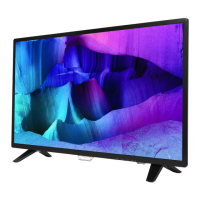
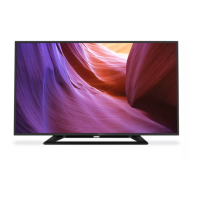
1. Unplug the connector from the SSB.
Caution: Be careful, as these are very fragile connectors!
2. Remove the IR hold, IR board from the DECO_REAR_COVER.
When defective, replace the whole unit.
Figure 3-20 (For 22" 4232 series)
3.2.7 Speakers
1. Gently release the tapes that secure the speaker cables.
2. Unplug the speaker connector from the SSB.
3. Take the speakers out.
When defective, replace the both units.
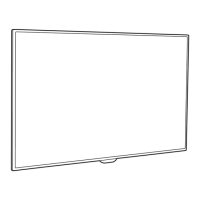
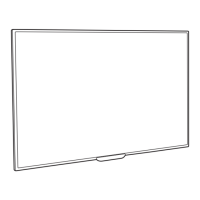
Notes: For 24” 4022 & 32/39/43” 4112 series, the speaker is catch on the Back cover. Please be careful to avoid damage the fragile connectors when
assembly! Refer to Figure 3-21 and Figure 3-22 for details.



 To Next Page
 Loading...