EasyManua.ls Logo

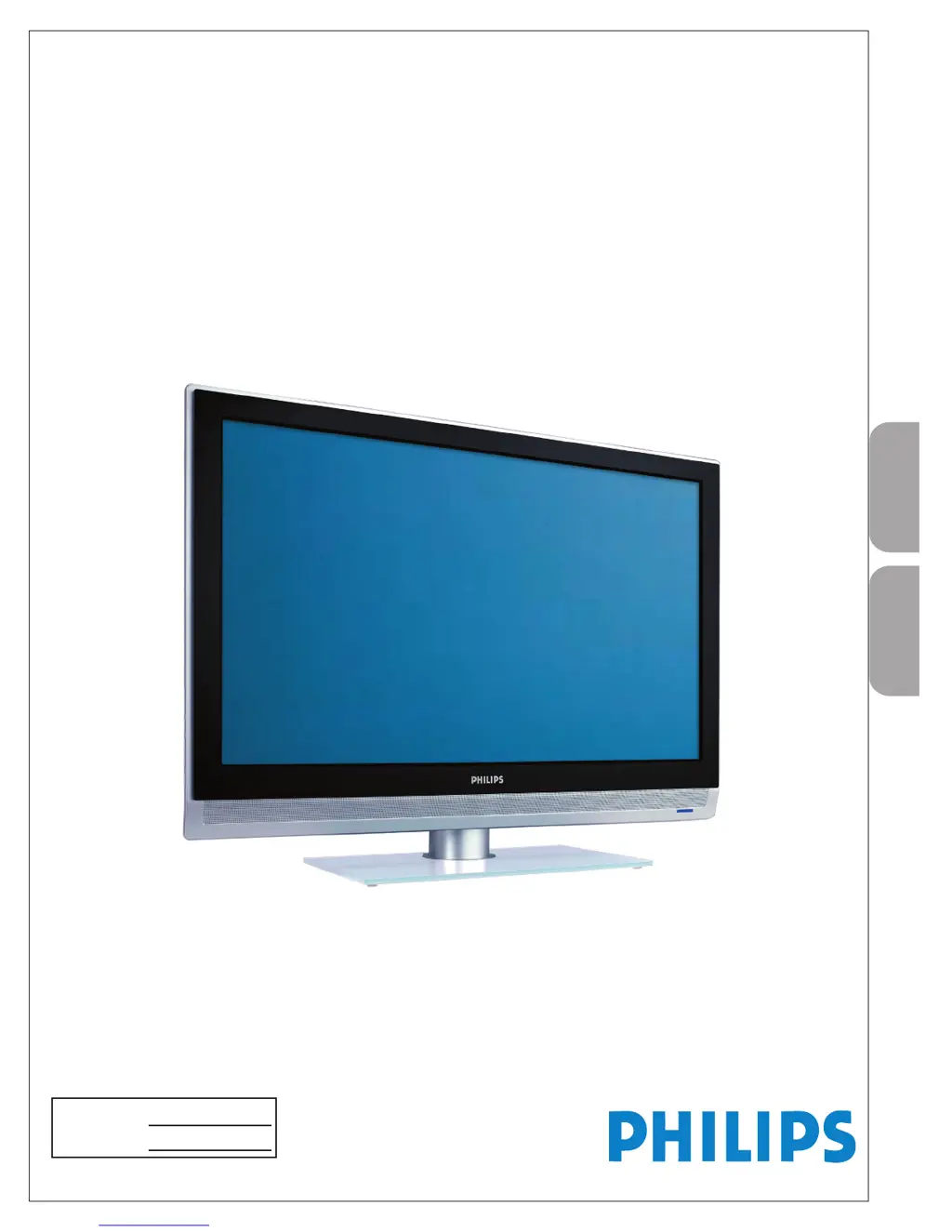
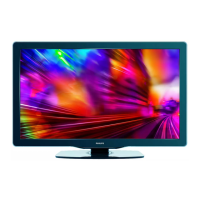
Philips 37PFL7422/93 - User Manual

Philips 37PFL7422/93
33 pages
Print Icon
To Next Page IconTo Next Page
Loading...
P41TP002813 1G
English
32PFL7422
37PFL7422
42PFL7422
47PFL7422
37HF7005
User Manual
Quick Start Guide Inside !
用戶手冊
內附快速使用指南!
Model No.:
Serial No.:

Questions and Answers

  • M
    Matthew NixonAug 14, 2025
    Why is there no sound on my Philips 37PFL7422/93 LCD TV?
    • H
      hcardenasAug 14, 2025
      If there is no sound on your Philips LCD TV, first increase the volume. If that doesn't work, check to ensure that the TV is not muted by pressing the MUTE button on the remote control. Also, when no signal is detected, the TV automatically switches off the sound. This is normal and not a malfunction.
  • S
    Steven MyersAug 17, 2025
    Why is there no picture on my Philips 37PFL7422/93 LCD TV?
    • J
      Joseph WebbAug 18, 2025
      If your Philips LCD TV has no picture, check the antenna connections at the bottom of the TV to ensure they are properly connected. It could also be a broadcast station issue, so try another channel. Adjust the contrast and brightness settings, or try another auto picture setting. Finally, verify that you have selected the correct AV source.
  • S
    Samantha RubioAug 21, 2025
    How to fix a Philips 37PFL7422/93 LCD TV with no power?
    • G
      Gary BurnsAug 21, 2025
      If your Philips LCD TV has no power, first ensure that the AC power cord is securely plugged into the mains socket. If that doesn't work, unplug the TV, wait for 60 seconds, and then plug it back into the mains socket before turning the television on again.
  • T
    Tony BellAug 25, 2025
    How to fix good sound but poor color on Philips 37PFL7422/93 LCD TV?
    • J
      Jessica BurnettAug 25, 2025
      If your Philips LCD TV has good sound but poor color or no picture, adjust the contrast, color, tint, and brightness settings. You might also want to try another auto picture setting.
  • M
    Melissa PollardAug 27, 2025
    What to do if my Philips 37PFL7422/93 remote control is not working?
    • M
      Morgan HendricksAug 27, 2025
      If your Philips LCD TV isn't responding to the remote control, verify that the batteries are working and replace them if needed. Clean the remote control sensor lens on the monitor. Ensure that you are within twenty feet of the TV. If the remote still doesn’t work, you can use the buttons on the side of your TV. Check if the remote control is in the correct mode.
  • S
    Samantha ThomasAug 30, 2025
    How to fix snowish picture and noise on Philips 37PFL7422/93?
    • J
      james44Aug 31, 2025
      If your Philips LCD TV displays a snowish picture with noise, check the antenna connection.
  • E
    Erica PriceSep 3, 2025
    Why PC modes do not work on my Philips 37PFL7422/93 LCD TV?
    • W
      William JonesSep 3, 2025
      If PC modes are not working on your Philips LCD TV, check whether the connections are correct. Also, check whether the source is correctly selected by pressing the AV button to select the correct source. Finally, verify that you have configured the computer on a compatible display resolution.
  • S
    swhiteSep 7, 2025
    How to fix ghost or double images on Philips LCD TV?
    • D
      Donna WongSep 7, 2025
      If your Philips LCD TV is showing “ghost” or double images, this may be caused by obstruction to the antenna due to high rise buildings or hills. Using a highly directional antenna may improve the picture.
  • D
    Dawn AllenSep 10, 2025
    What to do if Philips LCD TV doesn't play media files or plays them in poor quality?
    • E
      Erin MartinezSep 10, 2025
      If your Philips LCD TV is not playing photos, music, or video, or the quality is poor, check if the source complies with a supported code.

Summary

Optimal TV Connection Guide

HDMI Connection

High-Definition Multimedia Interface for uncompressed digital audio/video.

Component Video Connection

Superior picture quality via separate luminance signals for enhanced clarity.

S-Video Connection

Better picture quality than RF/Composite, used with audio cables.

Composite Audio;Video Connection

Basic connection using separate cables for video and audio signals.

Quick Start Guide: Initial Setup

Connecting Cable Box with RF

Guide to connect a cable box with RF input/output to an antenna TV.

Connecting Cable Box with AV Outputs

Guide to connect a cable box with audio/video outputs to the TV.

Connecting External Devices

RCA Connector Devices

Connecting VCR, DVD players, and other devices using RCA connectors.

Advanced Connections

HDMI DVD Player Connection

Connecting a DVD player with an HDMI connector for high-quality output.

Important Safety Instructions

General Operating Safety

Essential safety rules for installation, operation, and maintenance of the TV.

Preparation and Setup

Wall Mounting Guide

Instructions for securely mounting the TV on a wall.

Remote Control Operation

How to use the remote control buttons and functions effectively.

TV On-Screen Menus

Navigating and using the TV's on-screen menu system for setup and settings.

TV Installation and Channel Setup

Steps for installing channels and language settings on the TV.

Preparation Details

Remote Control Functions

Button Operations Explained

Detailed explanation of each button on the remote control and its function.

TV Physical Controls

On-TV Button Operations

How to use the TV's built-in buttons for power, volume, channels, and menu access.

Using the On-Screen Menus

Menu Navigation Guide

Instructions on navigating the TV's settings menus using the remote control.

TV Menu: Install Section

Automatic Channel Storage

Process for automatically scanning and saving available broadcast or cable channels.

Factory Default Reset

Troubleshooting Common Problems

PC Mode: Image Tuning

Automatic Image Adjustment

Automatically optimizing image position, phase, and clock settings for PC input.

Manual Image Adjustment

Manually fine-tuning image parameters like phase, clock, horizontal, and vertical placement.

PC Mode Setup Guide

Recommended PC Resolutions

Table of recommended resolutions and frequencies for optimal PC monitor display.

Troubleshooting Common Issues

Problem Diagnosis and Solutions

Guide to diagnose and fix common TV issues like no power, poor picture, or remote malfunction.

Philips 37PFL7422/93 Specifications

General IconGeneral
Screen Size37 inches
Display TypeLCD
Resolution1366 x 768
Aspect Ratio16:9
Brightness500 cd/m²
HDMI Ports3
Response Time8 ms
Standby Power Consumption0.15 W
HD typeHD Ready
Audio systemStereo
Viewing Angle176°

Related product manuals