5
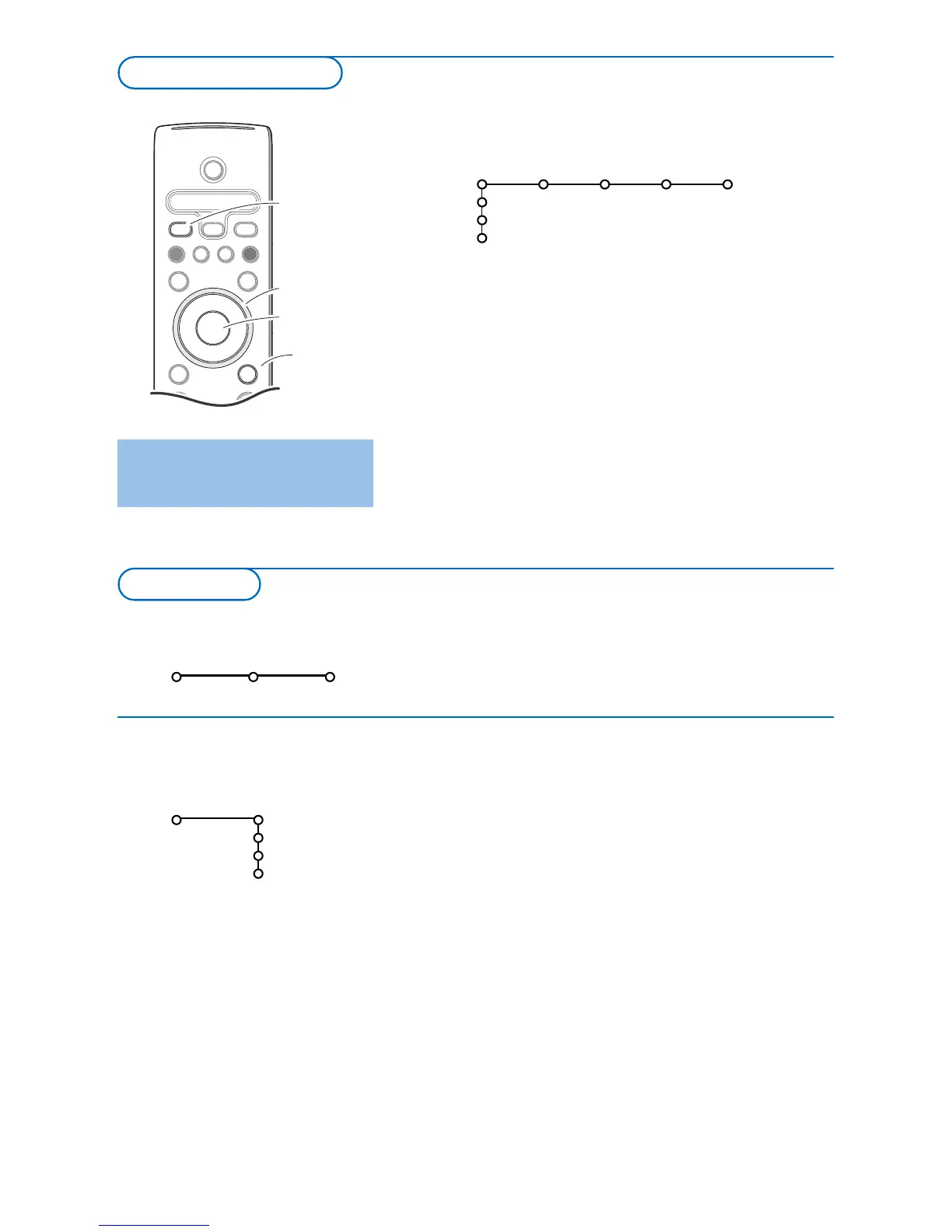
& Press the MENU button on the remote control.
é Use the cursor down to select Install.
“ Use the cursor right to select Language.
Follow the instructions on screen.
‘ Use the cursor up/down to select your preferred language
and press the
OK button to confirm your selection.
( Proceed with the Install menu.
The installation menu contains the following items:
Language
English
Français
Español
Install
Install
Language Autoprogram
& Press the MENU button on the remote control to summon
the main menu.At any moment you can exit the menu by
pressing the
MENU button again.
é Use the cursor in the up/down direction to select the TV,
Settings, Demo or Install menu. Use the cursor left/right
to select
Picture, Sound, Features or Channels.
Note: Sometimes not all the menu items are visible on the screen
(indicated by a cluster of blue balls). Use the cursor down or right
to reveal all items.
“ Use the cursor in the left/right direction to select the menu
item.
‘ Use the cursor up/down again to select the control you
want to select or to adjust.
Note: Items temporary not available or not relevant are displayed in a
light grey colour and cannot be selected.



 To Next Page