pairing mode is entered as the toast message
containing further instructions may appear too late,
thereby negatively impacting the pairing procedure.
Pairing or pairing again
If the pairing with the remote control was lost, you
can pair the TV with the remote control again.
You can simply long press
the PAIR key (approximate for 3 seconds) for
pairing.
Alternatively, go (Home) > Settings > All settings
> Wireless and network > Remote control > Pair
remote control, then follow the on-screen
instructions.
A message appears when the pairing is successful.
Remote Control Software
(Home) > Settings > All settings > Wireless and
network > Remote control > Current software info
Once the remote control is paired, you can check the
current remote control software version.
(Home) > Settings > All settings > Wireless and
network > Remote control > Update remote
control software
Check available remote control software for updates.
3.3
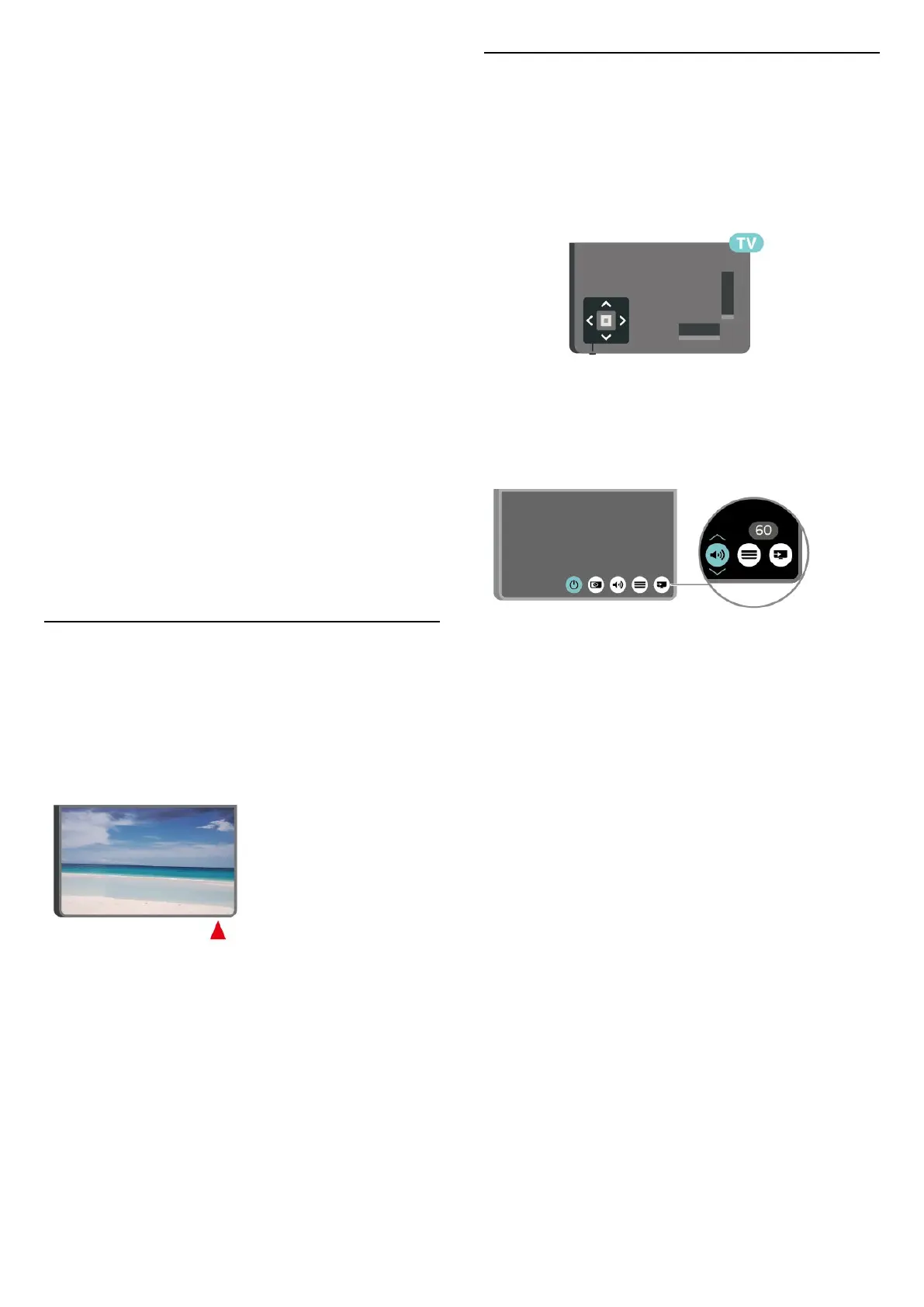
IR sensor
The TV can receive commands from a remote control
that uses IR (infrared) to send commands. If you use
such a remote control, always make sure you point
the remote control at the infrared sensor on the front
of the TV.
Warning
Do not put any objects in front of IR sensor of the TV,
it may block the IR signal.
3.4
Joystick - Local Control
Keys on TV
If you lost the remote control or its batteries are
empty, you can still do some basic TV operations.
To open the basic menu…
1 - With the TV switched on, press the joystick key on
the back of the TV to bring up the basic menu.
2 - Press left or right to
select Volume, Channel or Sources.
Select Demo, to start a demo movie.
3 - Press up or down to adjust the volume or tune to
the next or previous channel. Press up or down to go
through the list of sources, including the tuner
selection.
The menu will disappear automatically.
6




 To Next Page