7
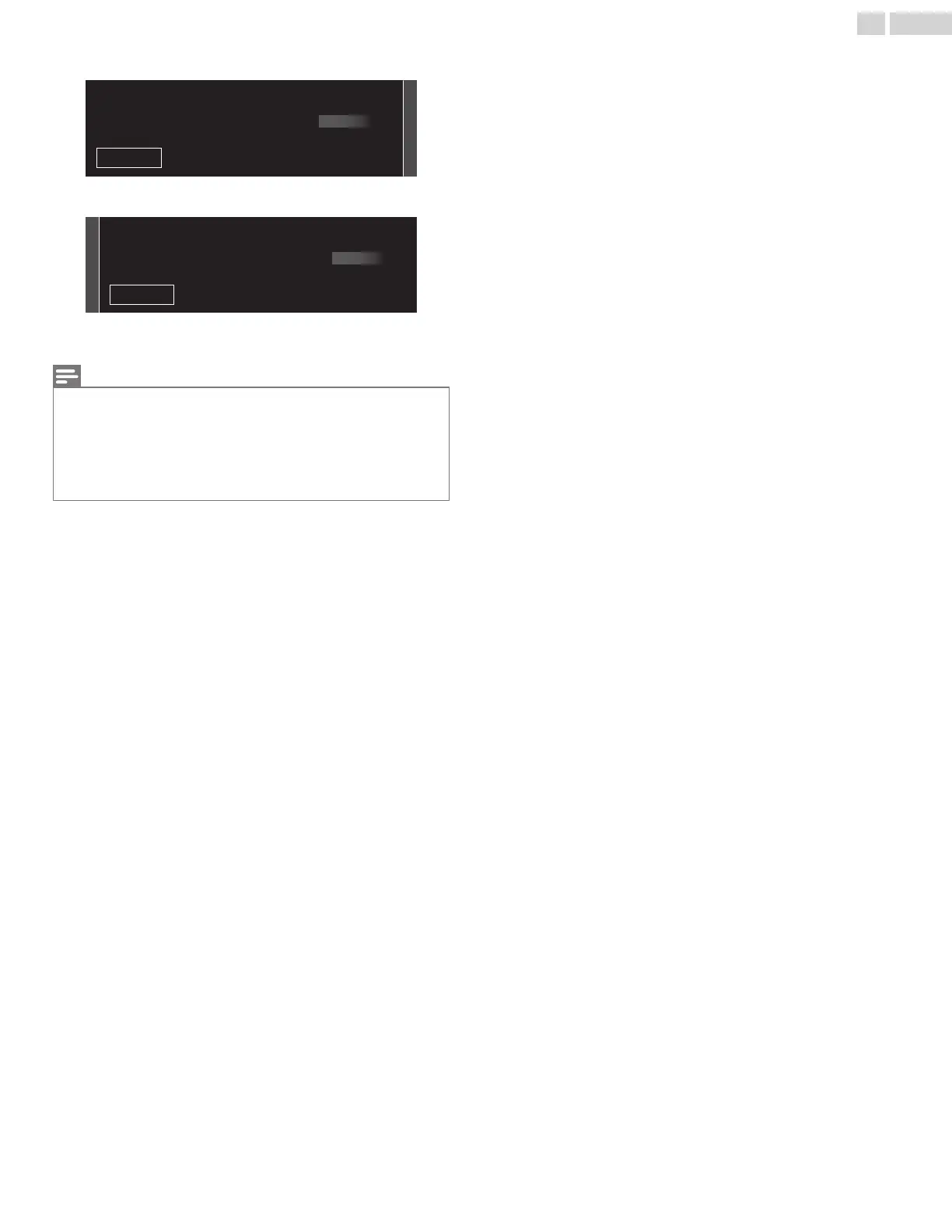
Use to select your preferred picture setting, then press OK.
21
Sports
Vivid
Standard
Skip
Please select your preferred picture mode.
8
Use to select your preferred sound setting, then press OK.
21
Sports
Vivid
Standard
Skip
Please select your preferred sound mode.
9
After Picture and sound setup is completed, a message will
appear if there is the latest software on the network server.
Note(s)
Ɣ
If you are not receiving a signal from your cable service, contact the cable
provider.
Ɣ
If you press
during Autoprogram, this setup of TV channels will be
cancelled.
Ɣ
The initial Autoprogram function can be executed for either Antenna or
Cable only once. When you change the connection (Antenna / Cable),
select Search for channels again. p.36
After an initial setup is completed...
Ɣ
If you want to scan the channels automatically again.
Search for channels p.36
Ɣ
If you want to change to another language.
Language p.32
Ɣ
If you want to change the country setting.
Country p.49
Ɣ
If you want to change the location setting.
Location p.33
Ɣ
If you want to change the network setting.
Connect to network p.39
Ɣ
If you want to restore the picture and sound setting.
Picture and sound setup p.29
19 .English










 To Next Page