•
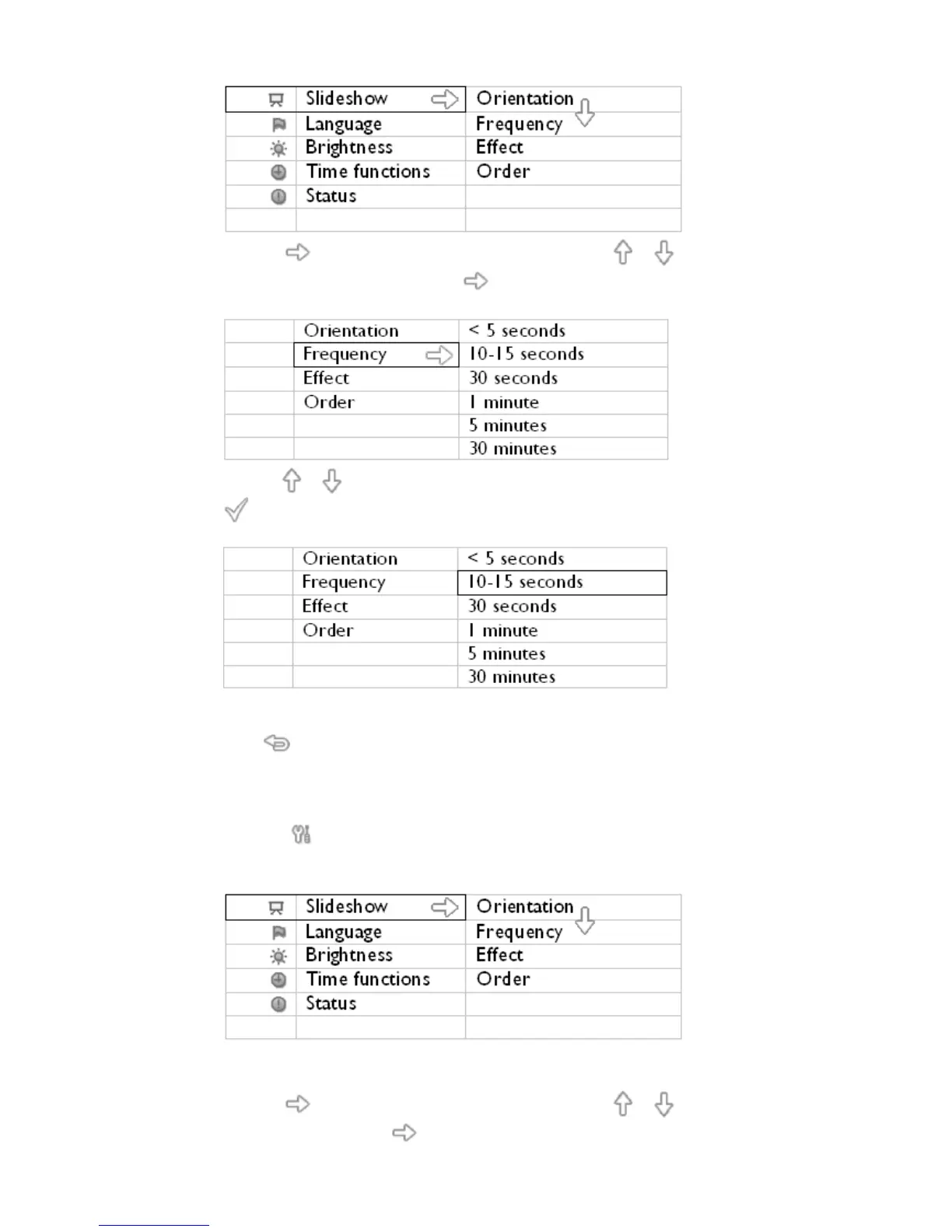
Press the key to select Slideshow settings and use the or key to move to
the Frequency item. Next press the key again to select Frequency settings.
•
Use the or key to highlight the interval a photo remains on screen and press
to confirm.
•
Now your selected setting is confirmed.
•
Press to leave this menu.
Choosing transition effects
Note: This function applies to photos stored on all media.
•
Press the key (the 3
rd
key from the left on the rear of PhotoFrame™).
A menu with general settings for PhotoFrame™ will appear.
•
Press the key to select Slideshow settings and use the or key to move to
the Effect item. Press the key again to select Effect settings.



 To Next Page