•
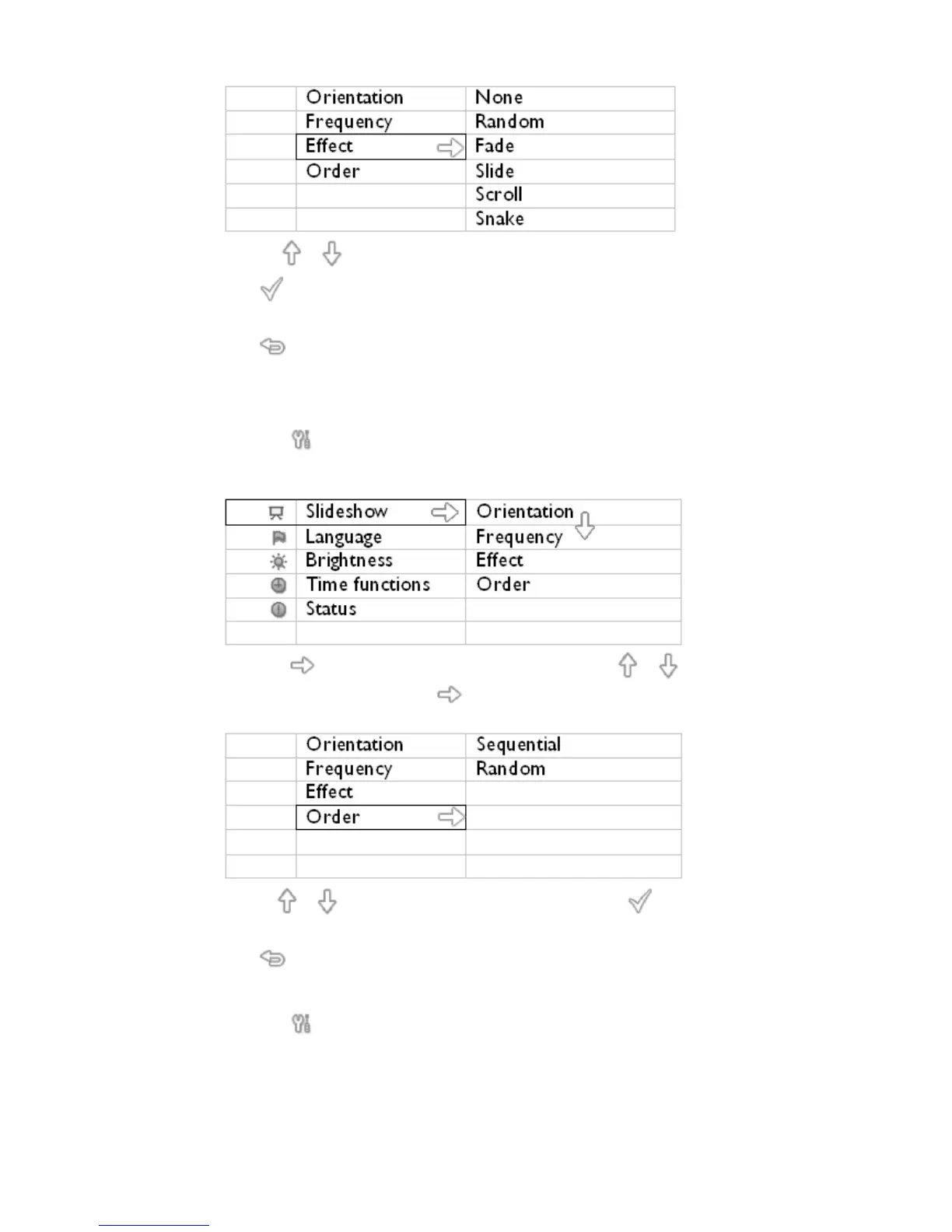
Use the or key to highlight the way one photo replaces the next on screen.
Press to confirm your selection.
Now your selected setting is confirmed.
Press to leave this menu.
Choosing photo order
Note: This function applies
to photos stored on all media.
•
Press the key (the 3
rd
key from the left on the rear of PhotoFrame™).
• A menu with general settings for PhotoFrame™ will appear.
•
Press the key to select Slideshow settings and use the or key to move to
the Order item. Next press the key again to select Order settings.
•
Use the or key to highlight your preference and press to confirm.
Now your selected setting is confirmed.
•
Press to leave this menu.
Indicating PhotoFrame™ placement orientation
•
Press the key (the 3
rd
key from the left on the rear of PhotoFrame™).
A menu with general settings for PhotoFrame™ will appear.



 To Next Page