•
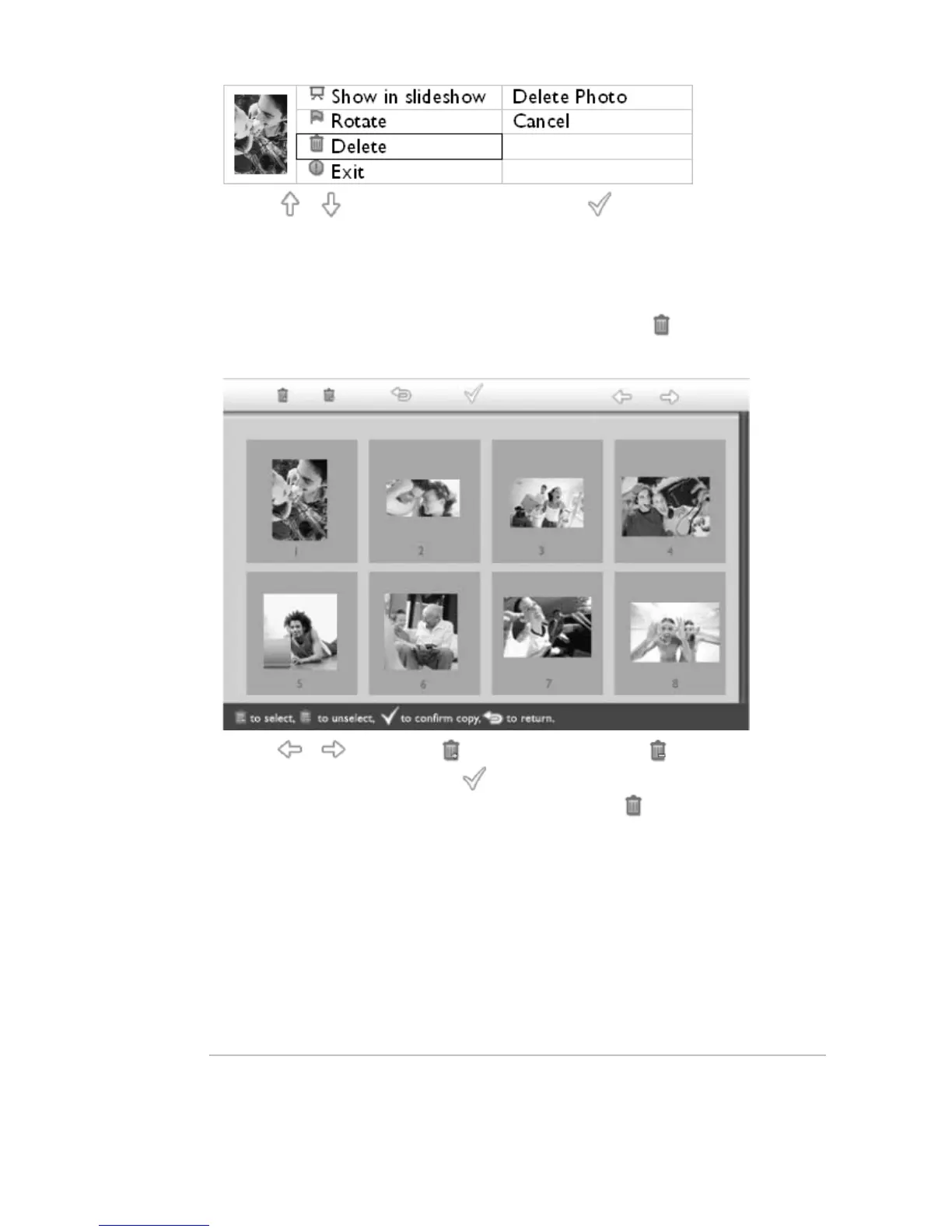
Use the or key to highlight Delete Photo; Press to confirm.
•
When you delete a photo, PhotoFrame™ will show status and return to Brose mode after
completion.
Delete several photos at once in Thumbnail mode
•
Change view mode to Thumbnail.
•
Highlight the photo for delete in Thumbnail mode and press the key (the 2
rd
key
from the left on the rear of PhotoFrame™).
A multi-photo delete screen with small photos from current thumbnail screen will appear.
•
Use the or key to move, to add phtos to delete list, to remove photos
from delete list, and then press the key to confirm the delete list.
Photos on the delete list are shown with a small delete icon .
• After the delete screen disappears upon completion, all the photos on the delete list are
deleted from PhotoFrame™.
• You may move to other Thumbnail pages and continue this process to delete all the
photos you want to delete from PhotoFrame™.
RETURN TO TOP OF THE PAGE



 To Next Page